 podway

Host Open WebUI on Podway
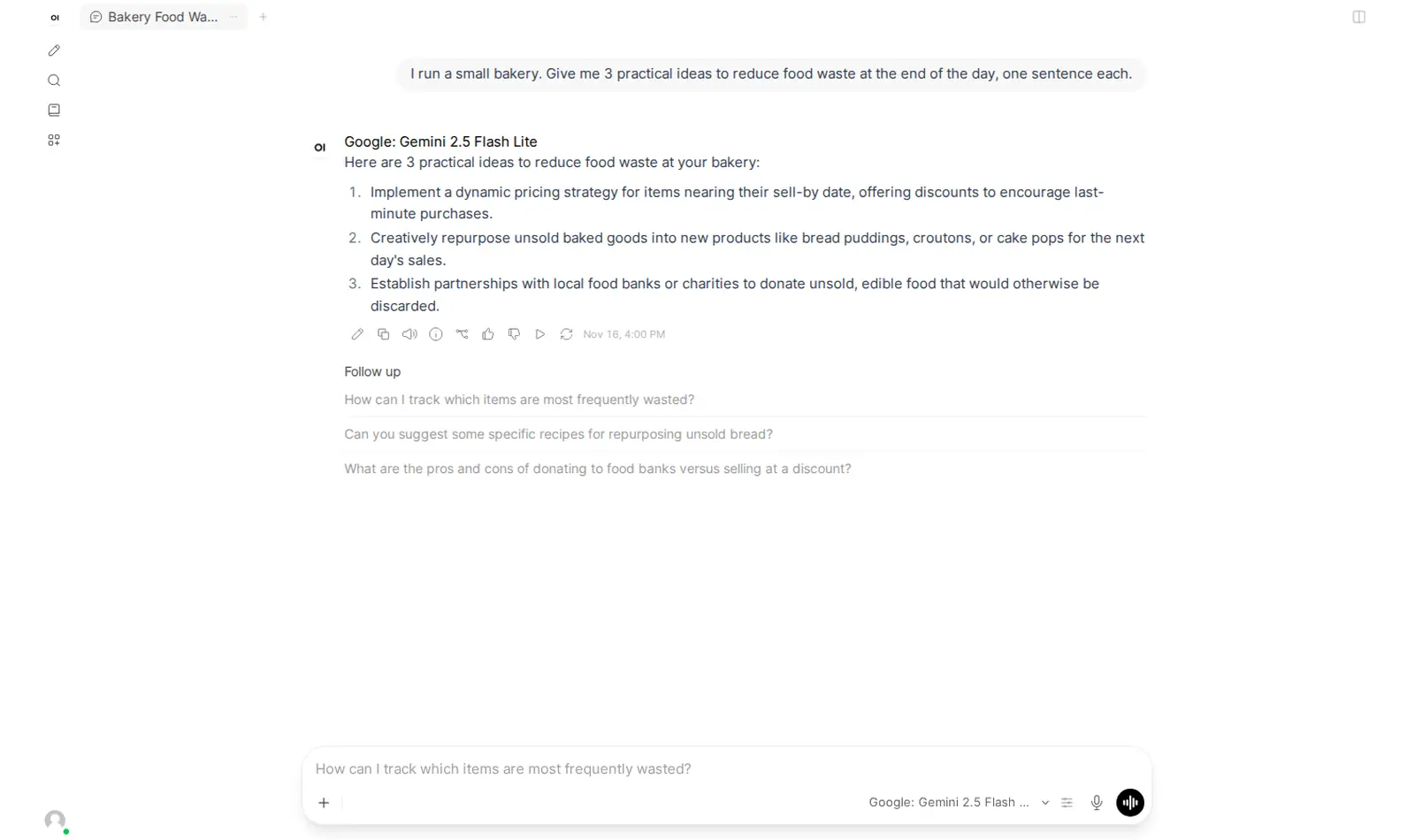
A ChatGPT-style chat for the models you choose, through your own API key, instead of one vendor's chat app.
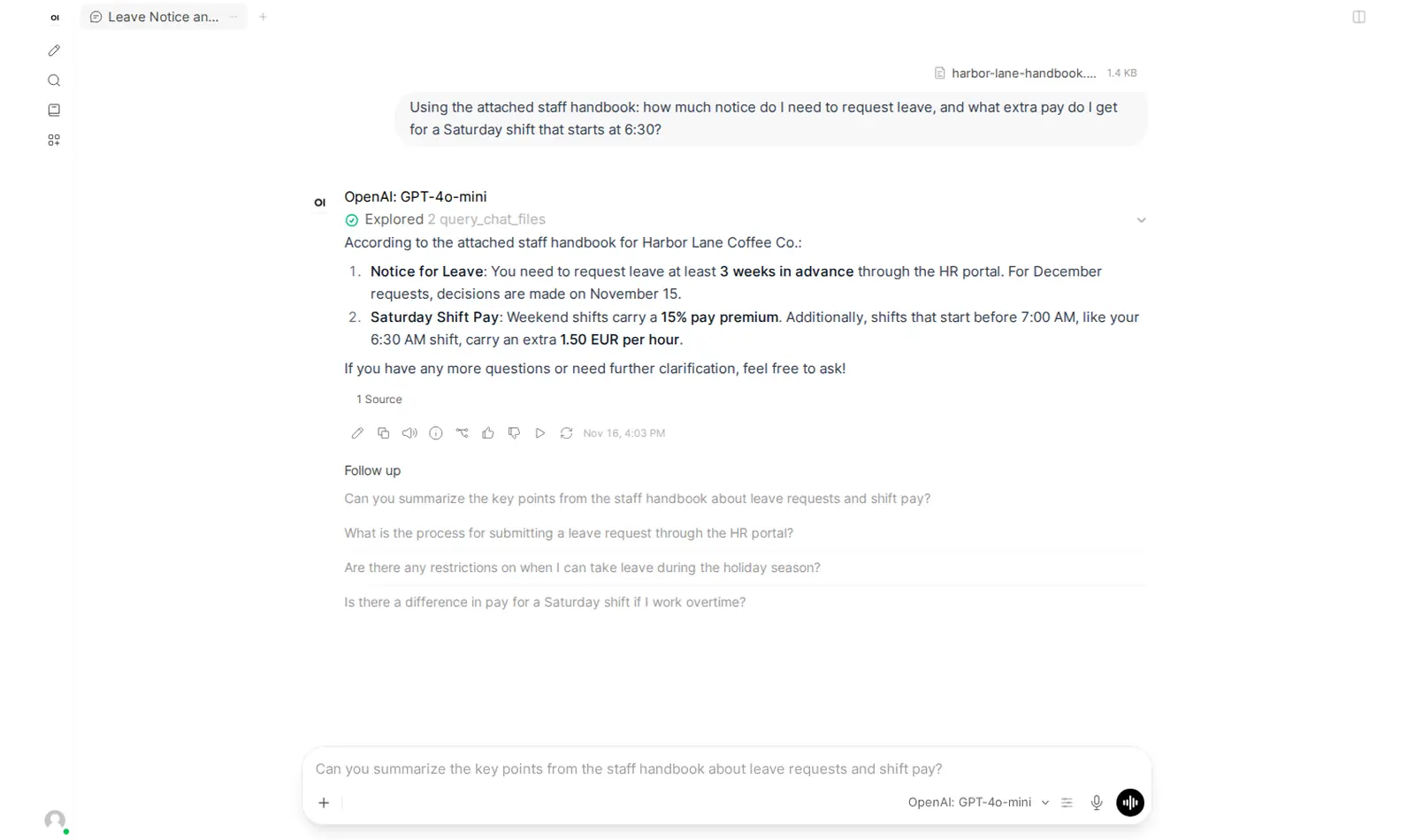
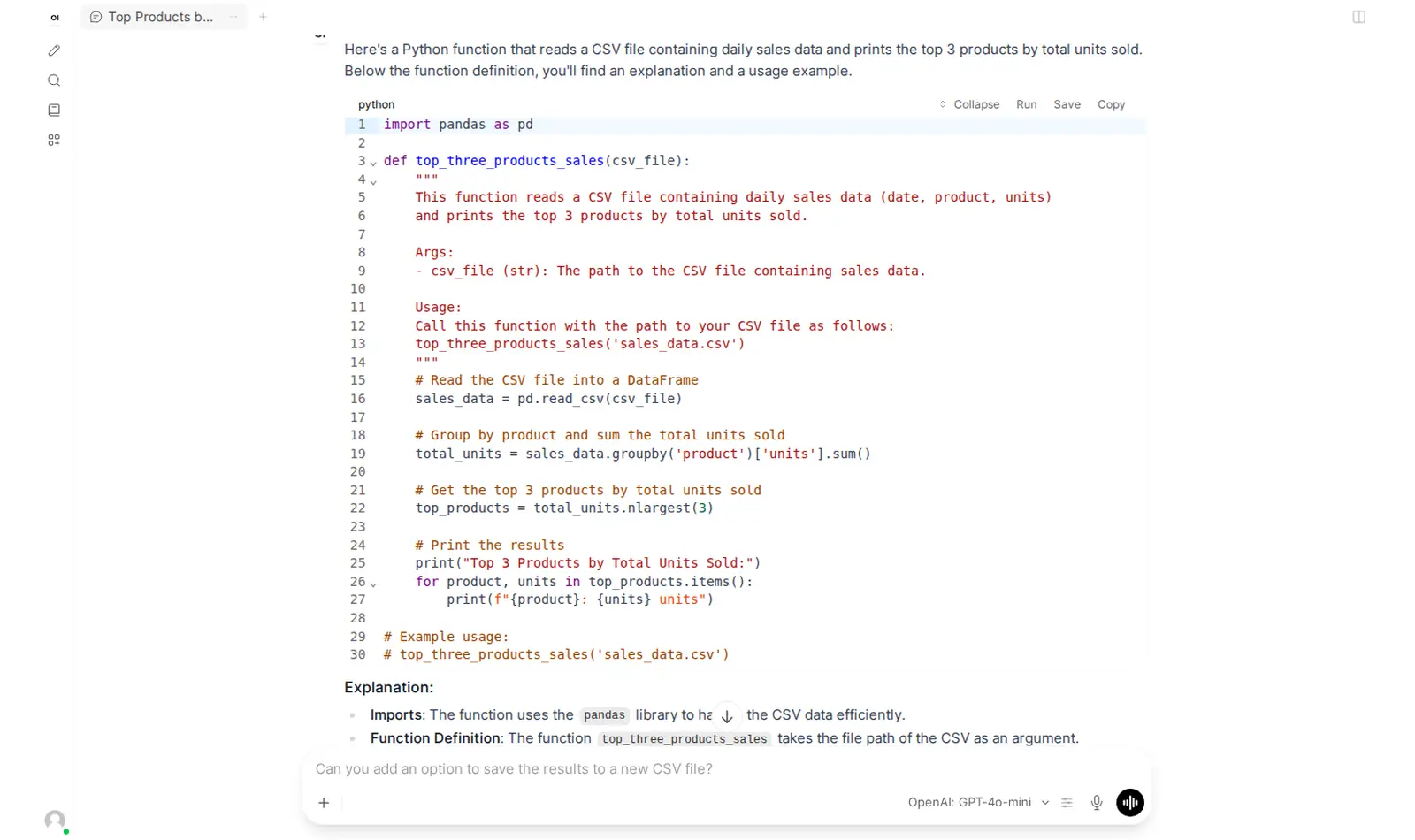
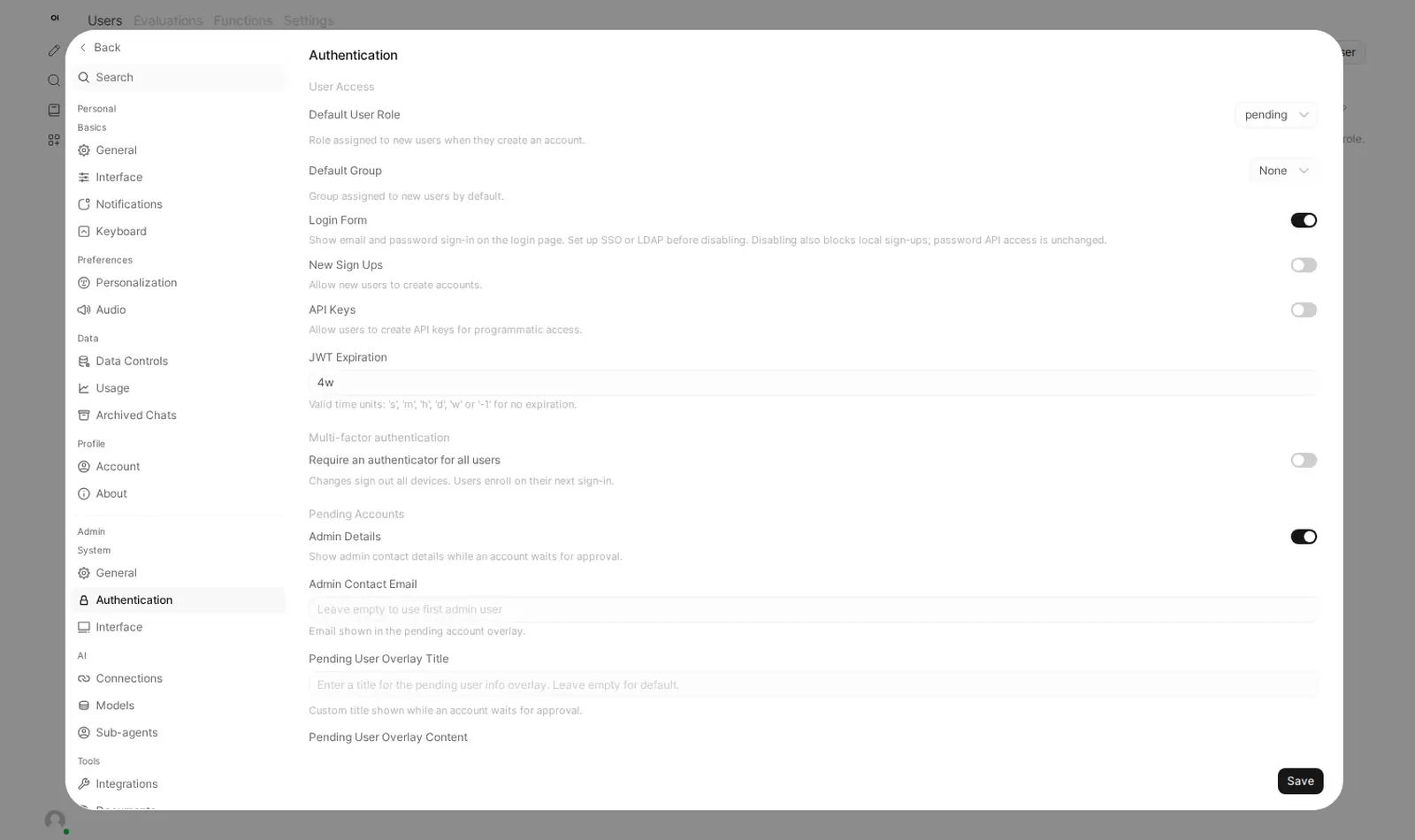
Open source · BSD-3-Clause + branding clause · source on GitHub · new pods start on v0.13.3 · latest stable release v0.13.4 (Nov 17, 2026), as of Nov 20, 2026
Why people pick it
- Switch models without switching apps. One Hacker News commenter: “I can super easily switch models even in an existing conversation.” Hacker News
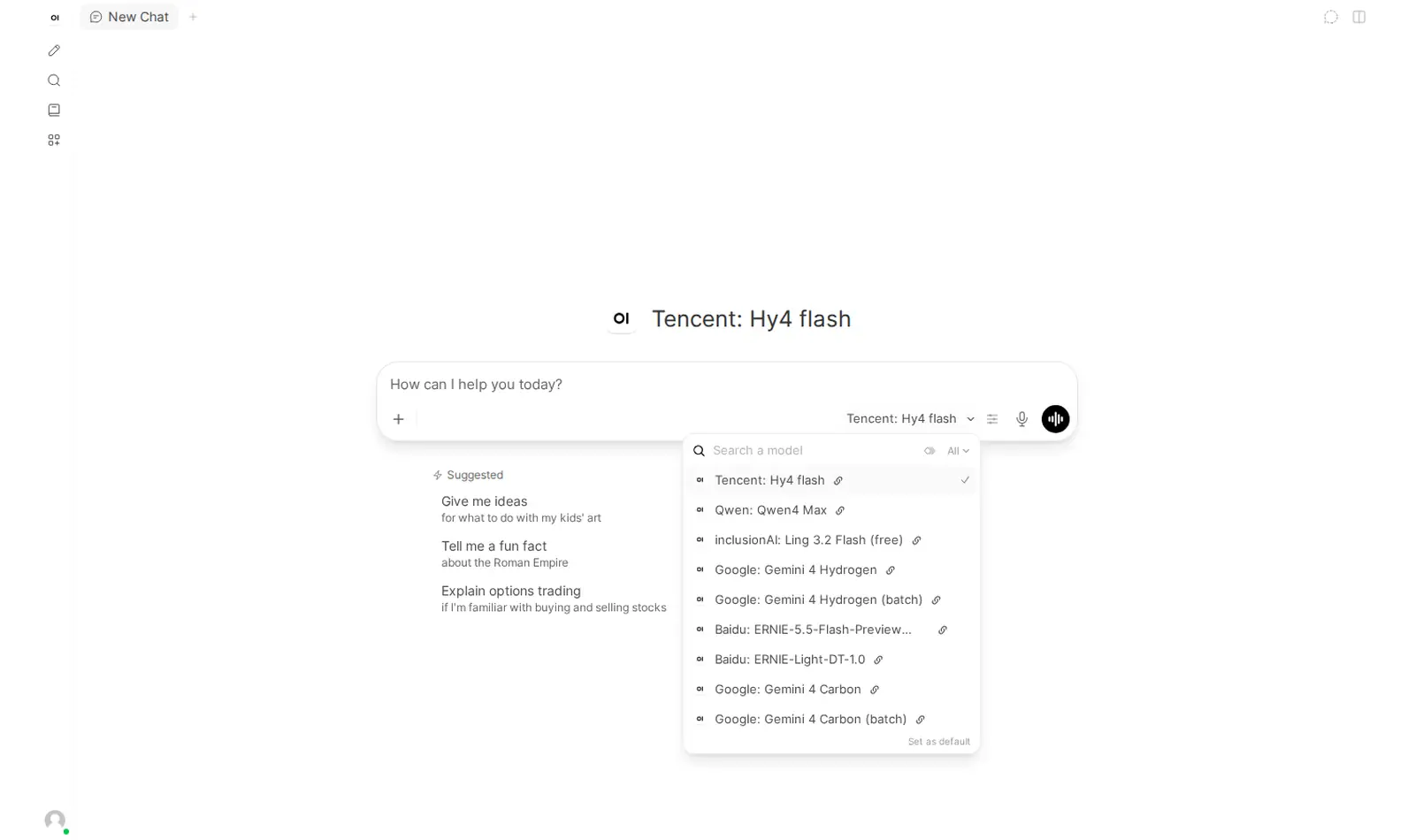
- New models without a new app. Through OpenRouter, hundreds of models appear in the picker. Another commenter hosts “a private instance of OpenWebUI connected to OpenRouter, so I can talk to new models ~immediately after they become available.” Hacker News
- One chat for a household or a small team. You add each person in the Admin Panel, and they get their own login. Everyone uses your one connection, so model usage goes on one bill. One commenter: “I pay for credits on OpenRouter and host an OpenWebUI instance, all of my family's AI is private.” Hacker News
Know before you choose
- Fewer extras than the big chat apps. The commenter who likes switching models adds: “I guess I do miss a few bells & whistles from the proprietary chat interfaces.” Hacker News
- Hosting and model usage are separate bills. You bring your own OpenRouter or OpenAI-compatible API key. Your provider bills you for model usage. Our test chats cost about $0.03 in total.
- No local models on this pod. Podway runs the chat interface. The models run at your provider. The pod has no GPU.
- Large documents take time to read in. Before you can ask about a file, the app reads it in. A short file is ready in about a second; a long document can take a minute. It all fits on a Small pod.
- The Open WebUI name and logo stay. Its license does not allow removing the branding, so Podway keeps it. License
Pick something else if
- Your main job is organizing documents into workspaces and chatting with them → AnythingLLM
- You want a visual builder for AI apps and workflows → Dify
- You want models running offline on your own computer → Jan
Before you start
- Have your own OpenRouter or OpenAI-compatible API key ready.
- Sign in as “admin@localhost”. The password is in your pod's Secrets tab. Podway creates this account before anyone can sign up, and sign-ups are off.
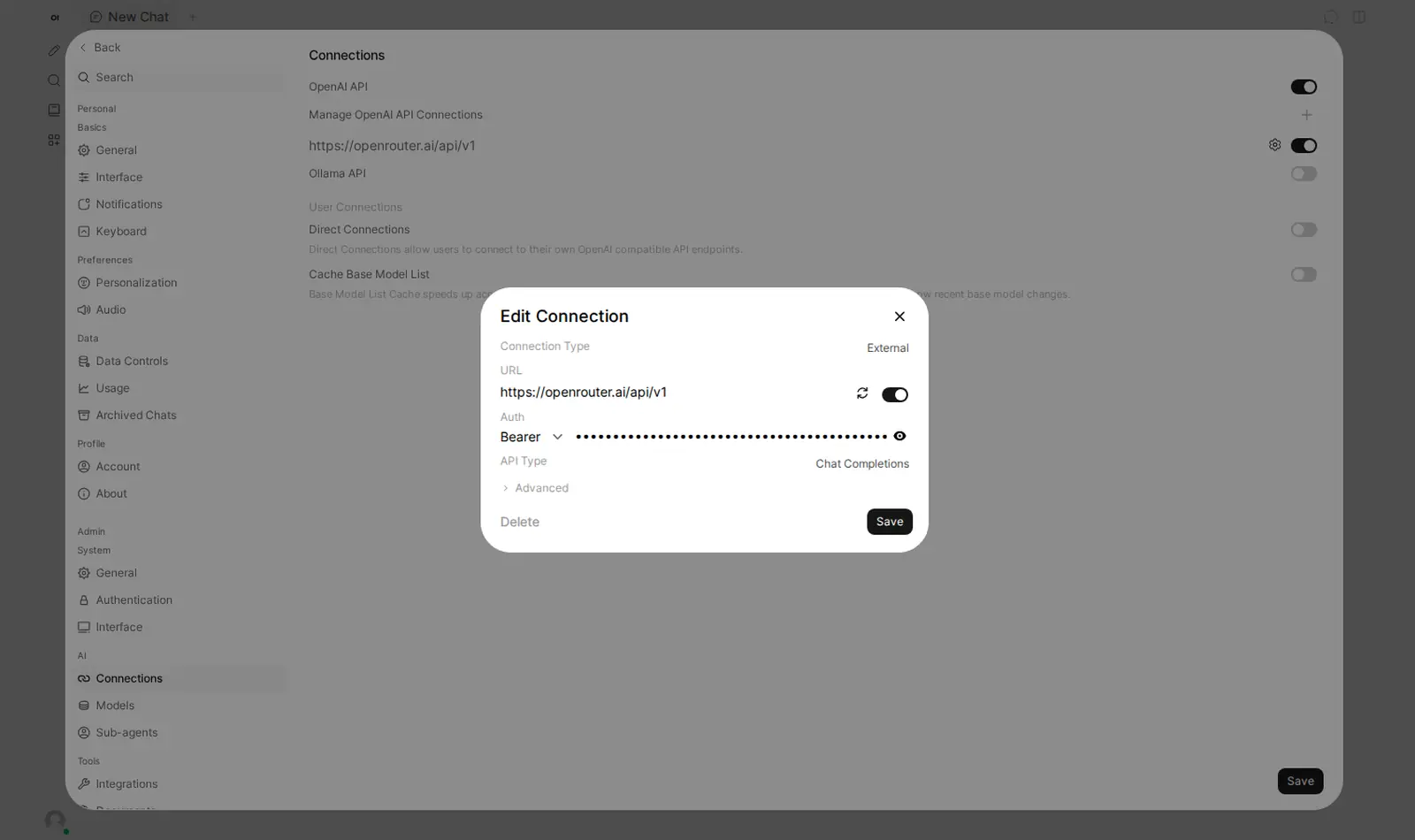
- Give Podway your OpenRouter key at launch. The connection is filled in, and the models appear in the picker.
- No key at launch, or a new key? Change it later in the Admin Panel, under Connections. The guide below shows every click.
- Pick a model in the picker and click Set as default.
- Step by step: connect OpenRouter, with screenshots
- Fix “Provider returned error” and other OpenRouter errors
- Turn on web search
- Open WebUI or LibreChat? What I'd set up for a small team
- Open WebUI or AnythingLLM? Chat first, or documents first?
How Podway runs it
- Runs on its own small machine, with HTTPS (a secure connection). Add your domain if you want one.
- Nightly backups (7 daily + 4 weekly). Podway does restores for you on request.
- A health check every 5 minutes. If Open WebUI stops answering, Podway restarts it and emails you.
- Safe weekly updates to the stable version. Podway takes a snapshot (a restore point) first and can roll back. Betas are skipped, and major versions are never automatic.
Optional: connect your own Claude Pro/Max or Codex plan. Then an AI admin can help with major upgrades and look into problems.
FAQ
Is this a ChatGPT subscription?
No. It is a separate chat interface that you host. It uses the model provider you connect.
Do my prompts stay on the pod?
Your chats, files and settings are stored on the pod. When you use a remote model, your prompts go to that provider. Check its data policy before you send sensitive material.
Can I use Ollama with it?
Open WebUI supports Ollama, but this setup uses remote APIs and does not run local models. The Ollama connection is off.