 podway

Host Paperless-ngx on Podway
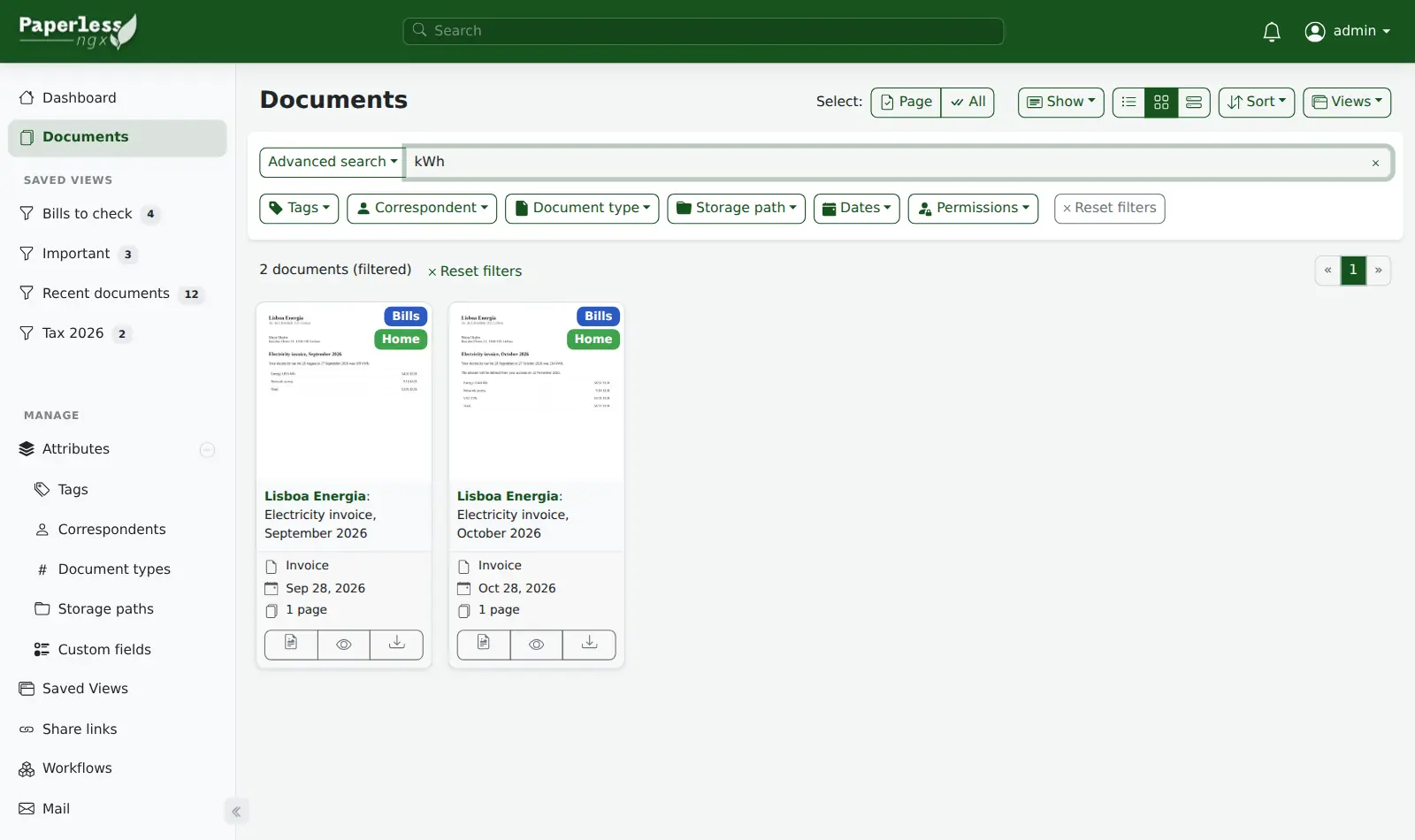
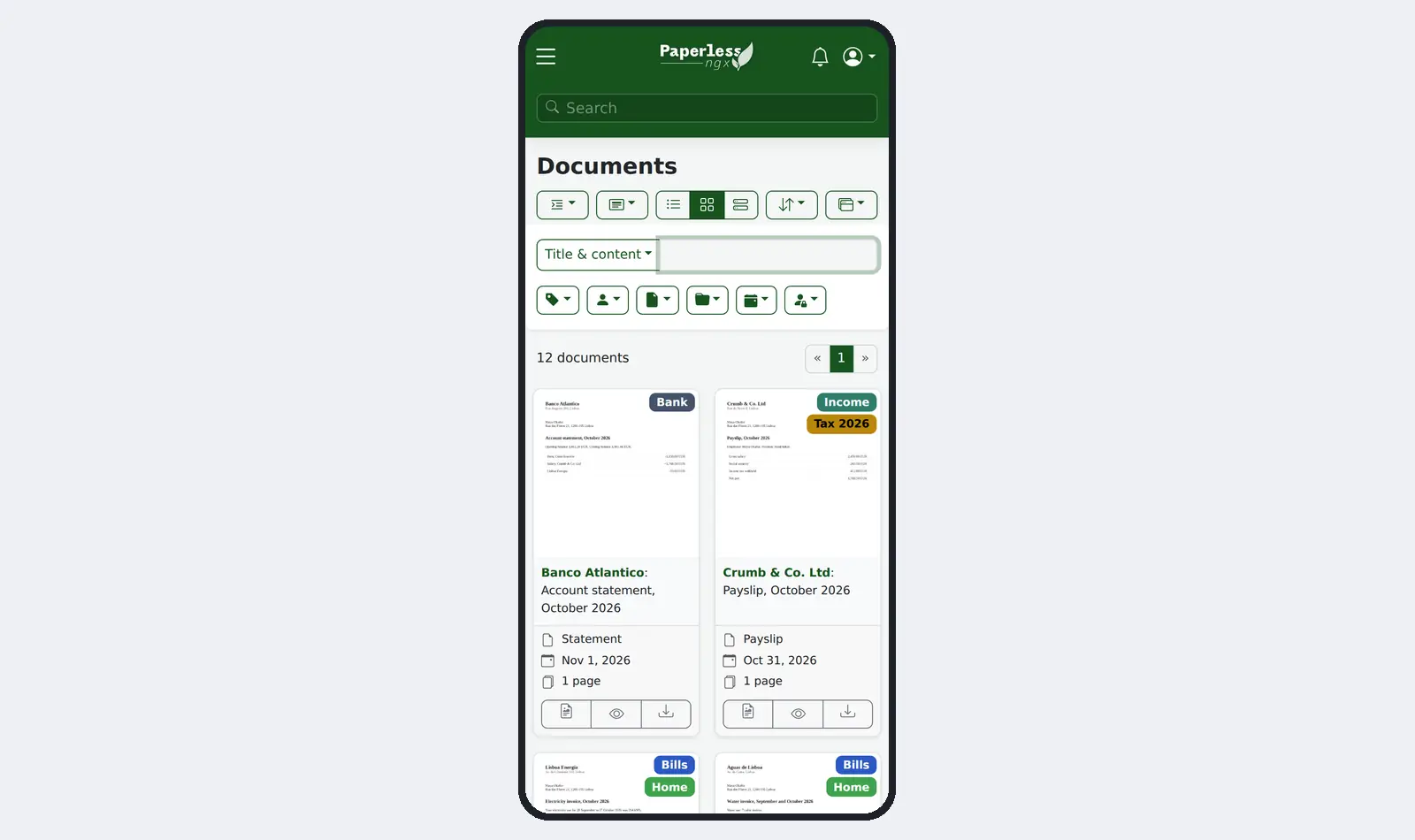
Make your scans and PDFs searchable in an archive you run yourself, instead of folders or Evernote.
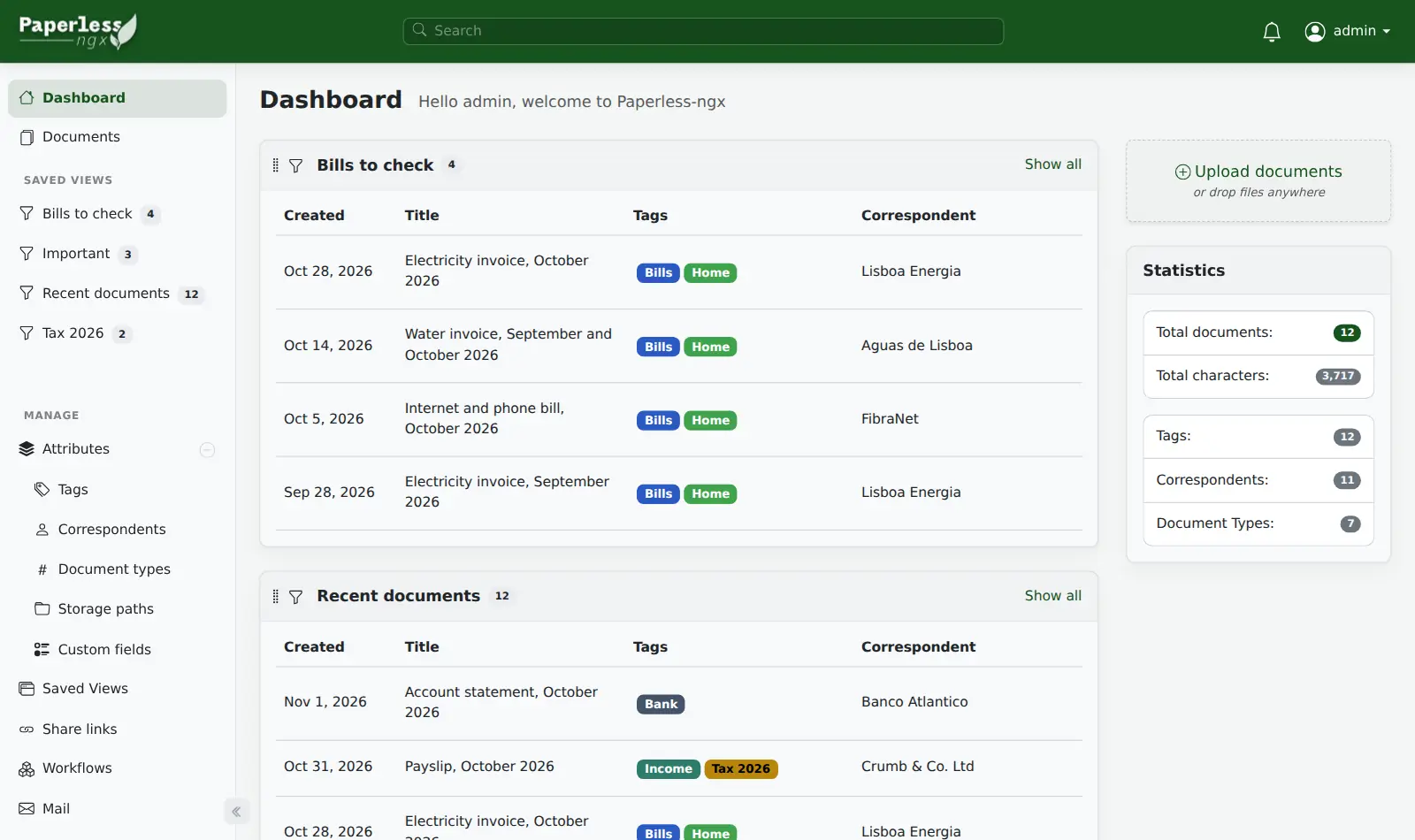
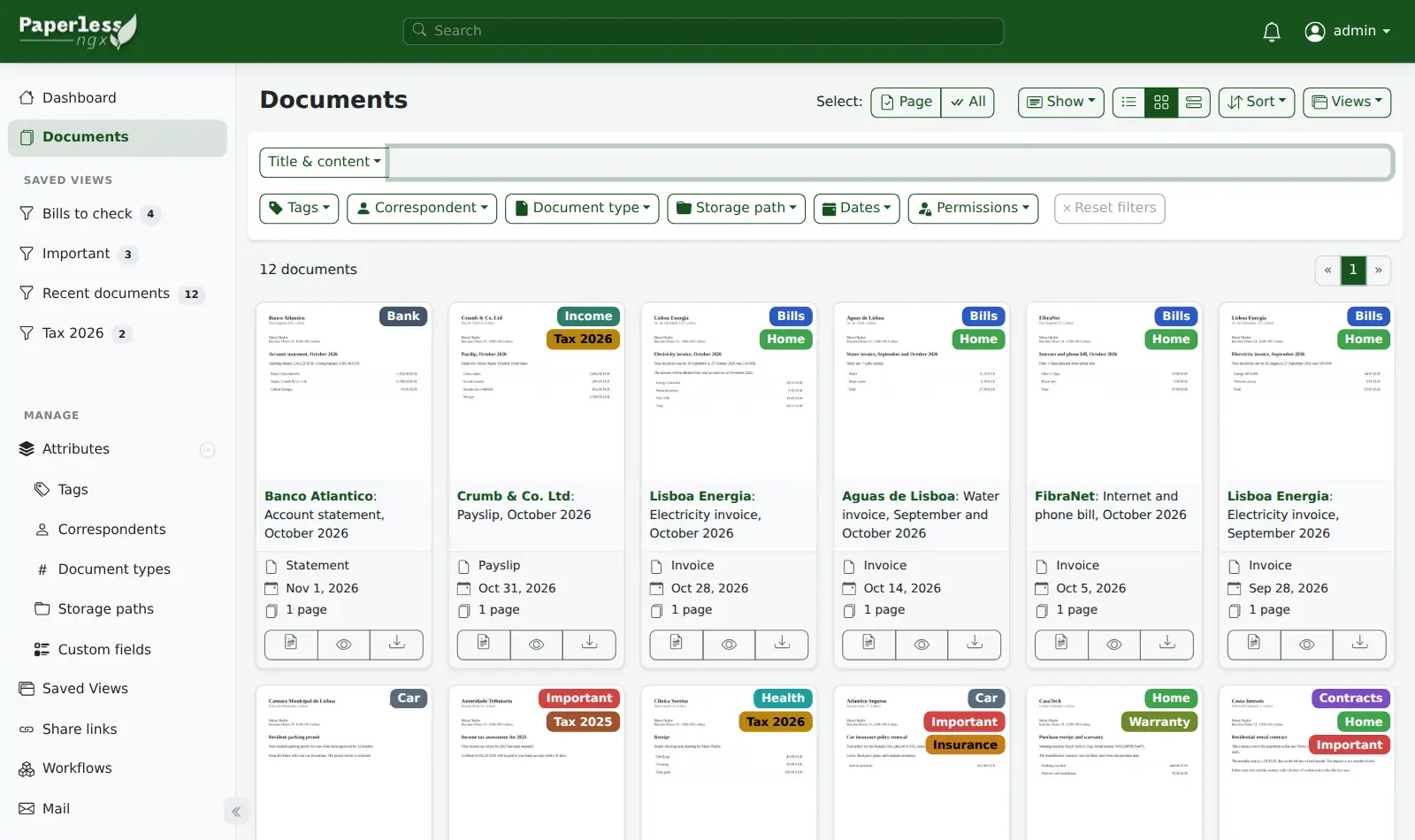
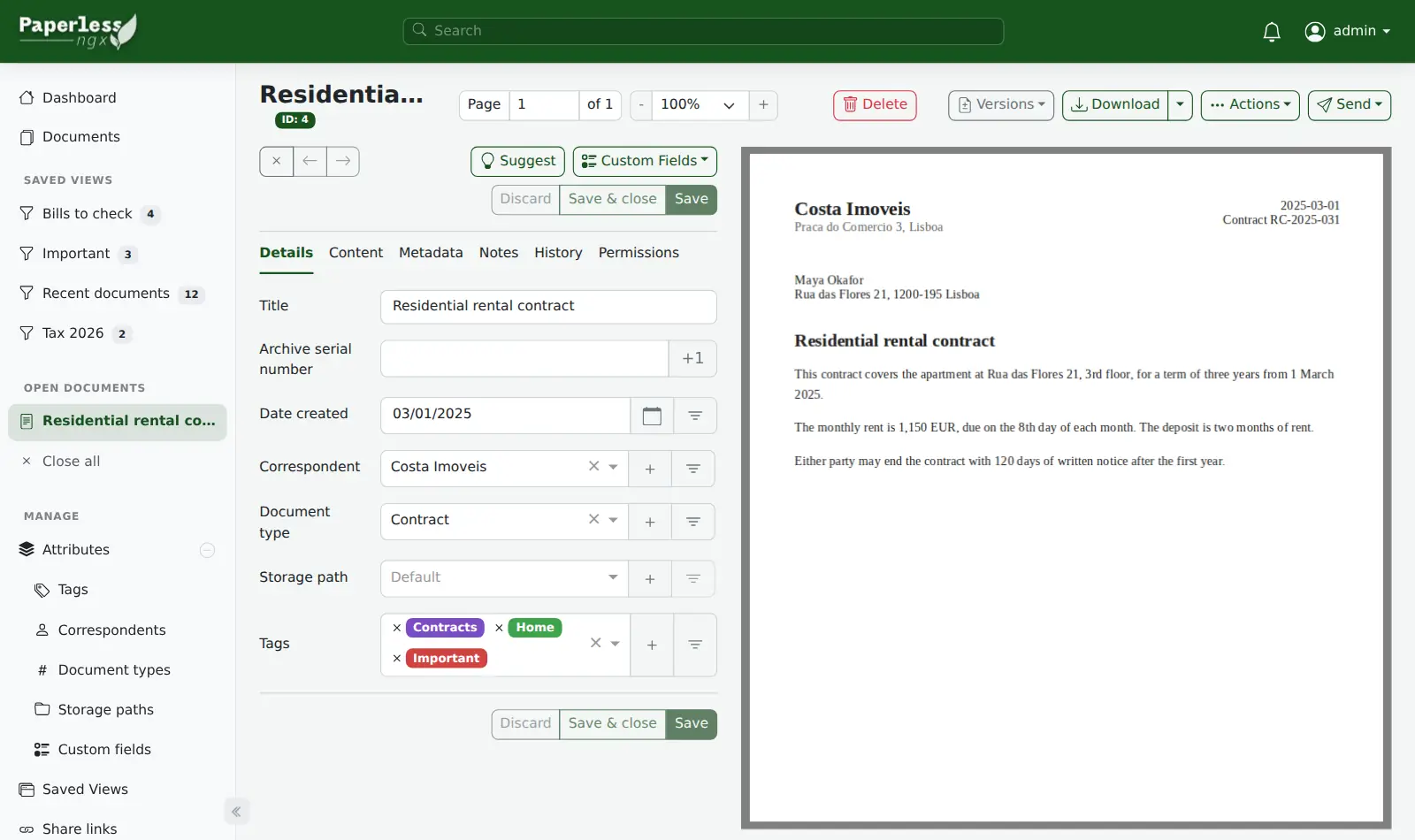
Open source · GPL-3.0 · source on GitHub · new pods start on 3.3.0 · latest stable release v3.5.1 (Nov 18, 2026), as of Nov 20, 2026
Why people pick it
- Find a paper by typing a few words. One Hacker News commenter describes “typing a few keywords and immediately getting what you're looking for.” Hacker News
- It learns your tags. After you file a few documents, Paperless starts giving new ones similar tags, senders and document types. Paperless-ngx docs
- One archive for the whole household. Each person has their own login. Documents can be assigned to their owner automatically. Paperless-ngx docs
Know before you choose
- Word and Excel files are not converted on Podway. Save Office files as PDF before you upload. PDFs, images and text files work as they are. Paperless needs two extra services to convert Office files, and Podway pods don't include them. Paperless-ngx docs
- Handwriting and poor scans are hard to read. One reviewer found the built-in text recognition (OCR) struggled with handwritten notes. flobernd.de
- It needs enough memory. One Hacker News commenter reported problems below 2 GB of memory. Hacker News
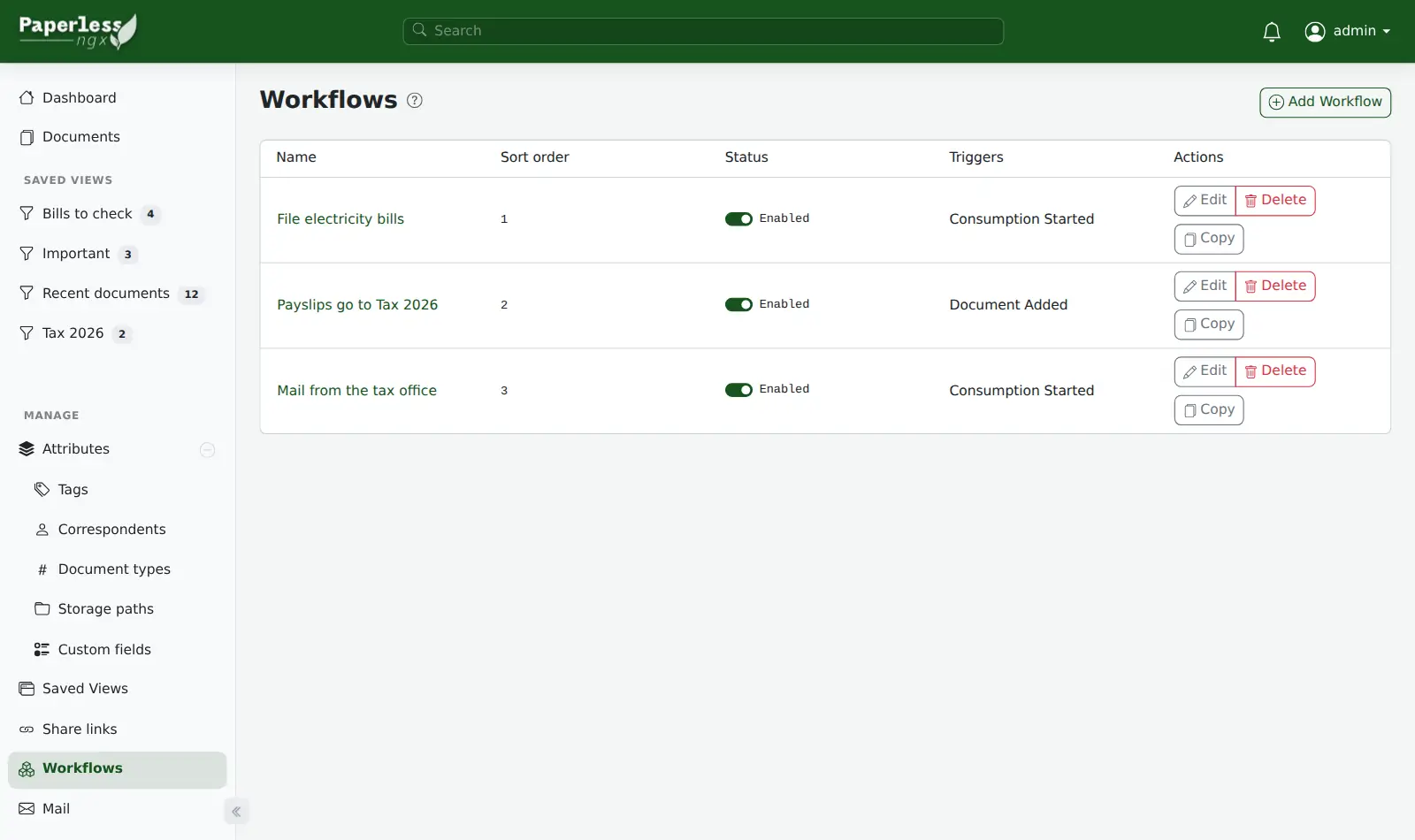
- Auto-filing takes some teaching. Expect to fix tags at first. Add rules for documents you get regularly. Paperless-ngx docs
- No scanner folder and no official phone app. Your scanner's folder doesn't connect to your pod. Upload documents in a browser or send them by email. Or use an unofficial phone app such as Paperless Mobile or Swift Paperless. Paperless-ngx wiki
Pick something else if
- You're on a Mac and want a polished desktop app → DEVONthink
- You need formal approval workflows → Mayan EDMS
- You keep only a handful of PDFs → folders by year
- Your documents are mostly Word or Excel files you keep editing → Google Drive
Before you start
- Log in as “admin”. The password is in your pod's Secrets tab.
- Text recognition reads English, German, French, Italian and Spanish.
- To send documents by email, give Paperless a mailbox it can check. Then add a mail rule.
- A domain is optional. Your pod has its own address too.
How Podway runs it
- Runs on its own small machine, with HTTPS (a secure connection). Add your domain if you want one.
- Nightly backups (7 daily + 4 weekly). Podway does restores for you on request.
- A health check every 5 minutes. If Paperless-ngx stops answering, Podway restarts it and emails you.
- Safe weekly updates to the stable version. Podway takes a snapshot (a restore point) first and can roll back. Betas are skipped, and major versions are never automatic.
Optional: connect your own Claude Pro/Max or Codex plan. Then an AI admin can help with major upgrades and look into problems.
FAQ
Which pod size do I need?
Paperless-ngx starts on Small: 2 GB of memory and 12 GB of disk shared with the app. Your free first pod covers Small. Medium has 24 GB of disk and Large has 48 GB, for bigger archives and imports.
Can I get all my data out?
Yes. Run the document exporter from your pod's terminal. It saves your original files with their tags and dates, and another Paperless-ngx can import them.
Does Paperless have AI?
Version 3.0 (July 2026) added optional AI suggestions and chat with your documents. It's off by default. Podway pods run version 3. To turn it on, open Configuration › AI Settings and enter your AI provider's API key (a private access code). This is separate from Podway's AI admin.