To connect Open WebUI to OpenRouter, you need an OpenRouter API key and one connection in the admin settings. After that, OpenRouter's models appear in the model picker.
The connection settings are a few menus deep, so the full path is below. Start with one short chat. When that works, choose your default model, and try a document if you need one.
1. Get an OpenRouter key
In your OpenRouter account, create an API key. Add credits if you plan to use paid models. Keep the key ready for the next step.
OpenRouter bills you for model usage. That bill is separate from the cost of running Open WebUI.
2. Open the connection settings
Sign in to Open WebUI with an admin account. Click your avatar in the bottom-left corner. In version 0.13.3, the path is:
Admin Panel > Settings > Admin > AI > Connections > Manage OpenAI API Connections
The connection is not in your personal settings. Go through Admin Panel first.
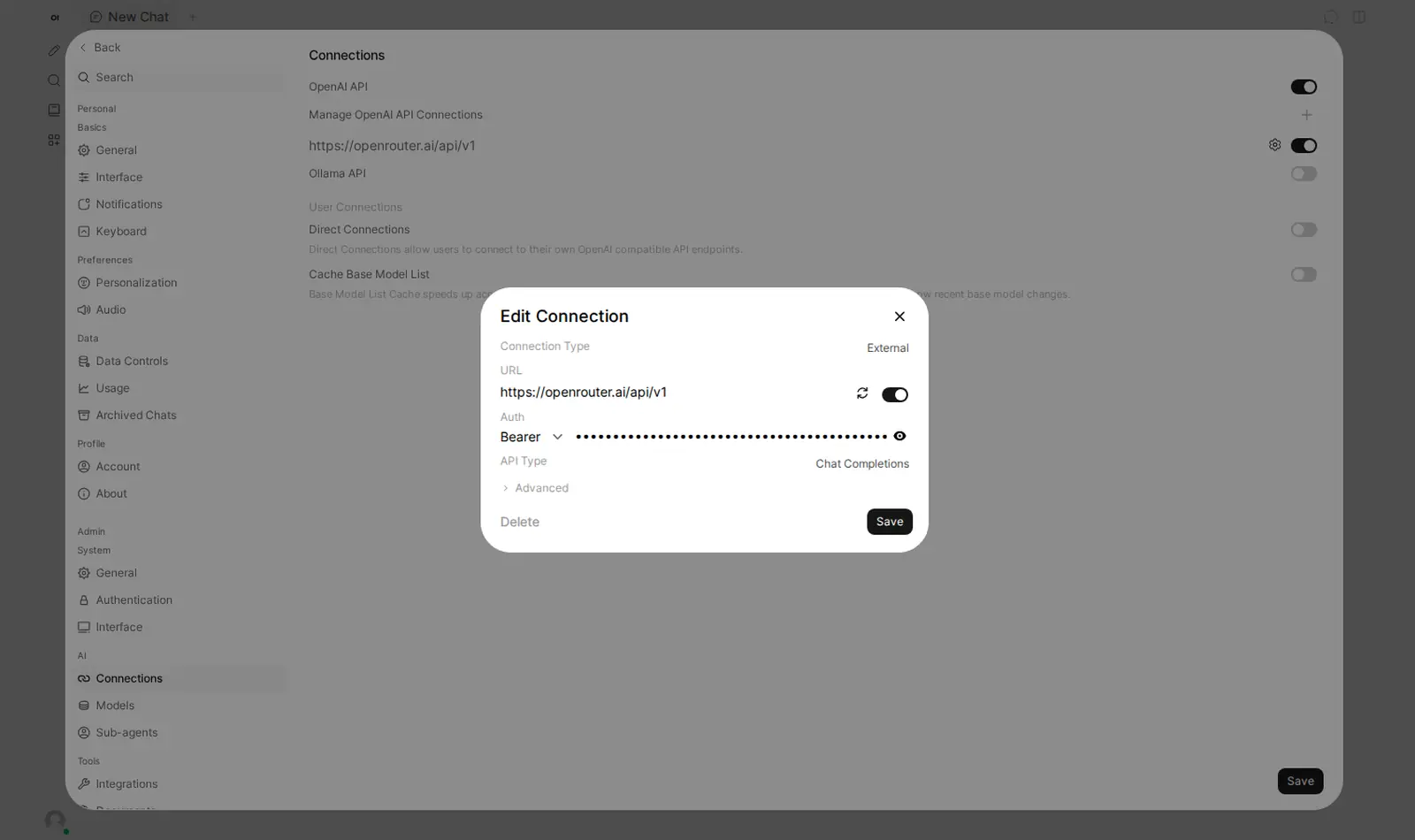
To add a connection, click + next to Manage OpenAI API Connections. To change one, click the gear on its row.
3. Enter the connection details
Set the fields to these values:
| Field | Value |
|---|---|
| Connection Type | External |
| URL | https://openrouter.ai/api/v1 |
| Auth | Bearer |
| API Key | Your OpenRouter API key |
| API Type | Chat Completions |
Check that the URL ends in /api/v1. Then click Save.
4. Pick a model and set it as your default
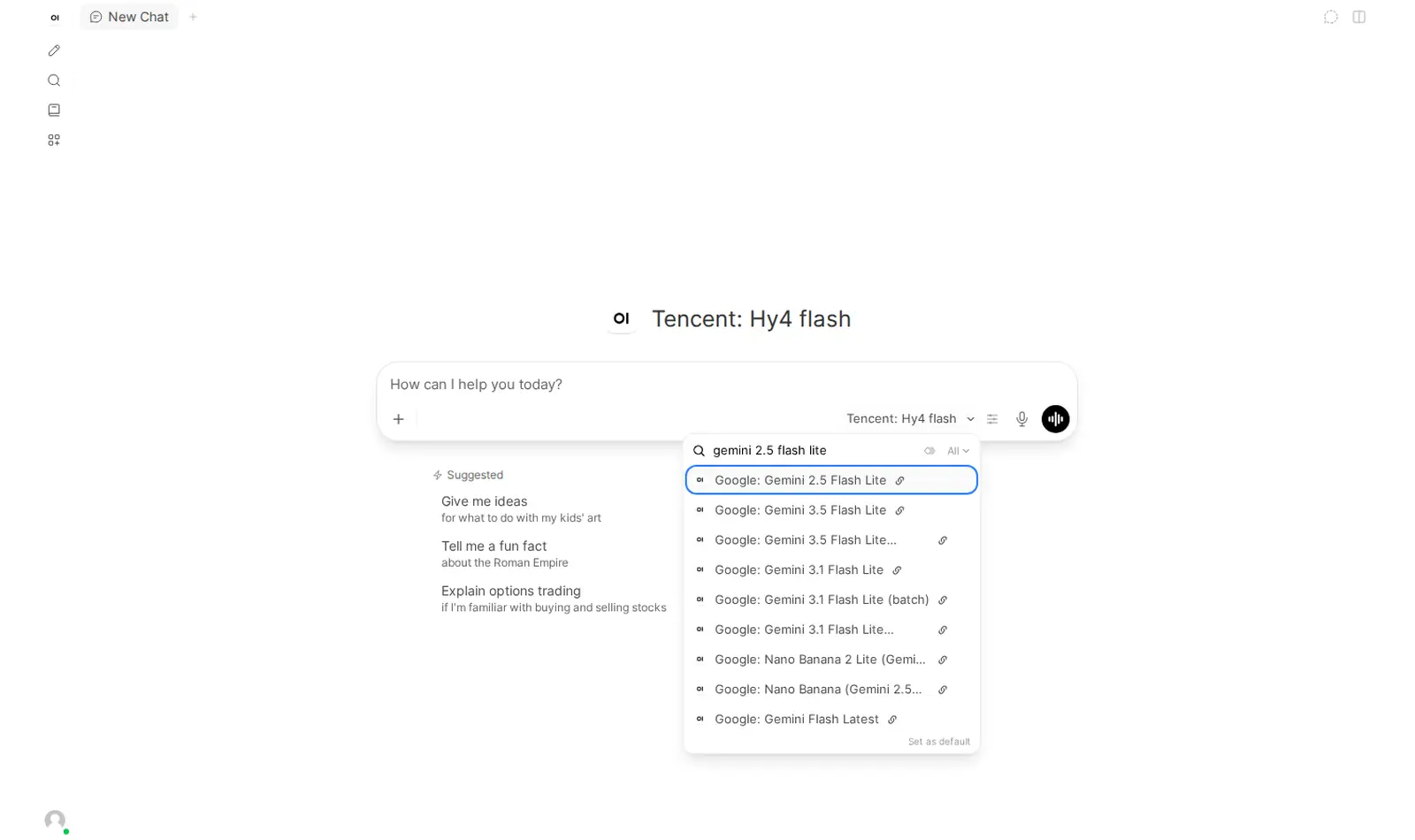
Go back to the chat and open the model picker. The models come from OpenRouter, so you do not add them one by one. Our test showed 434.
Type part of a name to filter the list. Pick a model in the picker and click Set as default.
5. Send a short test
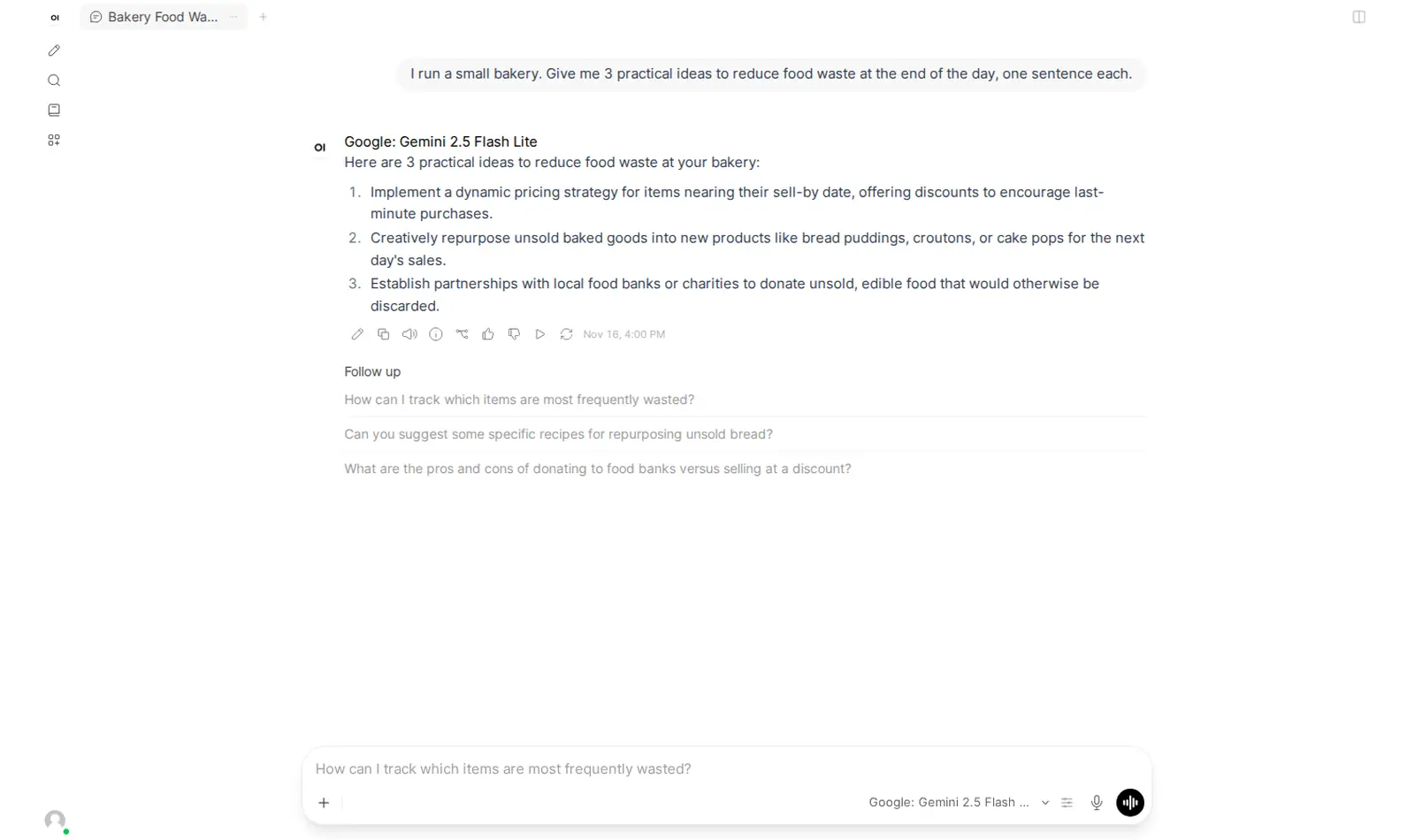
Send a small prompt, for example: "Say hello in one sentence." Check that the answer comes from the model you picked. Then move on to longer chats. If you get an error instead, our Open WebUI error guide lists each one with its fix.
Want the connection filled in for you?
On Podway, you can give your OpenRouter key when you create the pod. The connection is then filled in for you. You still choose the model: open the picker, pick one, click Set as default, and send a short test.
Can I chat with a document?
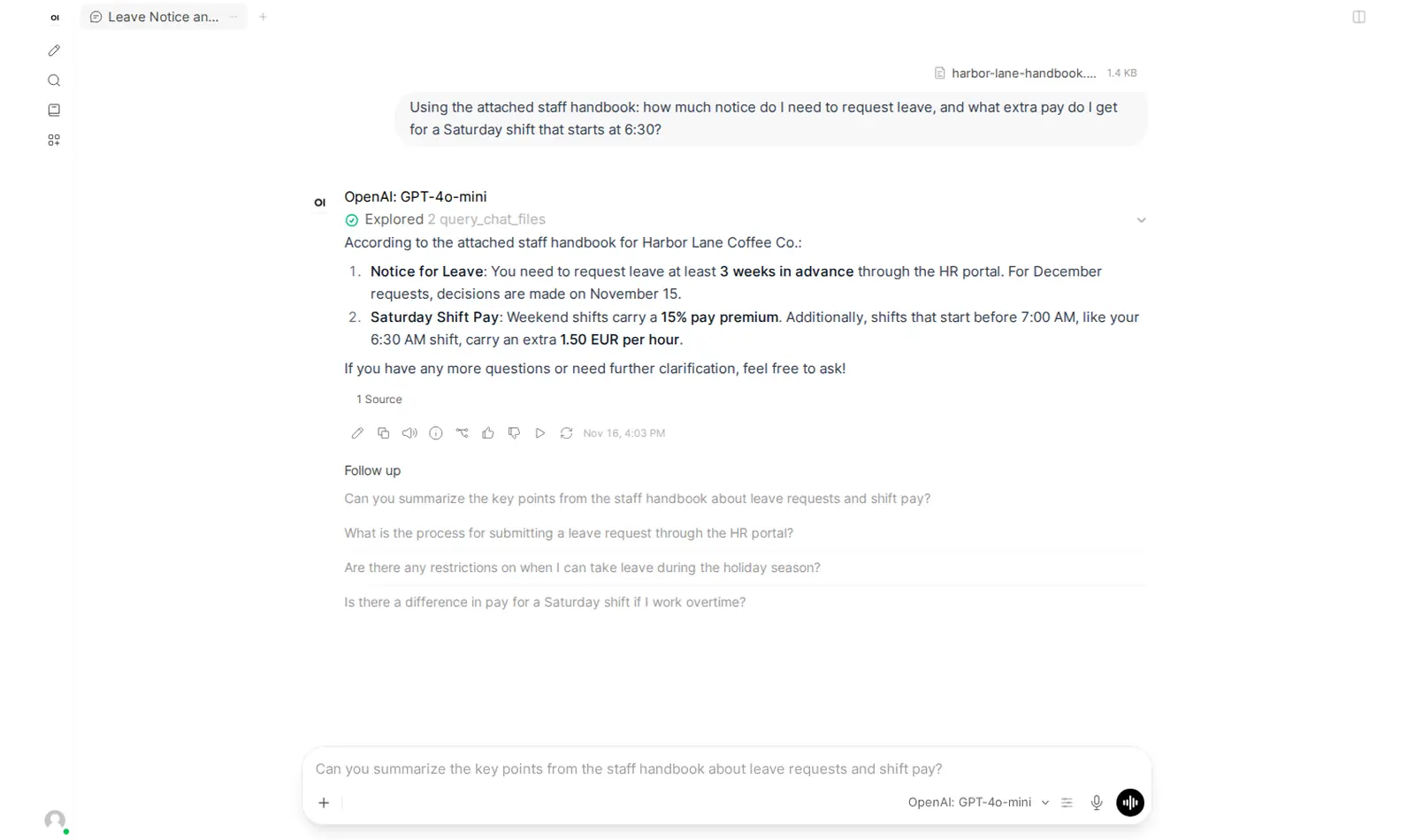
Open WebUI can answer questions about a file you attach. It indexes the file with a small local model, all-MiniLM-L6-v2 by default, so this part does not use your OpenRouter credits.
In our test, a 1.4 KB file was ready in 0.6 seconds. The answer was correct and showed a "1 Source" citation. A 295 KB file became 1,200 chunks and took 48 seconds.
Start with a small file and ask something you already know the answer to. Check the answer and its source.