For a family or a small team, I'd set up Open WebUI: everyone gets a login, you manage it all from the browser, and it can answer questions about your files. I'd only pick LibreChat if someone on the team already knows it, or you want to rebrand the chat as your own product.
Here is the situation I hear most often, and how each app handles it.
"We want one private ChatGPT for the five of us"
Say you run a small agency. Everyone uses ChatGPT on their own card, and you would rather have one shared chat, with your own AI key, where you pay only for what people actually use.
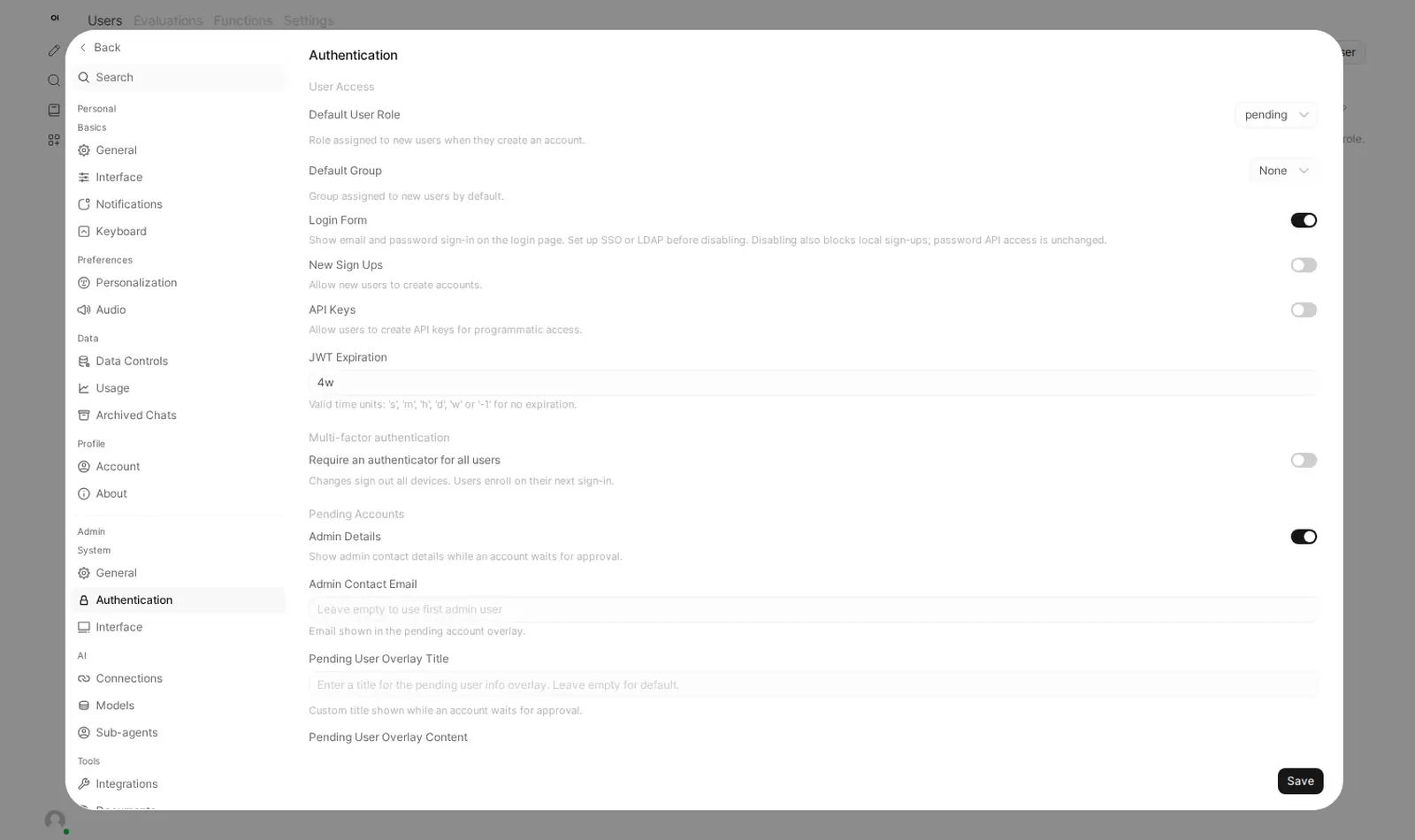
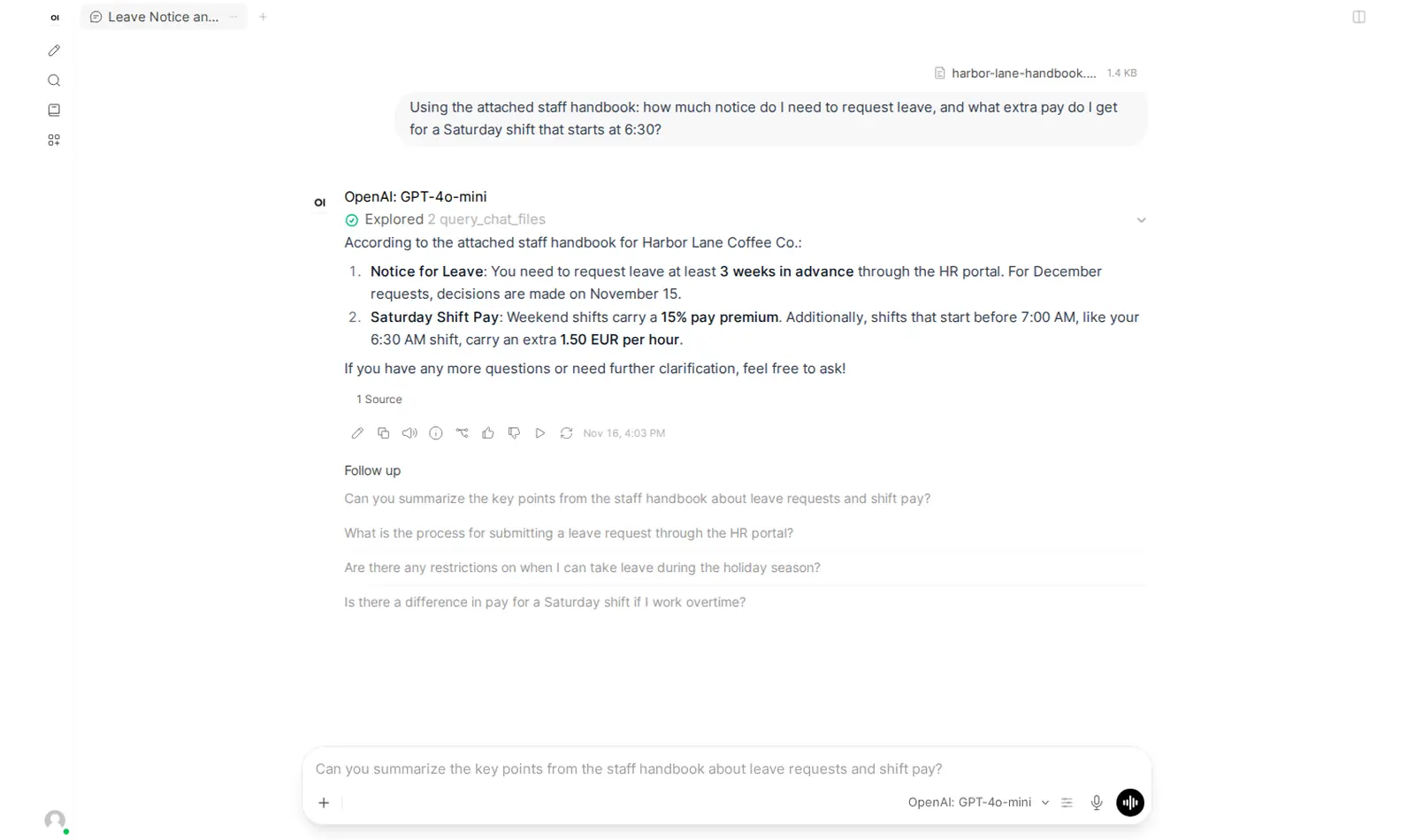
With Open WebUI, you sign in as the admin, add your colleagues under Admin Panel, and connect one OpenRouter key (a password-like code that gives access to Claude, GPT, Gemini and hundreds of other models). Everyone logs in, picks a model, and chats. When someone asks "can it read our proposal PDF?", the answer is yes: upload it and ask, and the reply names the file it used.
With LibreChat, the chat itself feels even closer to ChatGPT, and switching models in the middle of a conversation is lovely. But most of its settings live in a configuration file, not on a screen. Adding a provider or changing a default means editing that file. And on Podway we run LibreChat without its document-search parts to keep it light, so "read our PDF" is not something it does here.
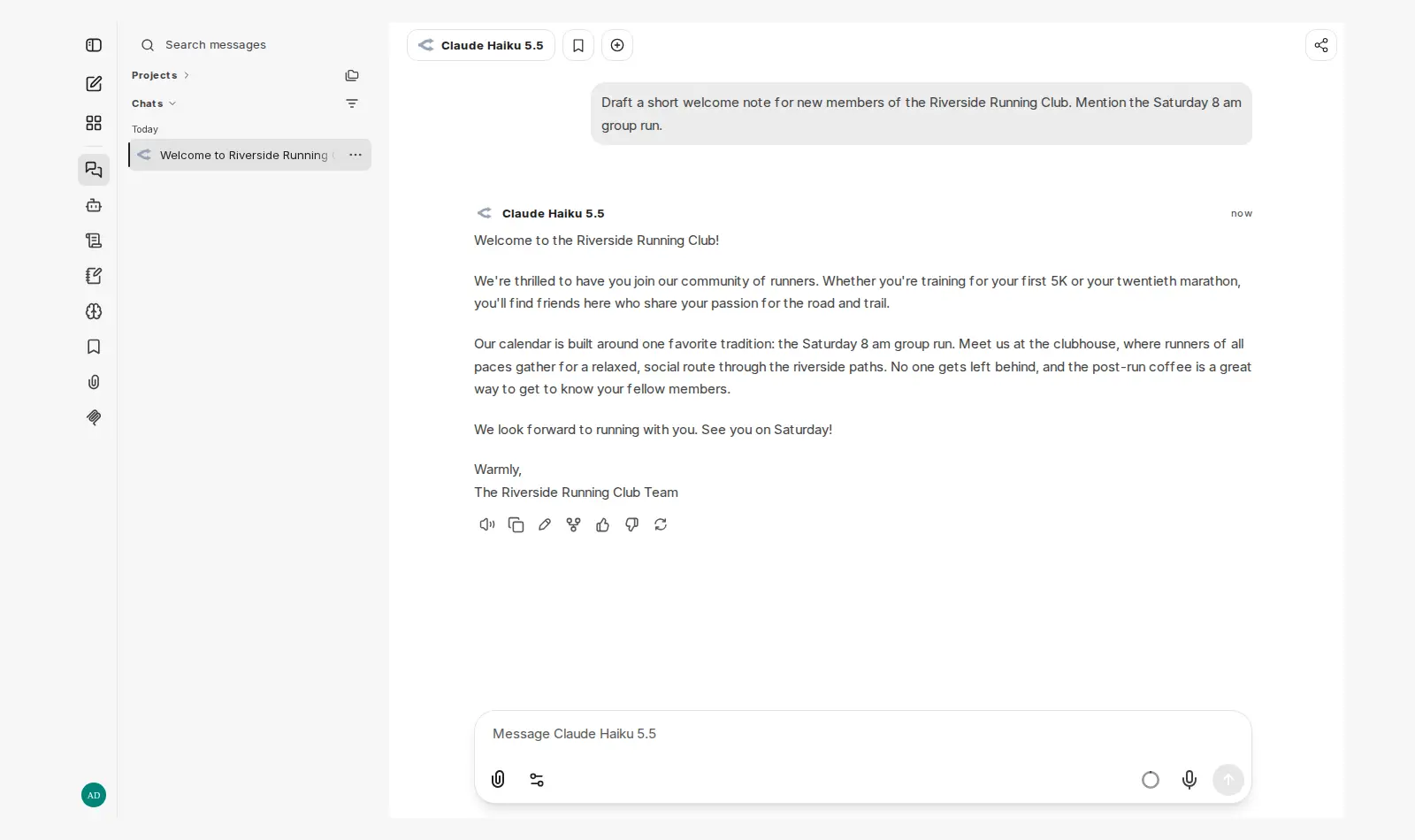
Where LibreChat wins
LibreChat uses the MIT licence: you can change it and put your own name on it with no strings attached. Open WebUI is free too, but once more than 50 people use your copy in a month, you must keep its name and logo. For a small team that never matters. For an agency that wants to sell a branded chat to clients, it does.
The part that is the same
Both keep your chats on your own server, not in a big company's account. What people type still goes to the AI provider you connect, so pick one whose privacy policy you are happy with. Both work with OpenRouter, OpenAI and Anthropic, and one key works in either.
Getting it running
Running either one yourself means renting a server and keeping it patched. On Podway you pick the app and paste your OpenRouter key. We create the admin login, connect the key, back everything up every night and install safe updates.