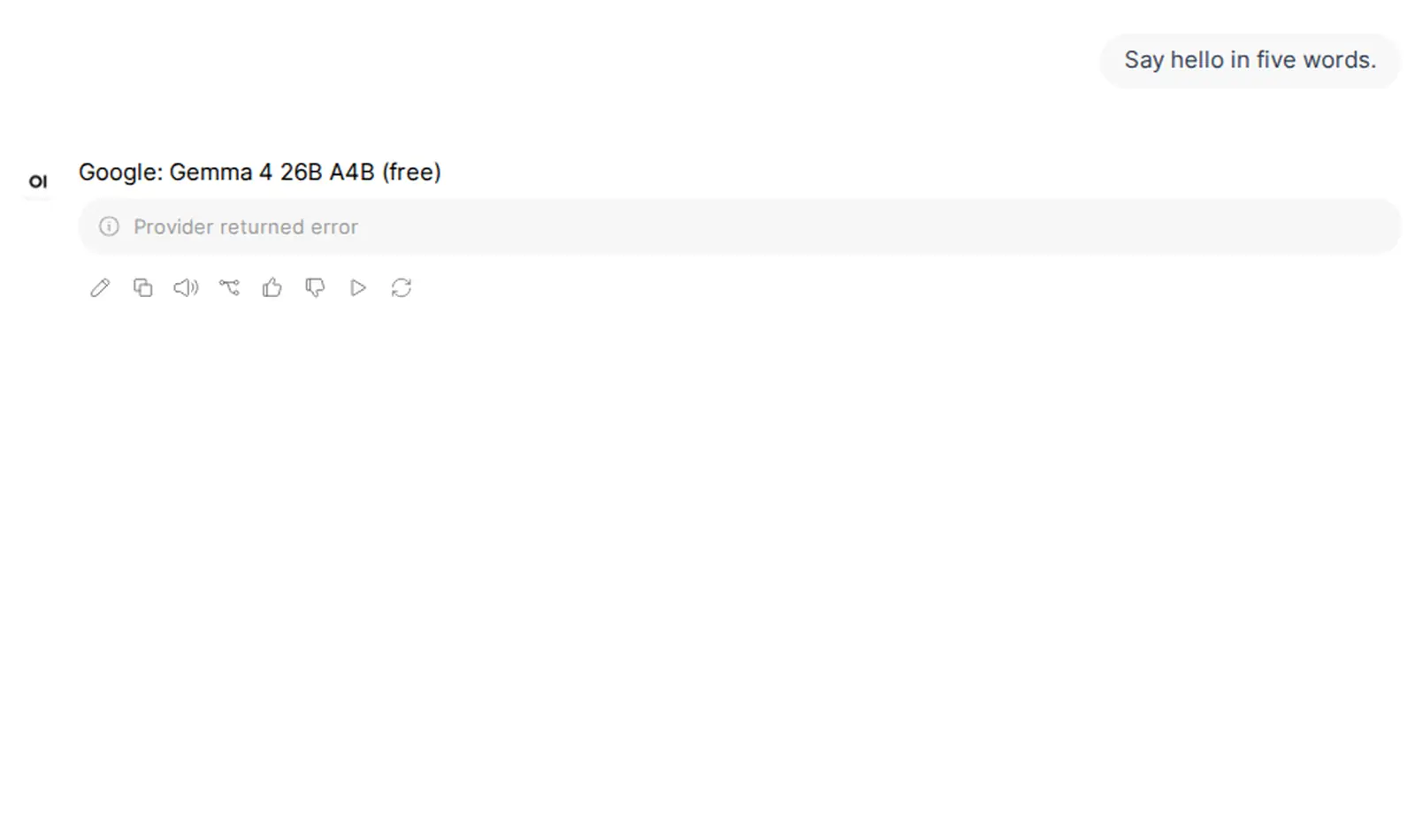
In our Open WebUI 0.13.3 test, “Provider returned error” was an HTTP 429 from a rate-limited free model on OpenRouter. Retry later or choose another model. Open WebUI did not show or log the reason. If you see a different error, find it below. The quoted headings are the exact text Open WebUI 0.13.3 showed us.
Two things surprised us. The connection check passed with a fake key and with a wrong URL. And a model without tool support failed even with every tool turned off.
“Provider returned error”
A rate-limited free model gave us only this:
Provider returned errorThe Open WebUI log adds little:
HTTP 429 (rate_limited) ... message=Provider returned errorOpenRouter's metadata.raw field can carry the provider's own message. Open WebUI 0.13.3 did not log it, with streaming on or off. For this error, the logs do not help. A log line that starts Provider returned error (non-streaming): exists, but it only appears when a 200 response carries an error body. Our 429 did not trigger it.
What to do:
- Retry after a minute. If it keeps failing, you may have reached the daily limit (next section).
- Choose another free model, or a paid one if you accept its cost.
OpenRouter's error reference lists its error codes.
Why free models run out so fast
Free models (IDs that end in :free) have their own limits: 20 requests a minute, and 50 a day. After you buy 10 credits or more, the daily limit is 1,000.
In our test, one first message made 4 OpenRouter requests: the answer, the chat title, the follow-up suggestions, and the tags. We counted them through a logging proxy. If all 4 go to free models, 5 new chats within one minute reach the limit of 20.
“No endpoints found that support tool use”
Fix: set Function Calling to Legacy. Turning tools off is not enough in 0.13.3.
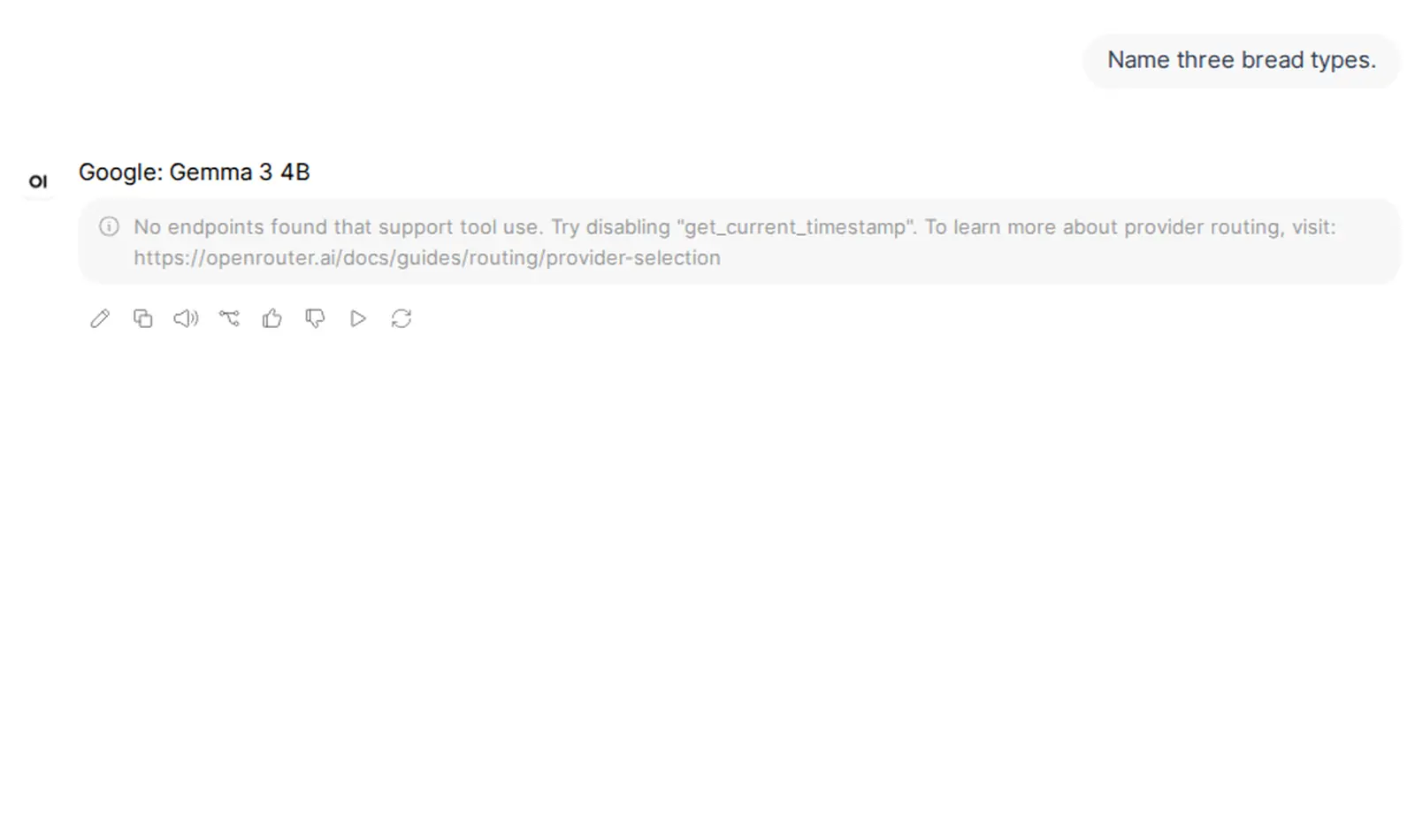
A model without tool support gave us this, with a tool turned on:
No endpoints found that support tool use. Try disabling "get_time". To learn more about provider routing, visit: https://openrouter.ai/docs/guides/routing/provider-selectionThe log showed HTTP 404 upstream_error. Then we turned every tool off, and the same model still failed, this time naming get_current_timestamp. In our tests, Open WebUI 0.13.3 sent 38 built-in tool definitions with every chat, in native mode.
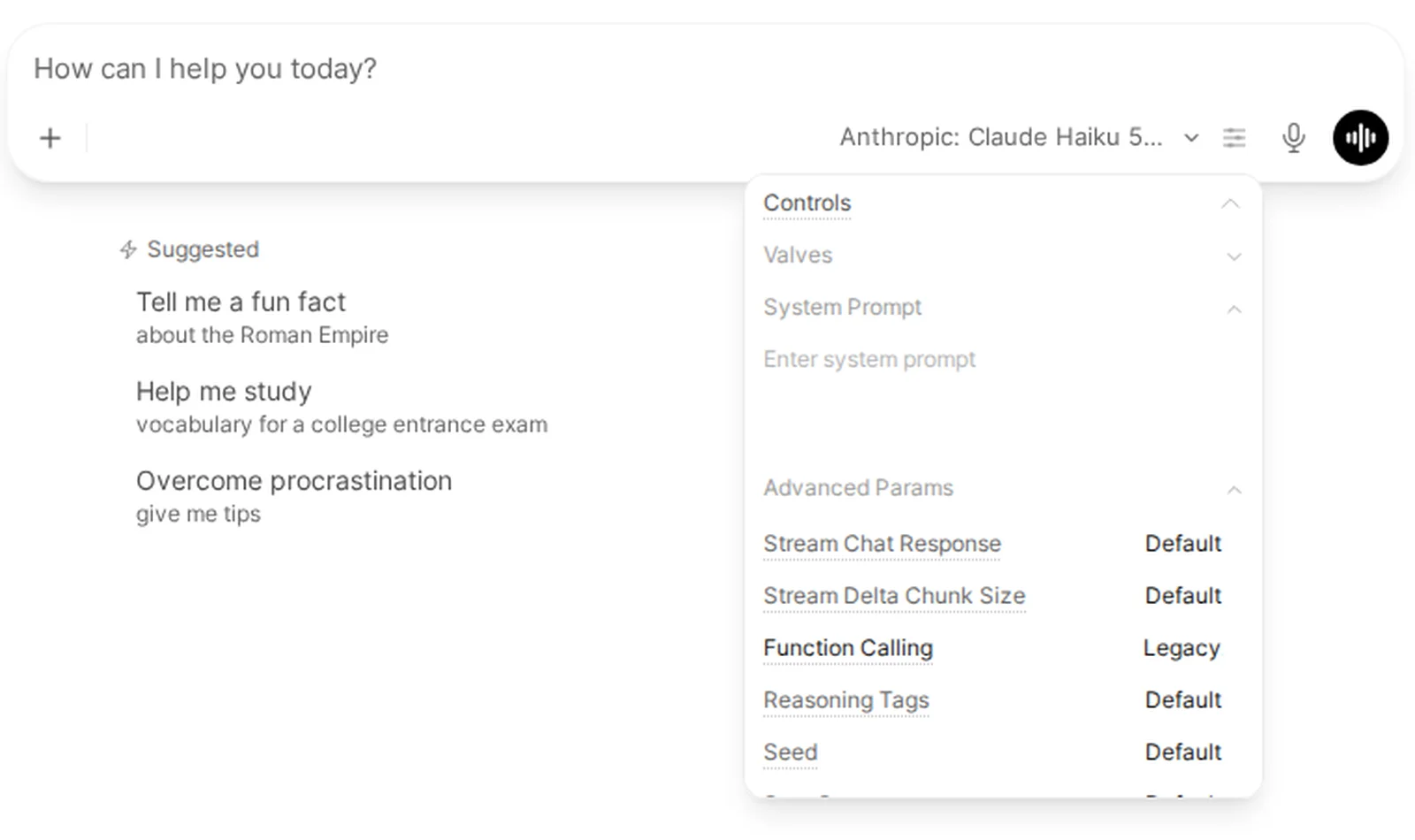
To change the mode, click the sliders icon next to the model name in the message box (its tooltip says Model controls). In the Controls panel, open Advanced Params and click the value next to Function Calling until it shows Legacy. The click cycles through Default, Native and Legacy. With Legacy, the same model answered normally. To set it for a model in every chat, an admin can go to Admin › Models, click the pencil next to the model, open Advanced Params, set Function Calling to Legacy and click Save & Update.
“User not found.”
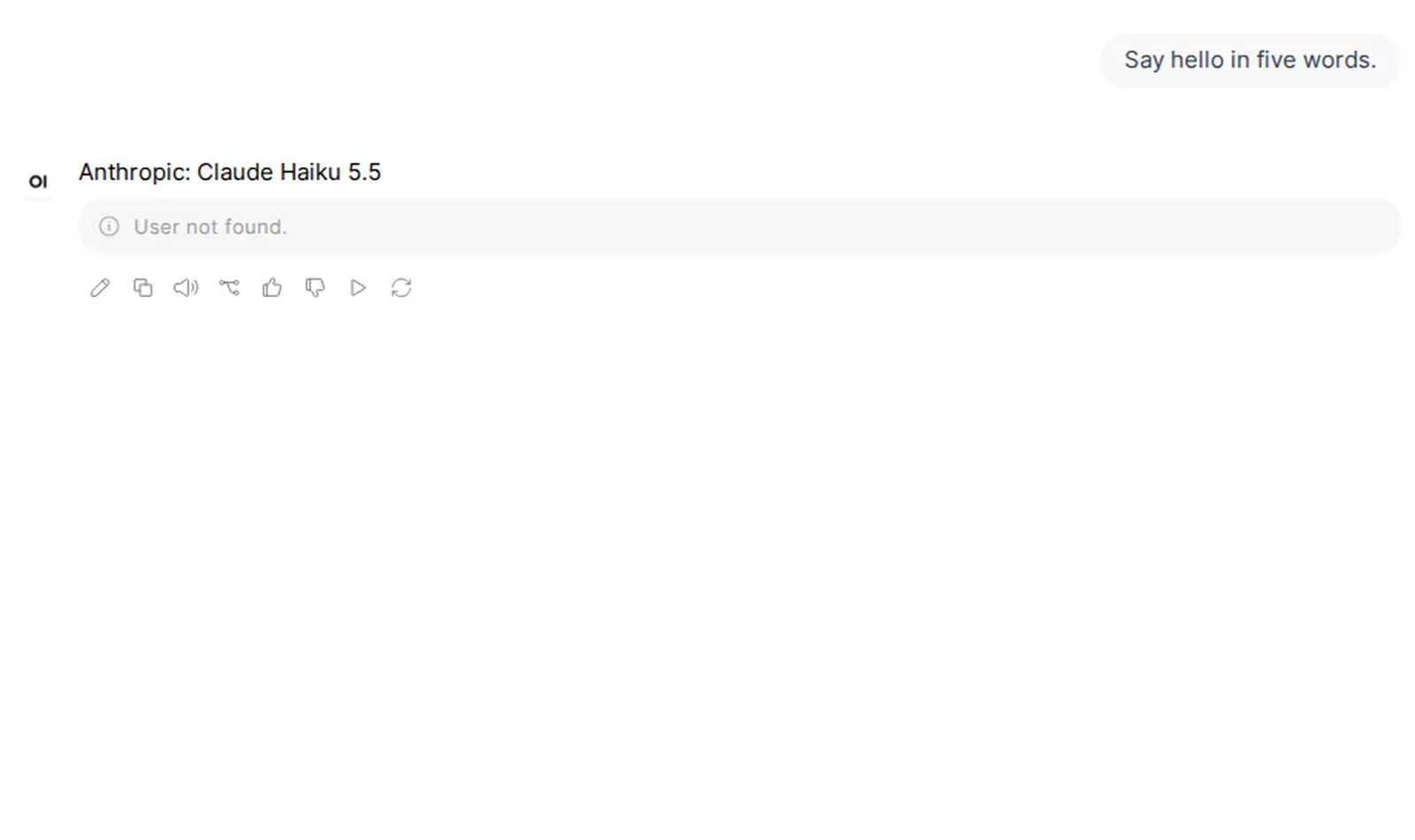
OpenRouter rejected the API key (HTTP 401). We used a fake key. The connection check passed, 469 models loaded, and then the first chat failed:
User not found.The log showed:
Upstream openai-compatible request failed: HTTP 401 (authentication_failed) url=https://openrouter.ai/api/v1 model=anthropic/claude-haiku-5.5 code=401 message=User not found.OpenRouter's model list is public, so a full model picker does not prove that your key works. Copy the key again from your OpenRouter keys, save it in the connection, and send a real message.
“Headers must be a valid JSON object”
The connection has a Headers field under Advanced. If you paste the bare key there, Open WebUI shows this, and saves nothing:
Headers must be a valid JSON objectIf you write it as JSON without the word Bearer, for example {"Authorization":"sk-or-..."}, it saves. Then the next chat failed with this (HTTP 401 in the log):
No API key in the Authorization header: expected "Bearer sk-or-...". Check that your OpenRouter API key environment variable is setFix: clear the Headers field. Put the key in API Key and set Auth to Bearer.
“Server connection verified”, then “No models available”
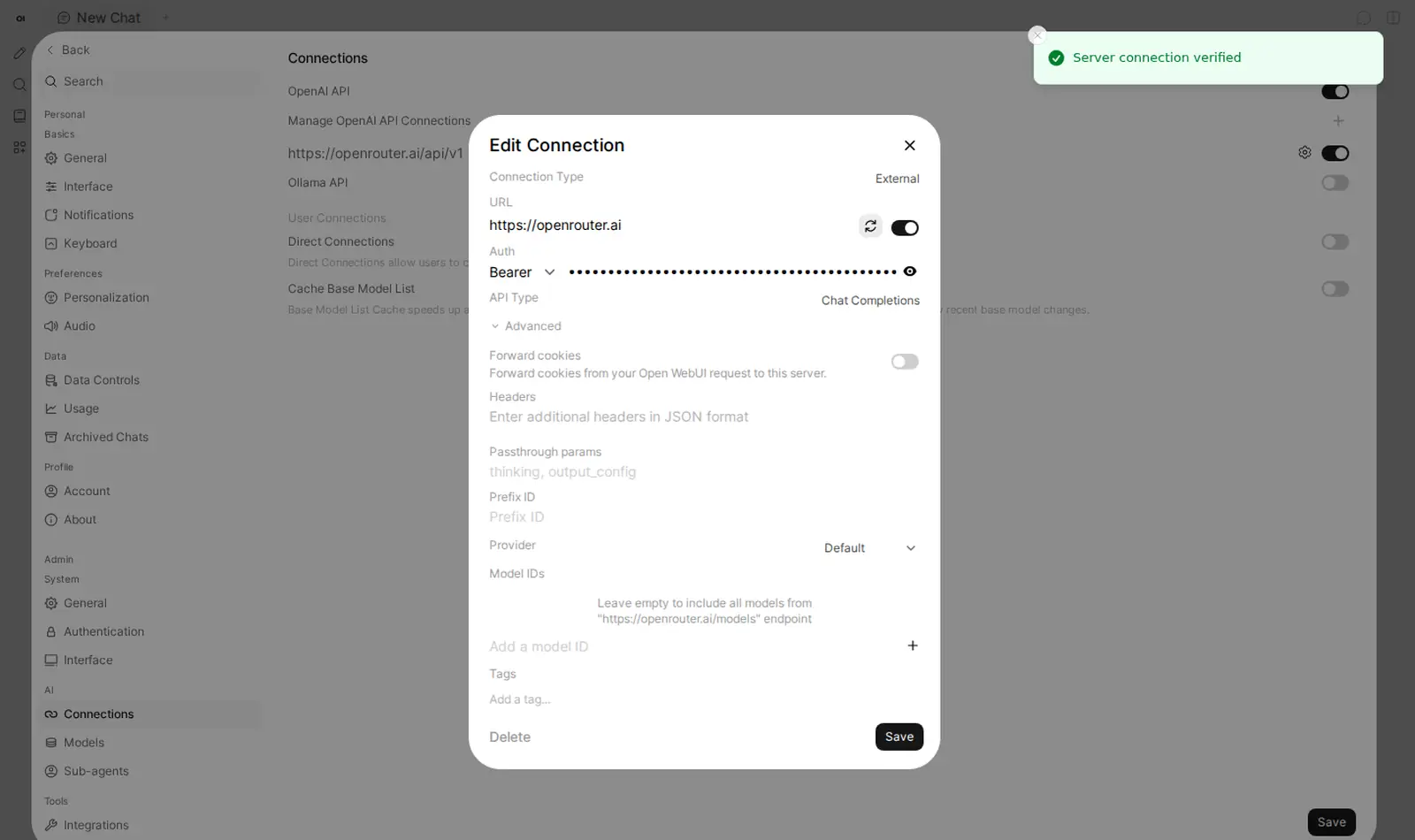
This is a URL without /api/v1. With only https://openrouter.ai, the check passed:
Server connection verifiedBut zero models loaded. The model picker said:
No models available / Connect to an AI provider to start chattingA message failed with Model not selected. The log shows why: the address returned a web page, not JSON.
Connection error: 200, message='Attempt to decode JSON with unexpected mimetype: text/html; charset=utf-8', url='https://openrouter.ai/models'Fix: set the URL to https://openrouter.ai/api/v1. Do not add /chat/completions. Our setup guide shows every field.
A free model that your privacy settings block
From OpenRouter's docs. We did not reproduce this. Our account allows free endpoints, and we did not change its settings.
OpenRouter has separate privacy settings for paid and free models. If you opt out of providers that may train on your prompts, OpenRouter does not send your requests to them. So a free model that only those providers serve can fail. Pick another model, or review your privacy settings. Change them only if you accept what they allow.
The order I check things in
- The URL ends in
/api/v1. - The key is in API Key, Auth is Bearer, and Headers is empty.
- One short message works.
- A tool error? Set Function Calling to Legacy.
- “Provider returned error” on a free model? Wait, or switch models.
On Podway, you give your OpenRouter key when you create the pod. The URL and the key are filled in for you, so steps 1 and 2 are done. You still pick a model and send a test.