If you mostly want to chat with AI, alone or with a team, start with Open WebUI. If you mostly want to ask questions about a pile of documents, start with AnythingLLM.
My default pick is Open WebUI, because most people start by chatting and add documents later. But there are three cases where I'd change my mind.
When I'd pick AnythingLLM instead
1. Your documents are the whole point. AnythingLLM is built around workspaces: you drop in contracts, manuals or notes, then ask about them. In our test, a long manual was ready to ask about in under a minute, and each answer linked to the passage it came from. One tip: switch the workspace to Query mode for questions like this, so it sticks to your files instead of making things up.
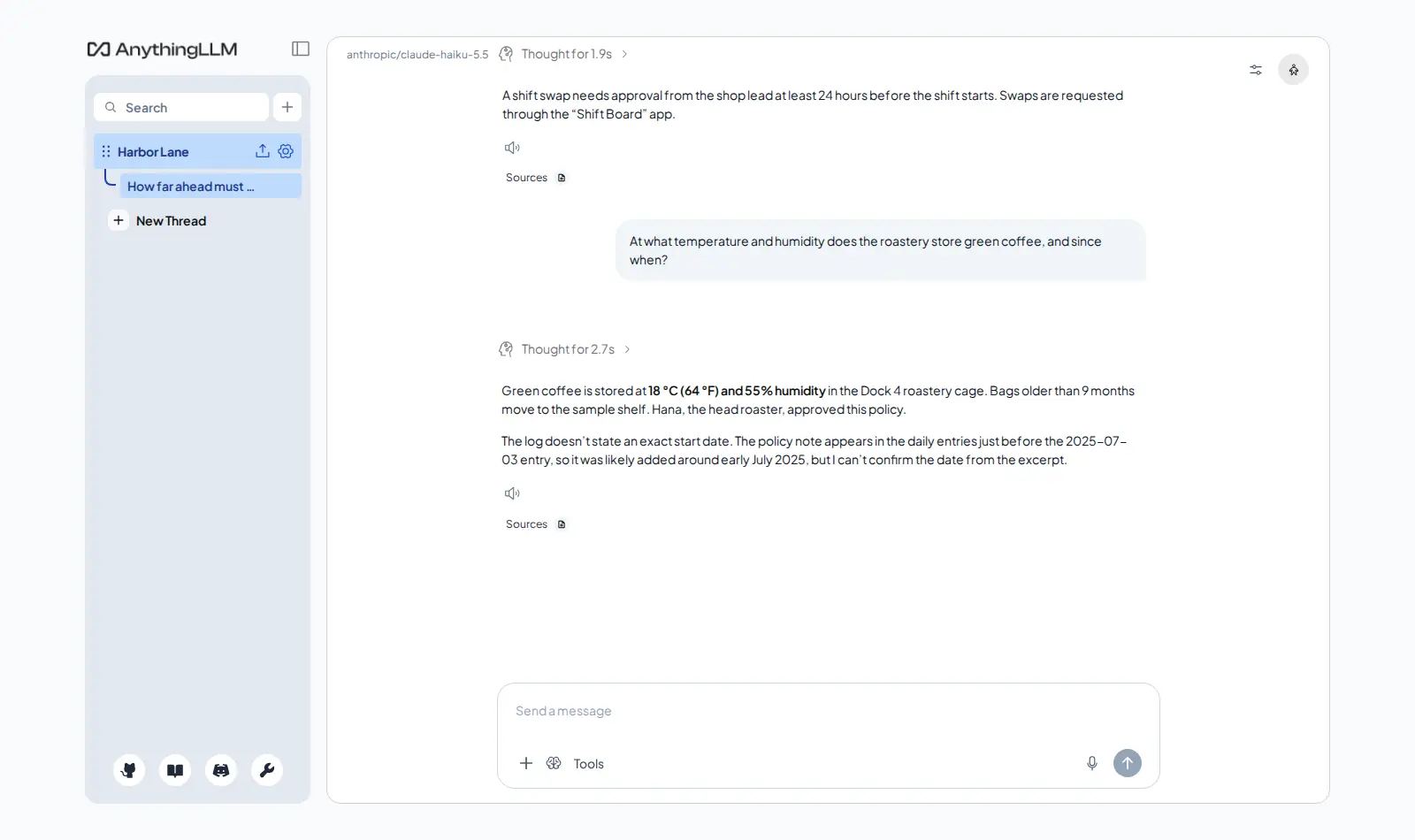
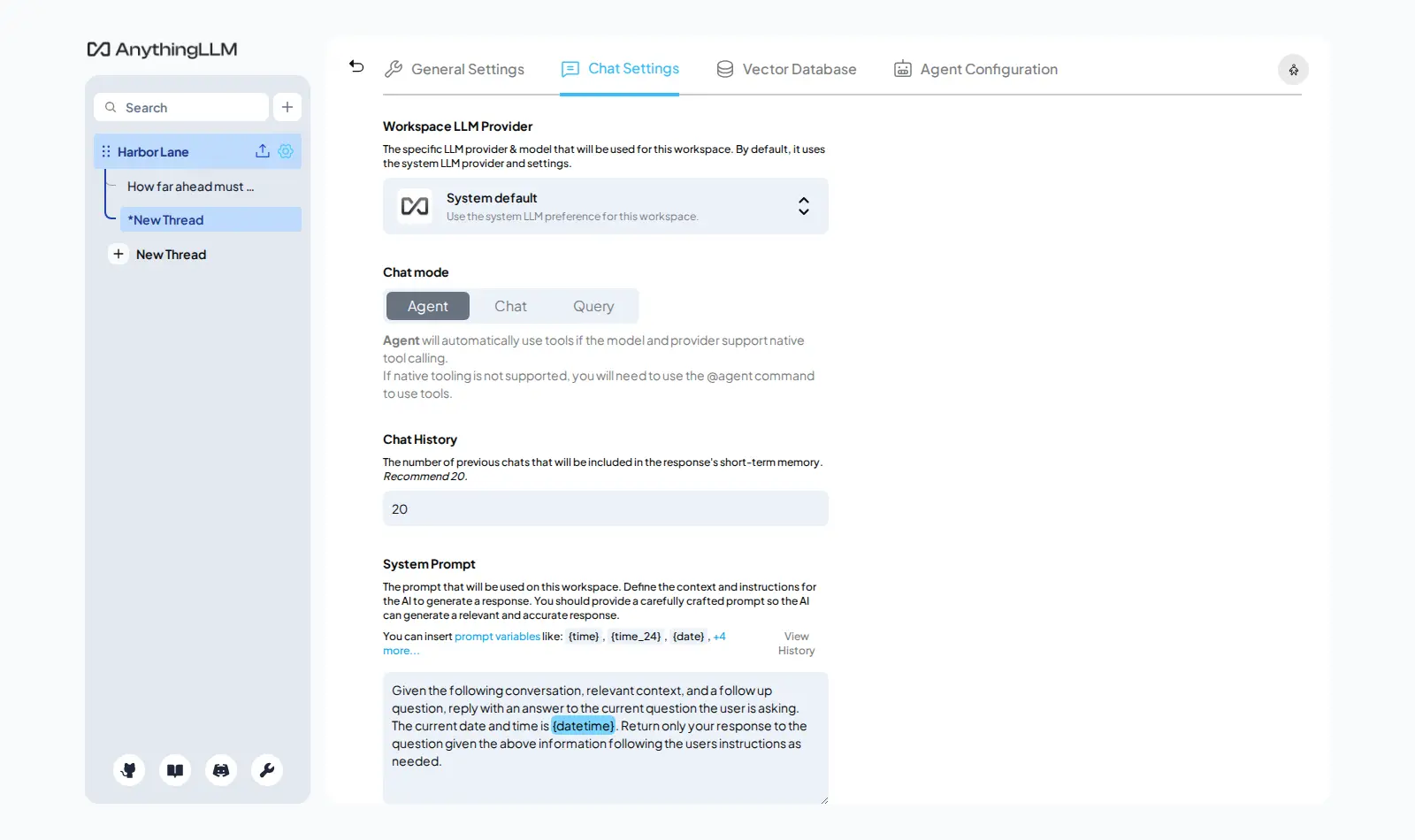
2. You work for several clients. Each AnythingLLM workspace has its own documents and its own settings, so the answers for client A never mix with client B. Open WebUI can do knowledge collections too, but AnythingLLM makes this the centre of the app.
3. It's just you, on your laptop. AnythingLLM has a desktop app, so you can try it without any server at all.
Why Open WebUI stays my default
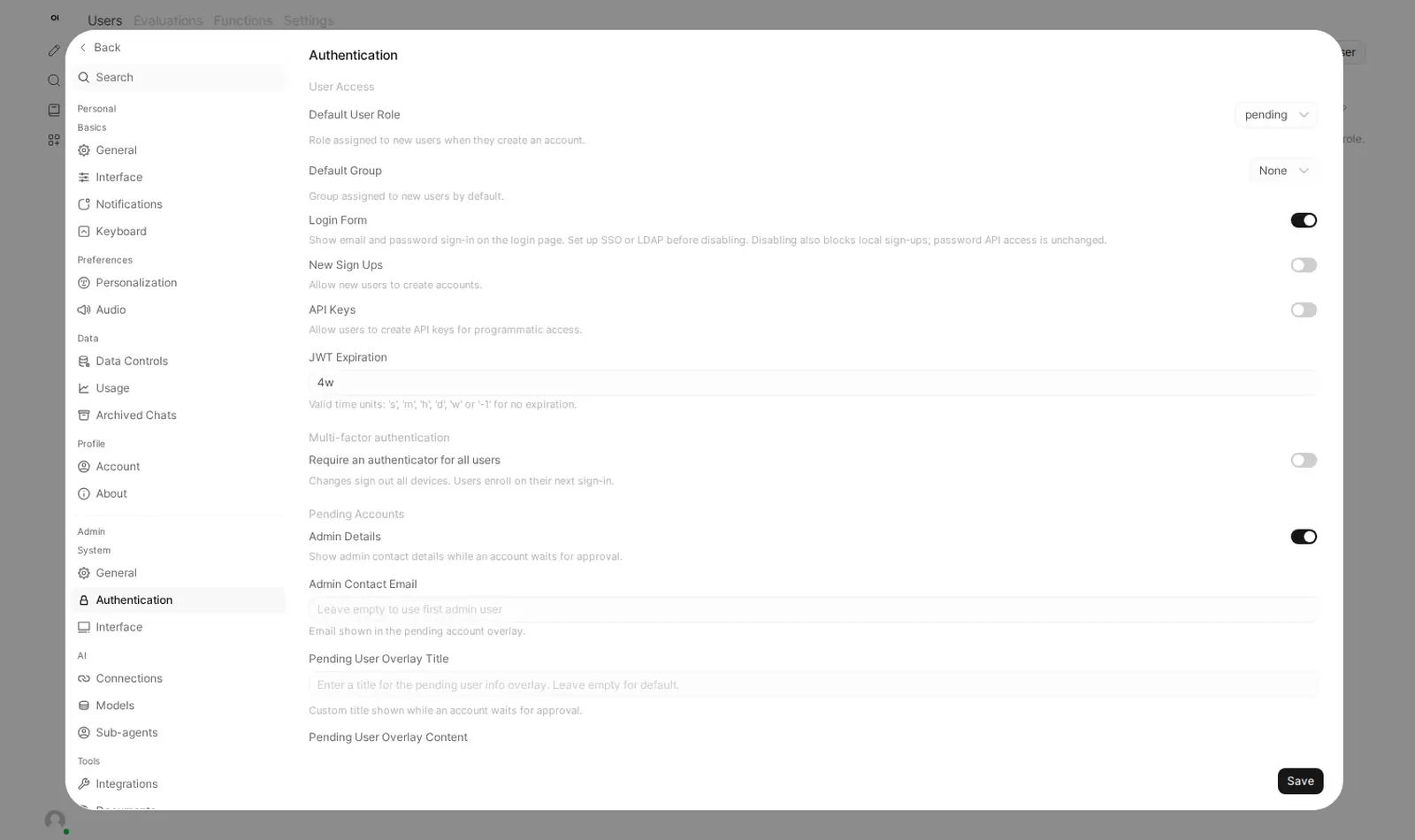
It is a chat app first, and a good one: pick any model, switch in the middle of a conversation, attach a file when you need to and get an answer that names its source. It is also built for groups. You add people, put them in groups and decide what each group can use. AnythingLLM starts as a one-person app. You can switch on multi-user mode later, but you can't switch it off again, so decide before you invite anyone.
Two things worth knowing
Both are free. AnythingLLM uses the MIT licence. Open WebUI asks you to keep its name and logo if more than 50 people use your copy in a month.
And privacy: your chats and files stay on your own server, but what you ask, and the parts of your files used to answer, go to the AI provider you connect. AnythingLLM also sends anonymous usage data to its makers by default. On Podway we switch that off for you.
Trying one
On Podway you pick the app and paste an OpenRouter key (a password-like code for Claude, GPT, Gemini and other models). We create your admin login, back it up every night and install safe updates.