 podway

Host LibreChat on Podway
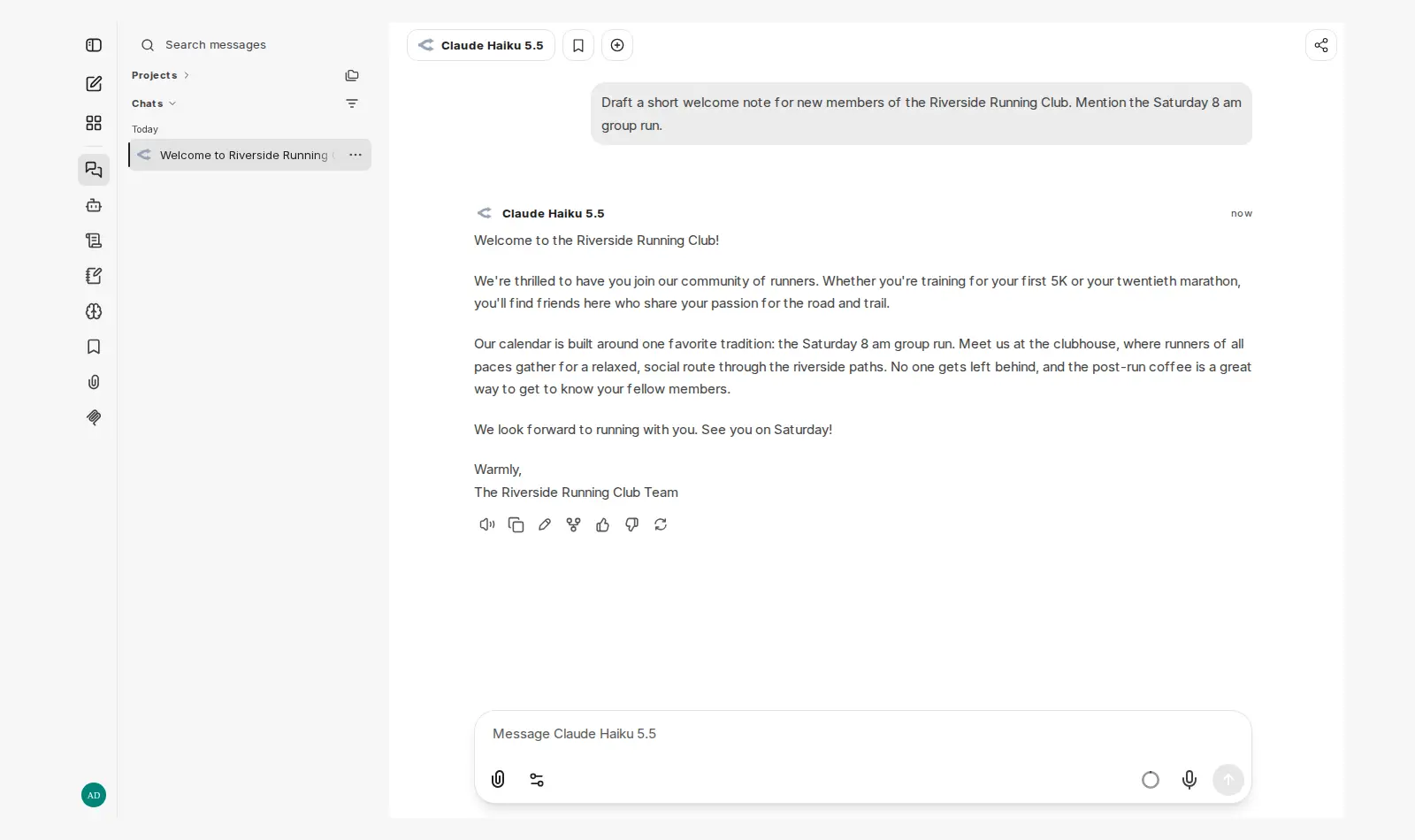
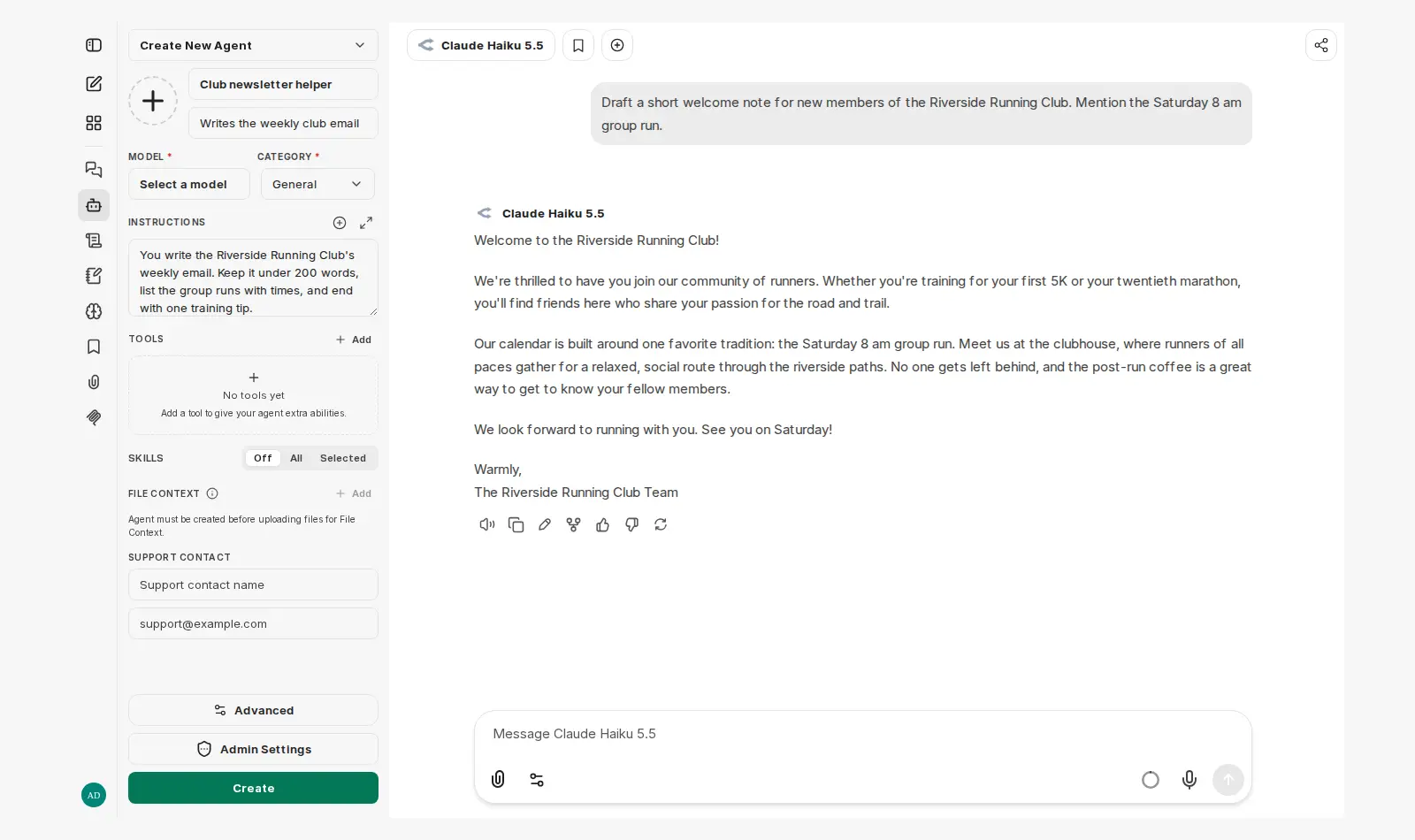
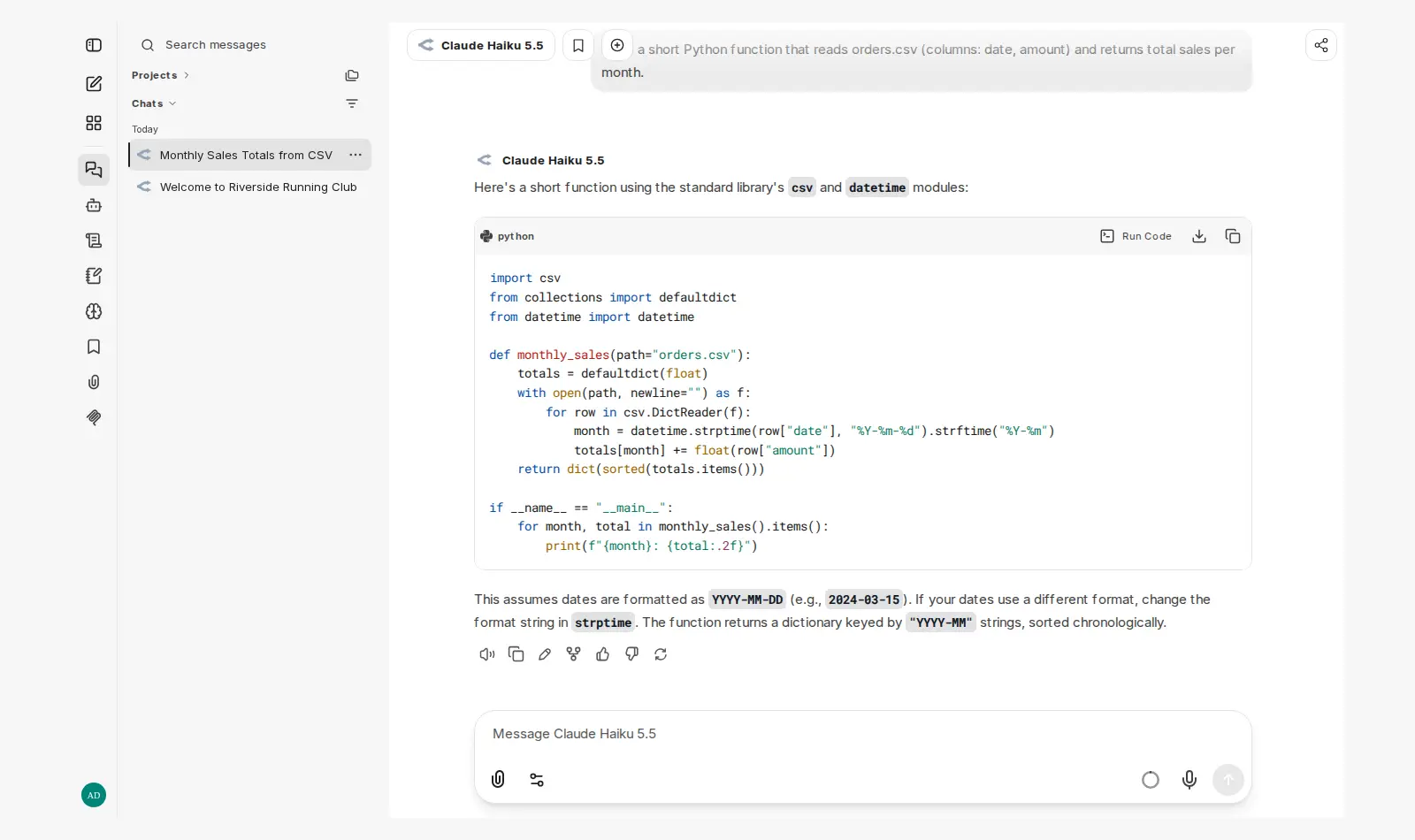
A ChatGPT-style chat with separate accounts, custom AI helpers (agents) and the models you choose, instead of one vendor's chat app.
Open source · MIT · source on GitHub · new pods start on v0.8.8 · latest stable release v0.8.9 (Nov 17, 2026), as of Nov 20, 2026
Why people pick it
- Switch models when one gets stuck. One Hacker News commenter: “Sometimes a model will struggle for one reason or another and swapping it out for another model mid-conversation in LibreChat will get me better results.” Hacker News
- Pay for what you use. Another commenter uses LibreChat because “it allows me to pay by usage (instead of 20+ USD per month)”. Hacker News
- Agents that use your tools. Metabase compared LibreChat, LobeChat and Open WebUI for its team and picked LibreChat. Its support for MCP (a standard way to connect AI to other tools) was “the deciding factor”. Metabase
Know before you choose
- Fewer features than the big chat apps. The same commenter adds: “the offerings of ChatGPT or Google's AI Studio surpass the feature set of LibreChat by a lot.” Hacker News
- Your team may need help to start. One commenter's employer offers LibreChat with agents and many models: “Almost nobody has been capable of figuring out how to use it though.” Hacker News
- No chat with your files on this pod. Chatting with your files (RAG) needs two more services, and they need a Medium pod. Podway leaves them out so LibreChat fits on Small.
- Server settings live in a file. New providers and server-wide model lists go in a settings file (librechat.yaml), not a screen. You or the AI admin edit it.
- It takes room on a Small pod. It fits on a Small pod. If your team uploads a lot of files, choose a bigger pod for more disk space.
- Hosting and model usage are separate bills. Your model provider bills you for usage. Our test chats cost less than one cent.
Pick something else if
- You want to add model providers on a settings screen, not in a file → Open WebUI
- Your main job is chatting with documents organized into workspaces → AnythingLLM
- You want a visual builder for AI apps and workflows → Dify
Before you start
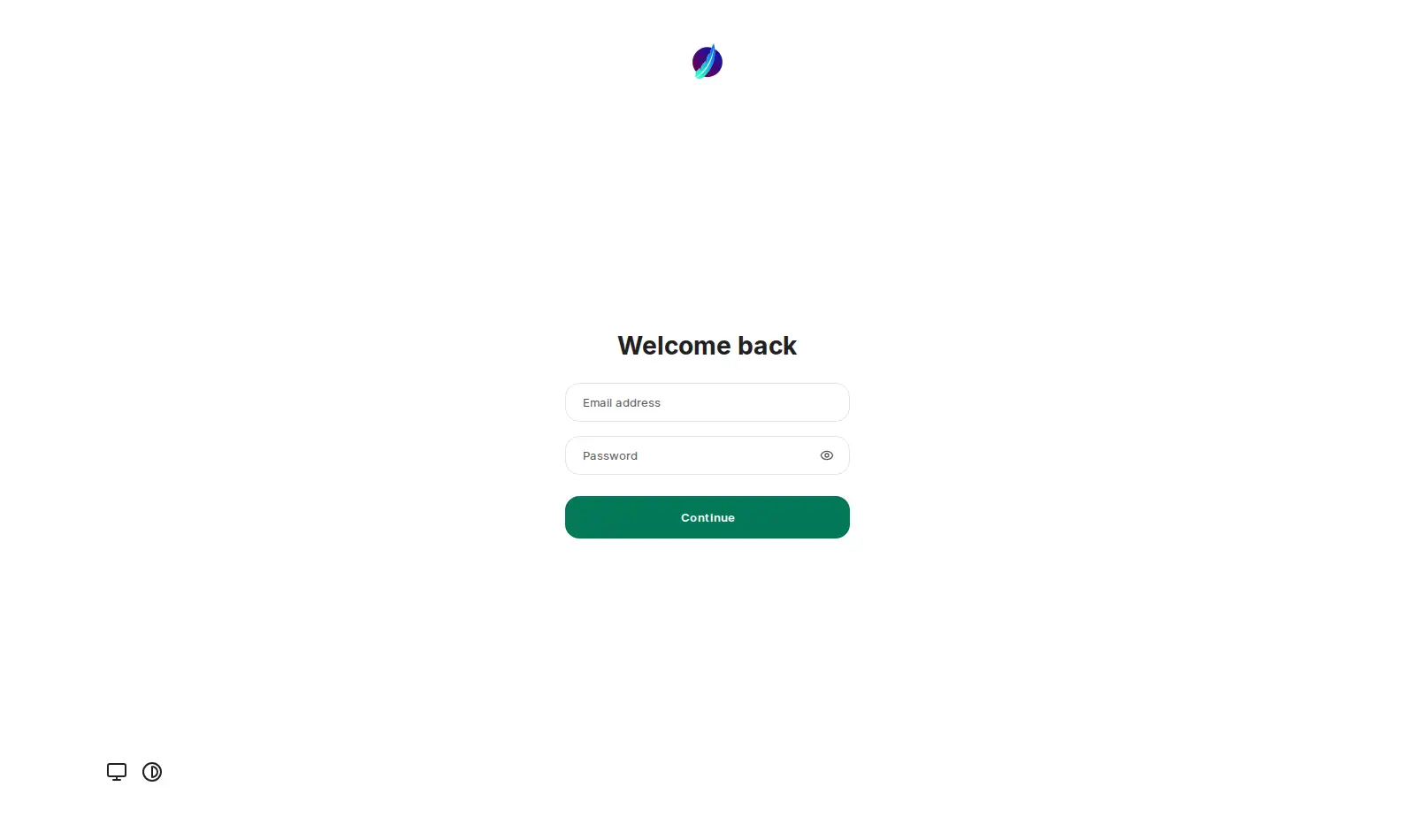
- Sign in as “admin@example.com”. The password is in your pod's Secrets tab. Sign-ups are off from the first start.
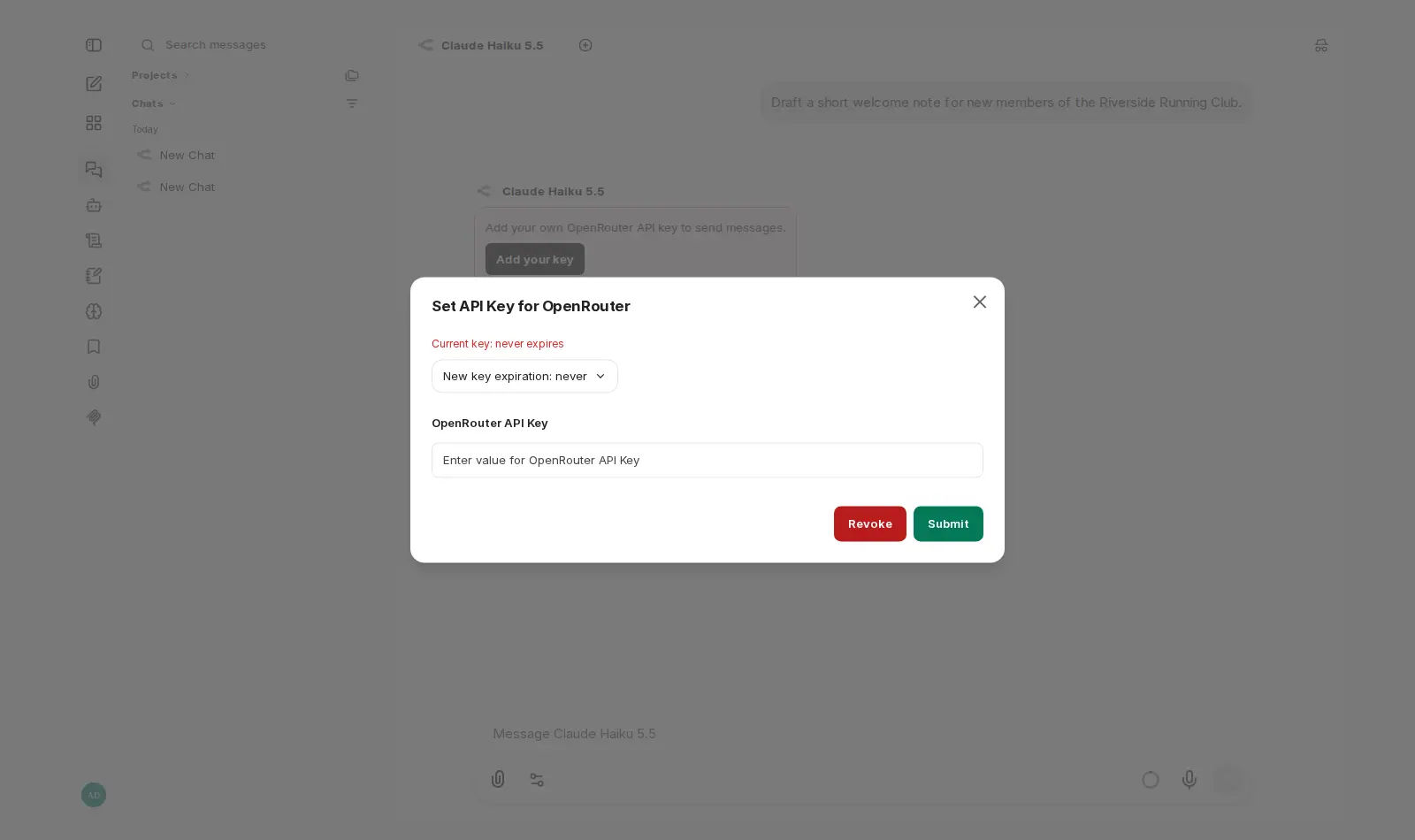
- Give an OpenRouter API key (your access code from OpenRouter) at launch, and every account on the pod uses it.
- No key at launch? Each person adds one in the chat with “Add your key”. Set the expiry to “never”. The default is 12 hours.
- To add a person, ask the AI admin, or create the account from your pod's terminal (command line).
- LibreChat or Open WebUI? What I'd set up for a small team
- LibreChat or AnythingLLM? Which one to run
How Podway runs it
- Runs on its own small machine, with HTTPS (a secure connection). Add your domain if you want one.
- Nightly backups (7 daily + 4 weekly). Podway does restores for you on request.
- A health check every 5 minutes. If LibreChat stops answering, Podway restarts it and emails you.
- Safe weekly updates to the stable version. Podway takes a snapshot (a restore point) first and can roll back. Betas are skipped, and major versions are never automatic.
Optional: connect your own Claude Pro/Max or Codex plan. Then an AI admin can help with major upgrades and look into problems.
FAQ
Can I change the admin password?
Yes. Sign in, then open Settings › Account. The password in the Secrets tab stays as it was, so keep the new one safe.
How are the keys people add stored?
LibreChat encrypts each saved key with secrets made for your pod alone. Podway never changes those secrets, so saved keys keep working.
Which model does a new chat use?
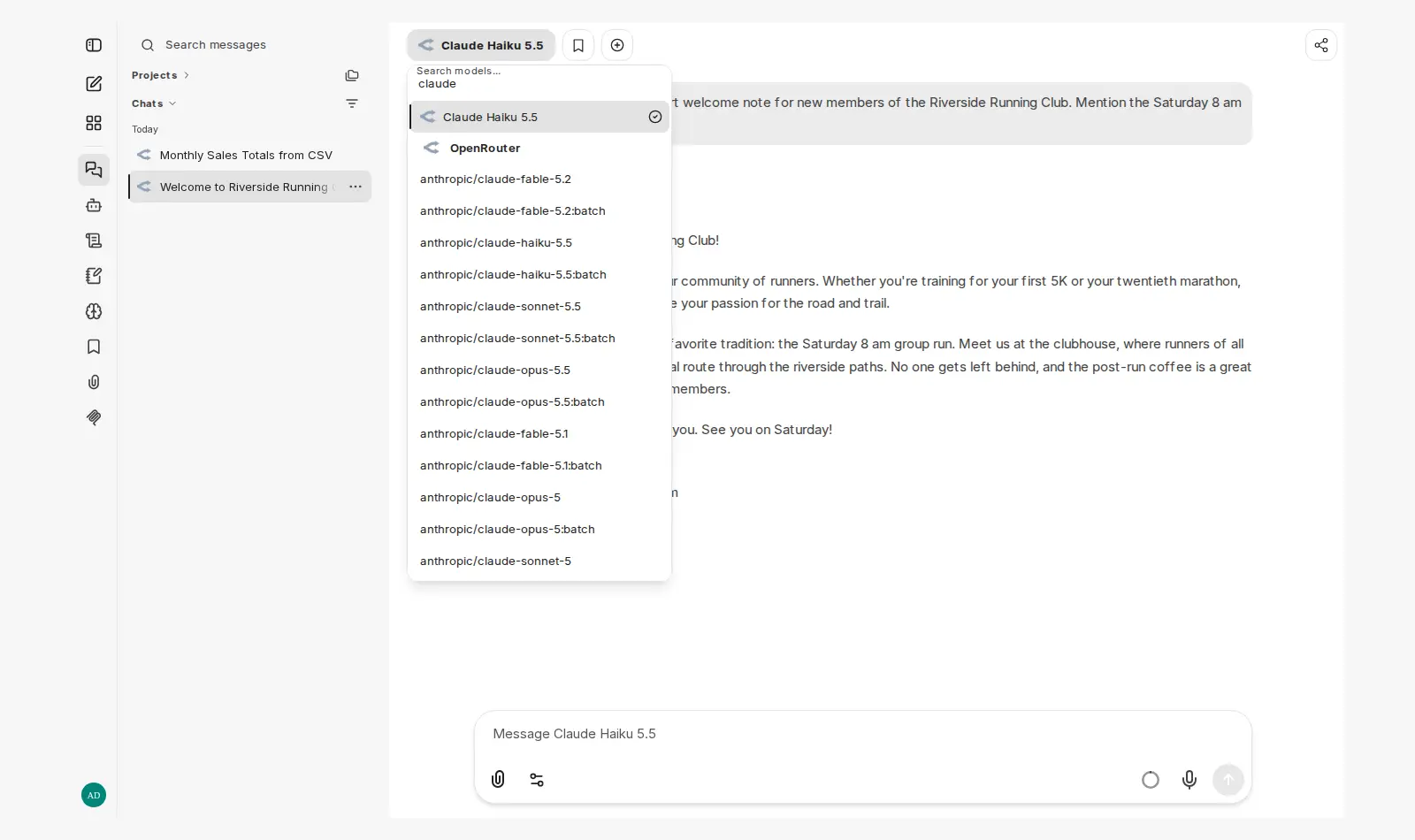
Claude Haiku 5.5 through OpenRouter. Pick another model in the picker at any time.
Do my prompts stay on the pod?
Your chats and accounts are stored on the pod. Your prompts go to the model provider you use. Check its data policy before you send sensitive material.