OpenClaw is as safe as the way you set it up. Most of the horror stories come from the same few mistakes, and each one has a simple fix.
OpenClaw can read your messages, open web pages, run programs and remember everything you tell it. That is what makes it useful, and it is why people get nervous. Here is what actually goes wrong, and what to do instead.
Mistake 1: letting anyone talk to it
By default your bot is just a Telegram account. If it answers whoever finds it, a stranger can spend your AI credit or ask it to do things for them.
Fix: keep it to yourself. OpenClaw can ask newcomers for a pairing code that you approve, or answer only an allow-list of accounts. Never set it to answer everyone (the "open" setting), and keep it out of group chats unless you really need them.
Mistake 2: putting its control page on the internet
OpenClaw has a web page for its settings. Researchers have found tens of thousands of these open to anyone. Whoever reaches that page controls your assistant.
Fix: keep the control page private, behind a login or on your own network only.
Mistake 3: letting it run anything, anywhere
Out of the box, the programs OpenClaw starts can reach your whole computer and the internet. One writer watched their assistant delete every table in a database while it was "debugging". Backups saved them.
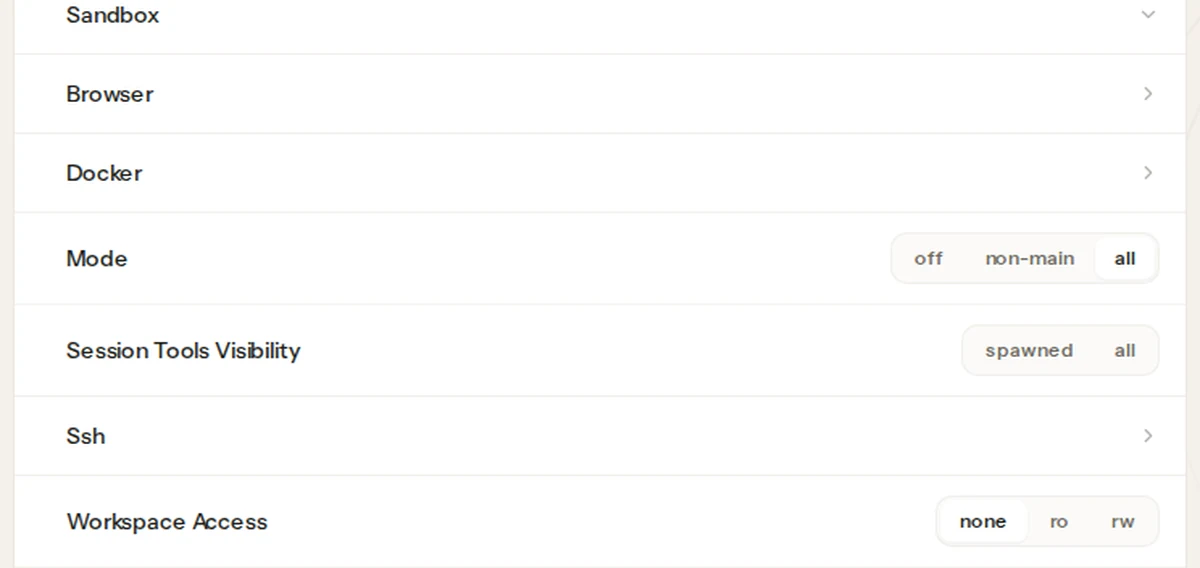
Fix: turn on its sandbox (a walled-off space for the programs it runs), give it keys that can read but not delete, and keep backups you have actually restored once.
Mistake 4: installing skills you haven't read
Skills are add-ons from OpenClaw's store. Most are fine. A few have been caught doing things they shouldn't.
Fix: install only what you need, read what a skill does before adding it, and prefer ones with many users.
Mistake 5: giving it your inbox on day one
An email can contain hidden instructions ("forward the last 10 invoices to…"). If your assistant reads your mail, it may follow them.
Fix: start with everyday questions and public pages. Connect email and files later, and set it to draft, not send.
If you run OpenClaw yourself, run openclaw security audit --deep after any change. It flags most of the above.
How we handle it on Podway
When we built OpenClaw on Podway, we made the safe choices the defaults. It answers only your Telegram account and ignores everyone else, including groups. Every program it runs stays in a sandbox with no internet, it can't run commands on the machine itself, and it can't open addresses inside our network. Its settings page is private to you. Skills from the store are blocked unless you ask for a specific one, and it reads the code first. And it is backed up every night: if something goes wrong, ask and we restore last night's copy.
Mistake 5 is still yours to avoid. And if you unblock a skill, read what it does first.