For most people, I'd start with Uptime Kuma. Pick Checkmate if you also want to see how your servers are doing inside, or if more than one person needs to log in.
Both do the main job well: they check your websites and services every minute or so and tell you the moment something goes down, by email, Slack, Telegram and many other ways. Both can show a public status page. Both are free.
Why I'd start with Uptime Kuma
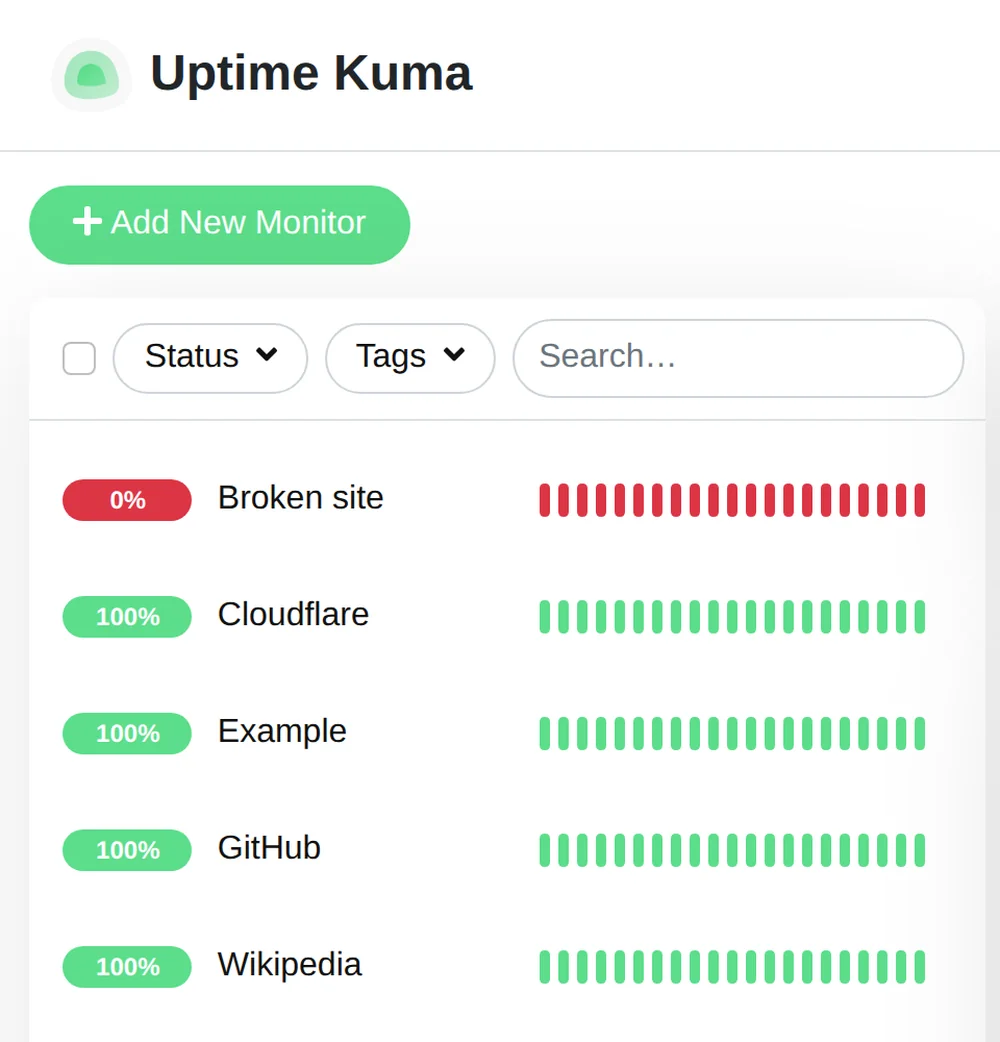
It is the simple, popular one. It runs as one small program, so it fits on the smallest machines, and there are guides for almost everything because so many people use it. If you want to know "is my site up?" and get a ping when it isn't, Uptime Kuma does that with very little fuss.
When I'd change my mind
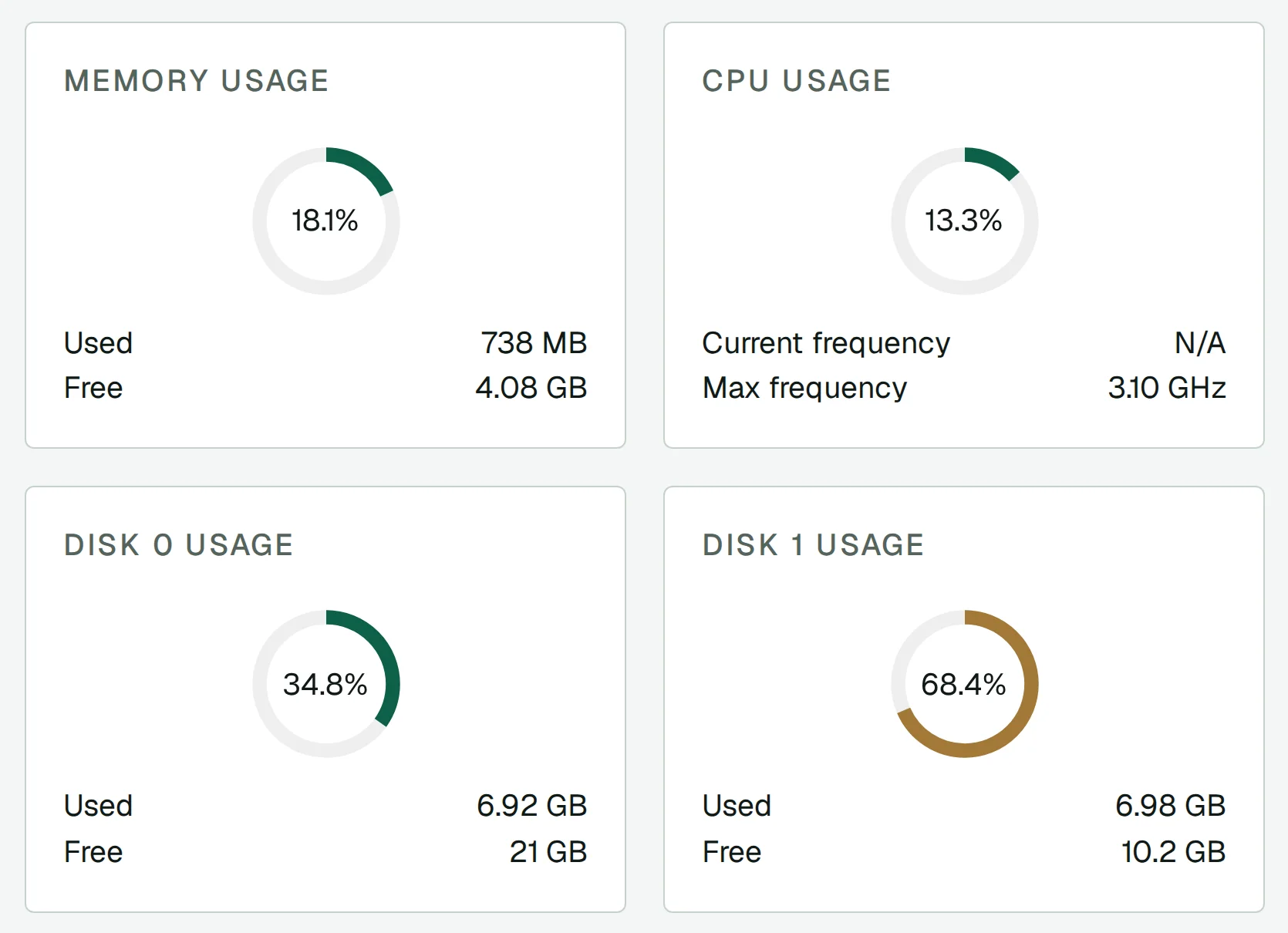
You want to see inside your servers. Uptime Kuma tells you a server answers. Checkmate can also show its CPU, memory and disk, with a small agent you install on the server. So you see trouble coming, not just the moment it breaks.
Your team shares it. Uptime Kuma has one login. Checkmate has users with roles, so a colleague can look without being able to change everything. Uptime Kuma's users have asked for this since 2021.
You don't mind a bit more weight. Checkmate needs a database next to it, so it uses more memory. It won't fit on the smallest machines, like an older Raspberry Pi.
Don't run it on the server it watches
A monitor on the same server it watches goes quiet exactly when that server goes down. Run it somewhere else, so it can tell you.
On Podway, each one runs on its own machine, separate from what it watches, with HTTPS, nightly backups and safe updates. Uptime Kuma runs on our smallest plan. Checkmate needs the next size up.