 podway

Host AnythingLLM on Podway
Chat with your documents, one workspace per project, instead of searching through files by hand.
Open source · MIT · source on GitHub · new pods start on 1.19.0 · latest stable release v1.20.0 (Nov 17, 2026), as of Nov 20, 2026
Why people pick it
- One workspace per project. Open WebUI's own team writes: “The workspace model keeps each project's documents and conversations together, and it's a really good way to organize your work.” Open WebUI docs
- Approachable without AI know-how. A Hacker News commenter, about the desktop app: “As someone who doesn't know what an Embed or Vector is, this has been the only offline AI tool I've been able to install and start using on my standard office PC.” Hacker News
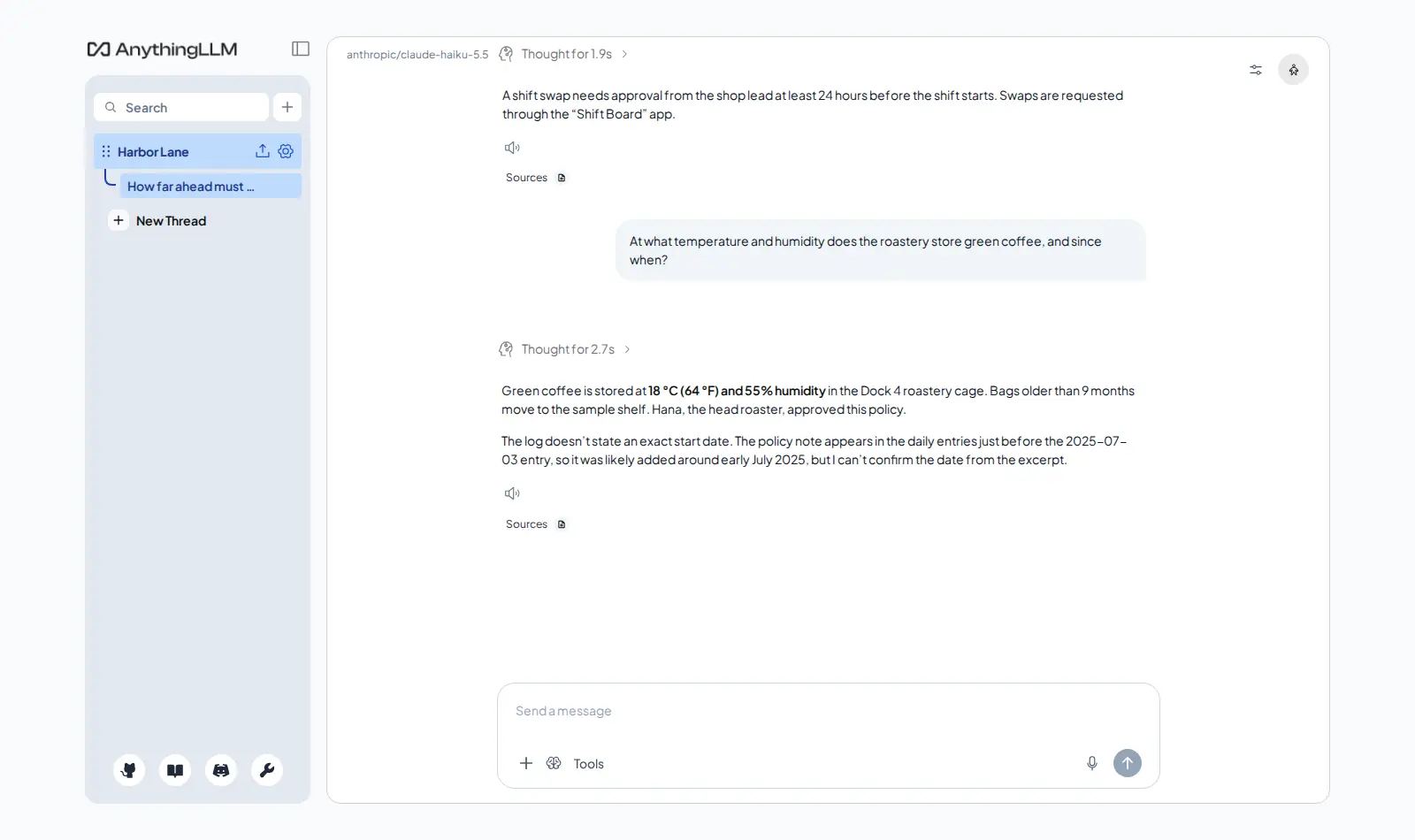
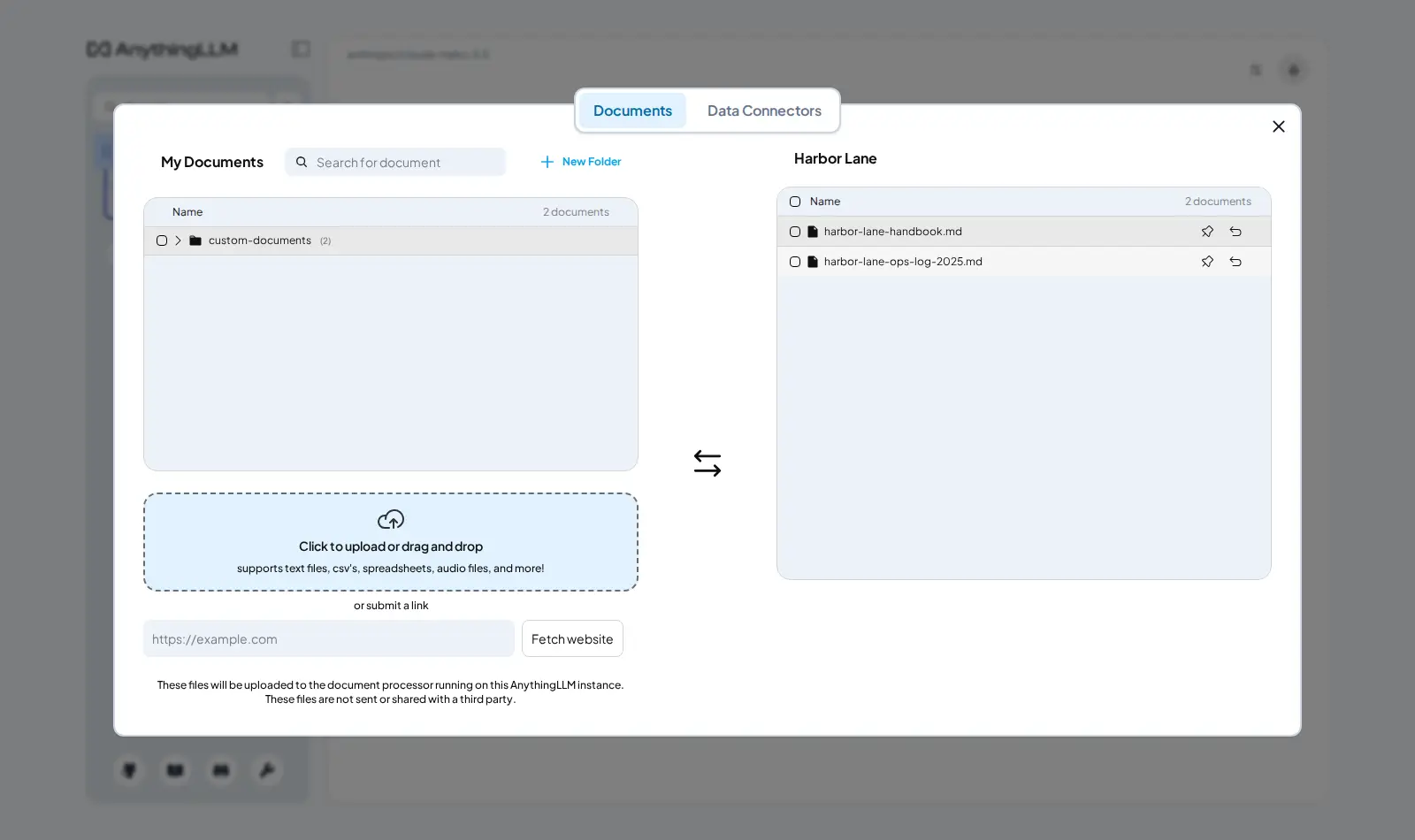
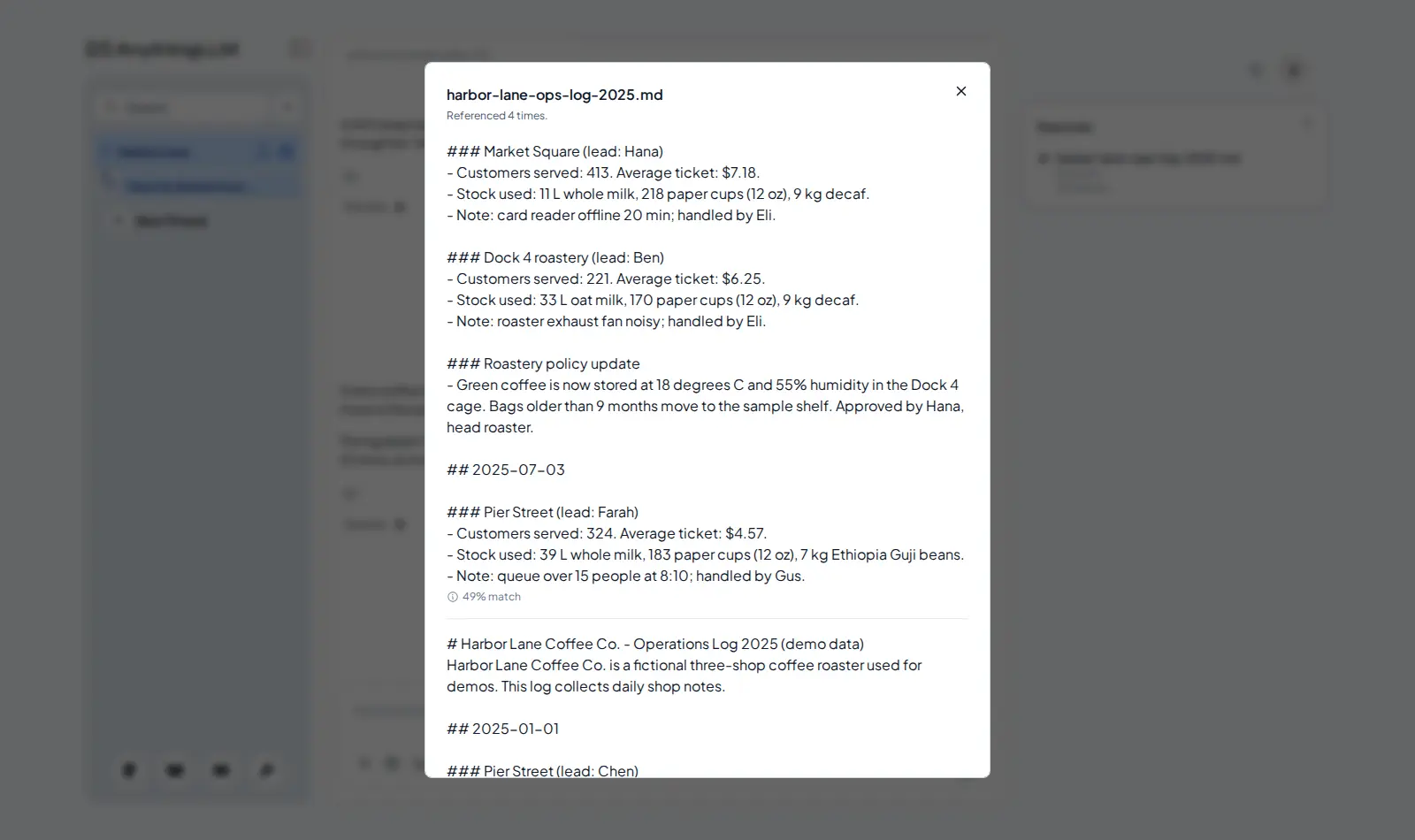
- Answers show their sources. In our test, we asked two direct questions about two demo files. Both answers were right, and each linked to the passage it used.
Know before you choose
- Check the sources. In our test, a request phrased as a writing task did not search the files. It came back without a source and wrong: 48 hours instead of 24.
- Accuracy can drop as the library grows. One user tested thousands of technical PDFs in several tools, AnythingLLM included, and reported: “As expected the more documents we feed the lower the accuracy.” Hacker News
- Bigger files take time to read in. Before you can ask about a file, the app reads it in. A short file is ready in a few seconds; a long document can take a minute. It all fits on a Small pod.
- Simple permissions. Fine-grained roles and access controls are still an open feature request. GitHub #1787
- Multi-user mode is one-way. You can turn on multi-user mode for teammates later, but you cannot turn it off again. AnythingLLM docs
- Hosting and model usage are separate bills. Your model provider bills you for usage. Our test chats cost less than one cent.
Pick something else if
- You need roles and group permissions for a team → Open WebUI
- You mostly want model chat, agents and separate accounts → LibreChat
- You want it offline on your own computer, with no server → AnythingLLM Desktop
Before you start
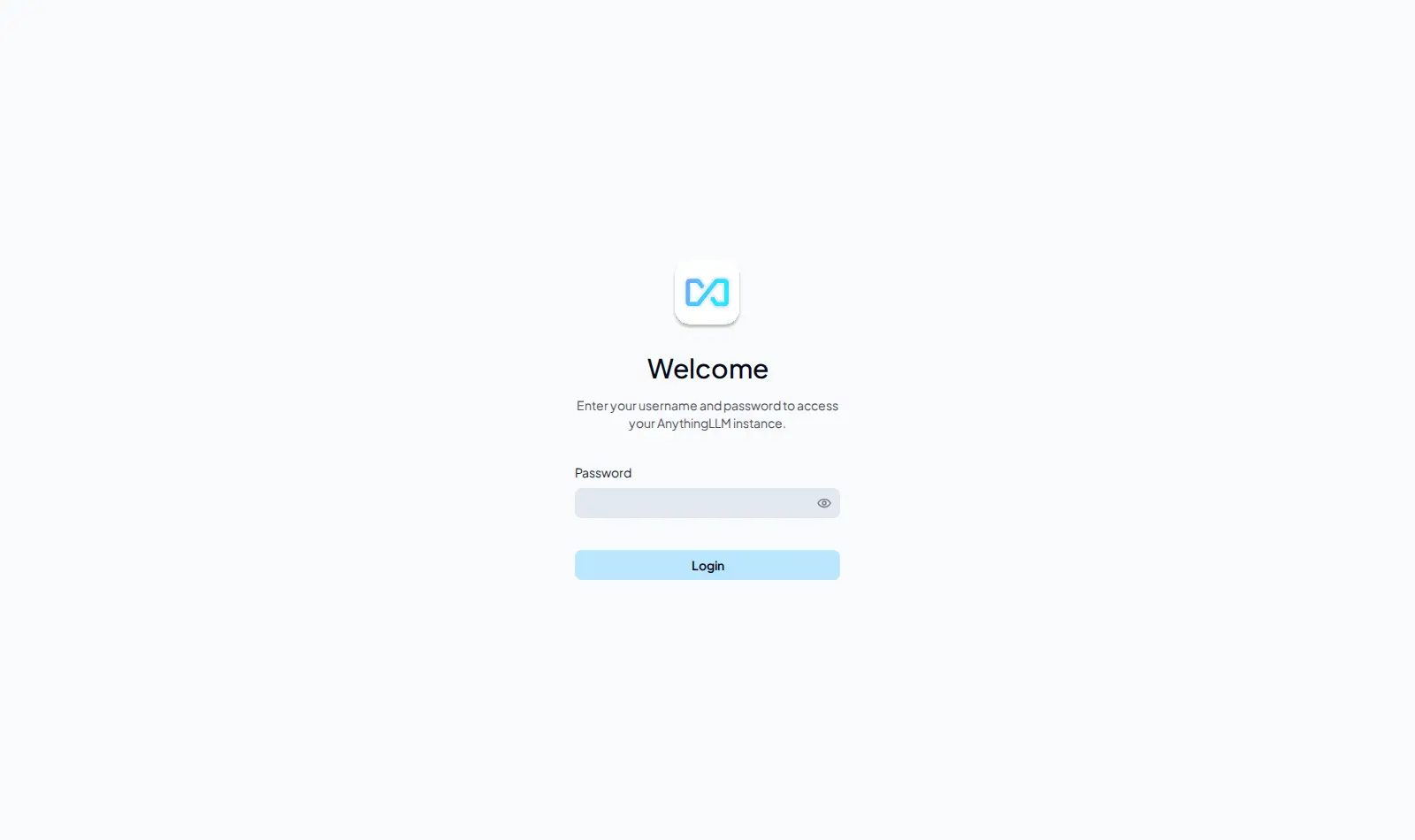
- It opens with a password, in single-user mode. The password is in your pod's Secrets tab. Upstream AnythingLLM has no password by default.
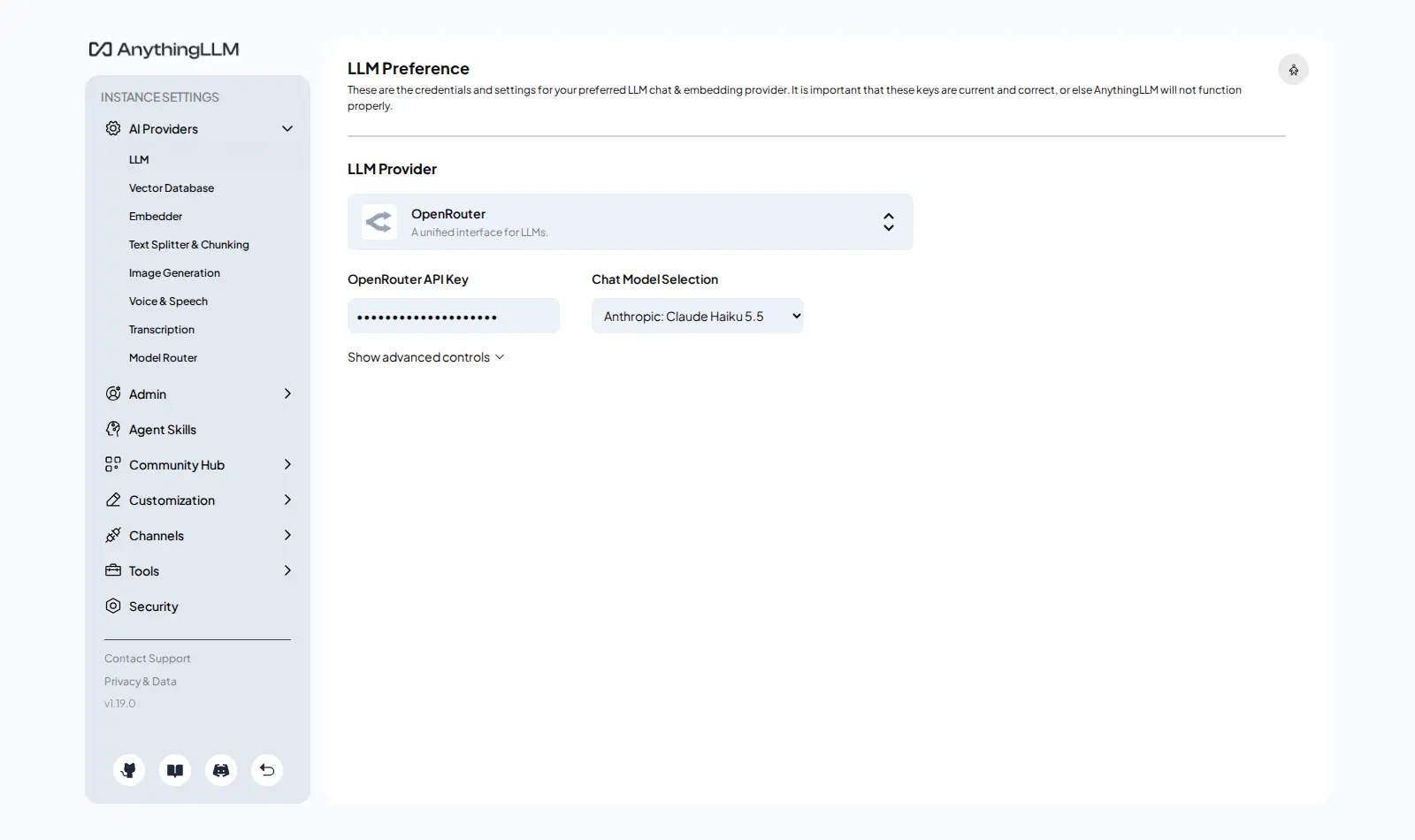
- Add your OpenRouter API key (your access code from OpenRouter) at launch or later. Chat needs it before it can answer. With it, OpenRouter and Claude Haiku 5.5 are set up for you.
- Start with a few documents whose answers you already know, and check the sources.
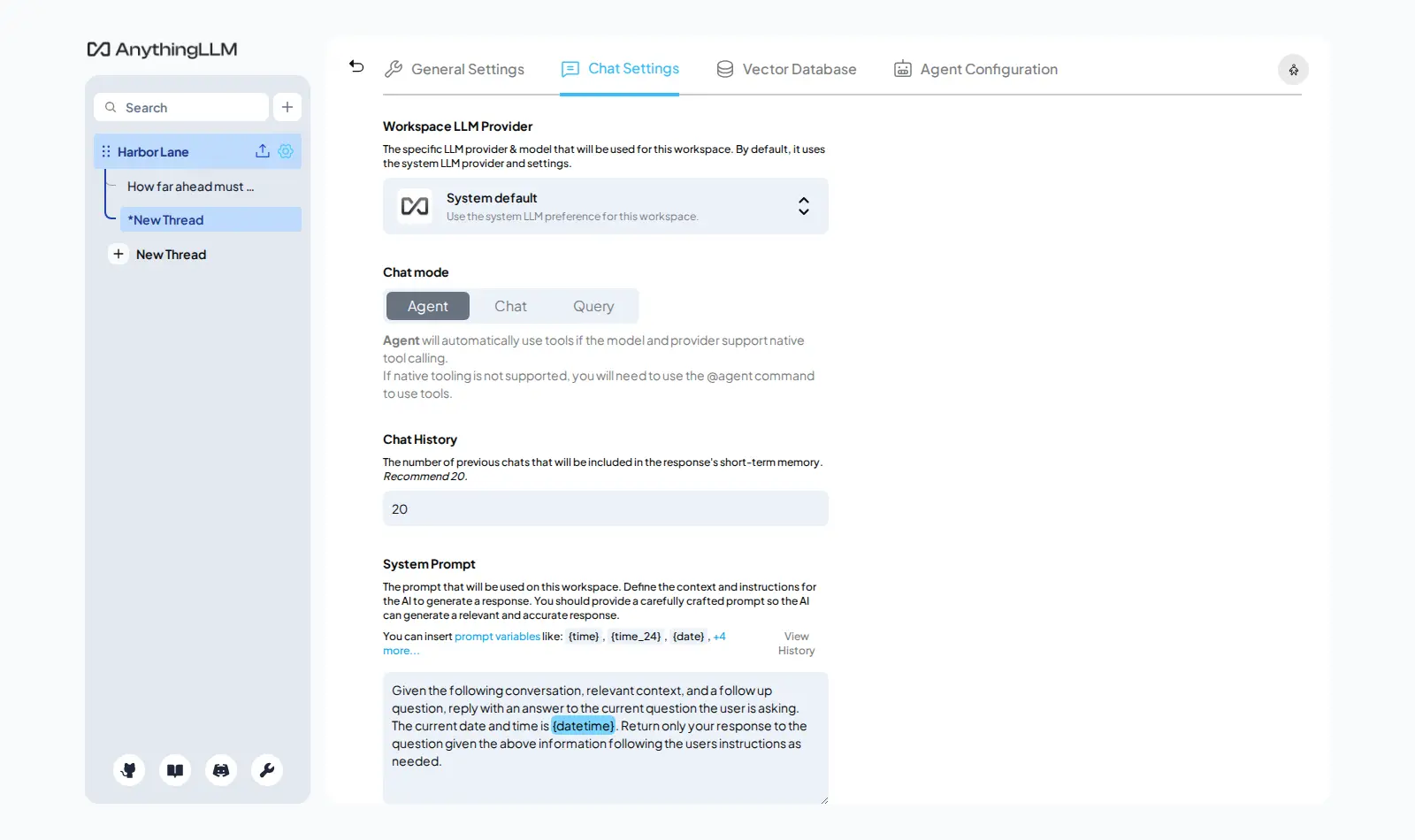
- For answers only from your files, set the workspace's chat mode to Query.
- AnythingLLM or Open WebUI? Chat first, or documents first?
- AnythingLLM or LibreChat? Which one to run
How Podway runs it
- Runs on its own small machine, with HTTPS (a secure connection). Add your domain if you want one.
- Nightly backups (7 daily + 4 weekly). Podway does restores for you on request.
- A health check every 5 minutes. If AnythingLLM stops answering, Podway restarts it and emails you.
- Safe weekly updates to the stable version. Podway takes a snapshot (a restore point) first and can roll back. Betas are skipped, and major versions are never automatic.
Optional: connect your own Claude Pro/Max or Codex plan. Then an AI admin can help with major upgrades and look into problems.
FAQ
Which embedding model does it use?
The built-in AnythingLLM Embedder (all-MiniLM-L6-v2). It runs on your pod. It downloads once, about 23 MB, when you add your first file.
Can I change the password later?
Yes. Sign in, then open Settings › Security. The password in the Secrets tab stays as it was, so keep the new one safe.
Is it completely private?
Your files are read and indexed on your pod. When you ask, the model provider gets your question and the matching passages. AnythingLLM's anonymous usage data is off on Podway.
What does “Could not validate login” mean?
The maintainer links it to settings lost between restarts, which changes the login secret. Podway writes that secret once into your pod's storage, so restarts and updates keep it.