 podway

Host OpenClaw on Podway
Your own OpenClaw, running 24/7 and answering only you in Telegram, without a Mac mini or a server to look after.
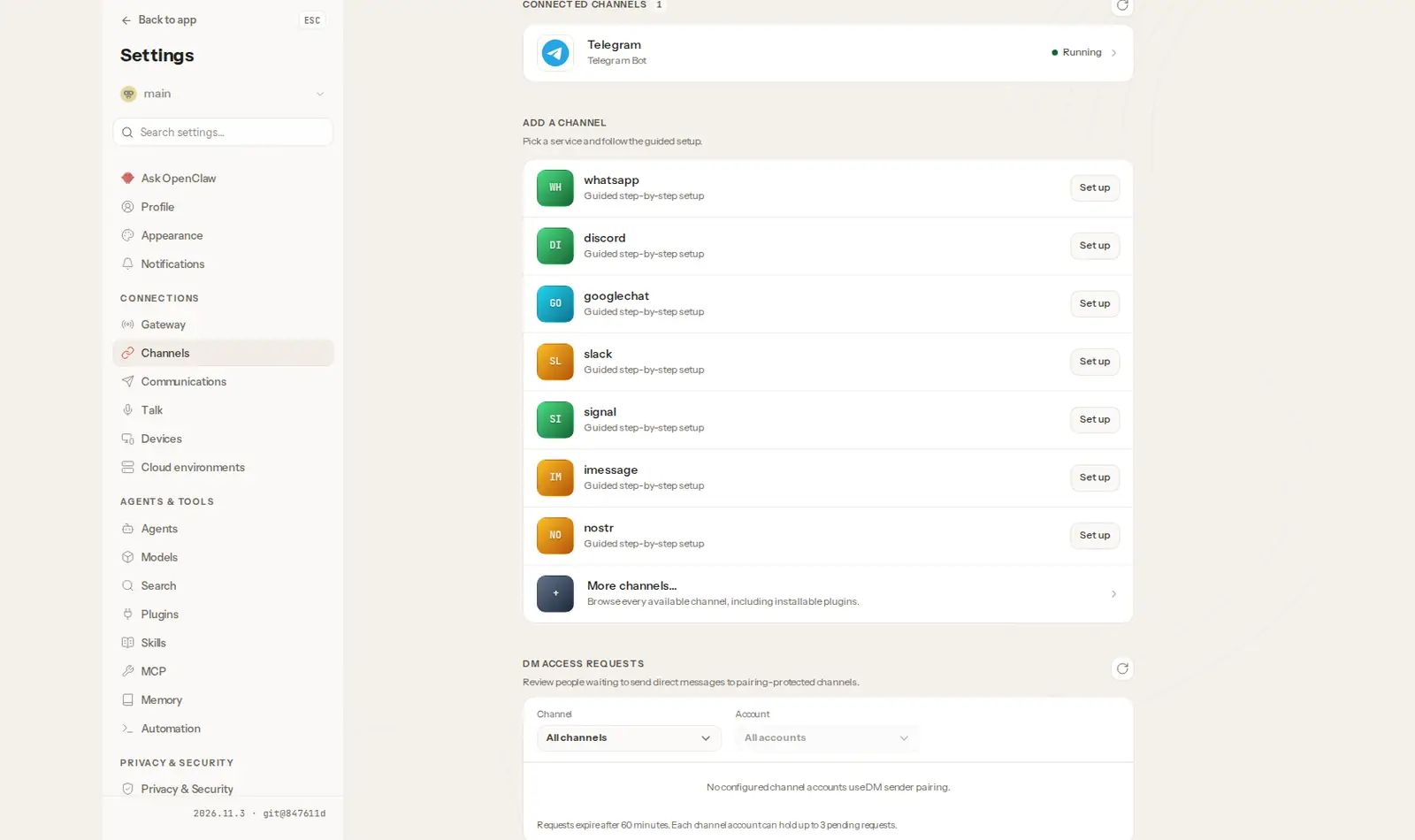
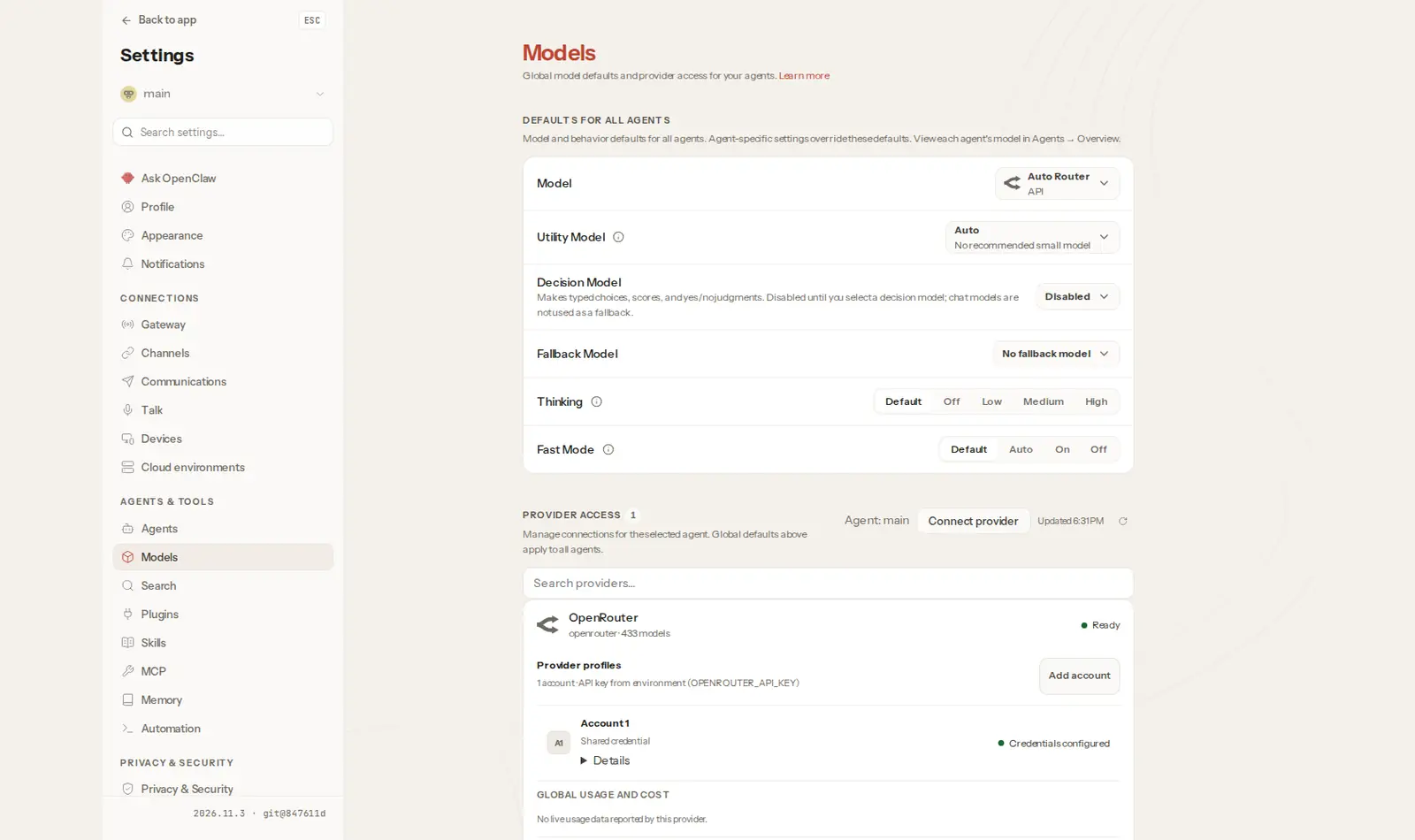
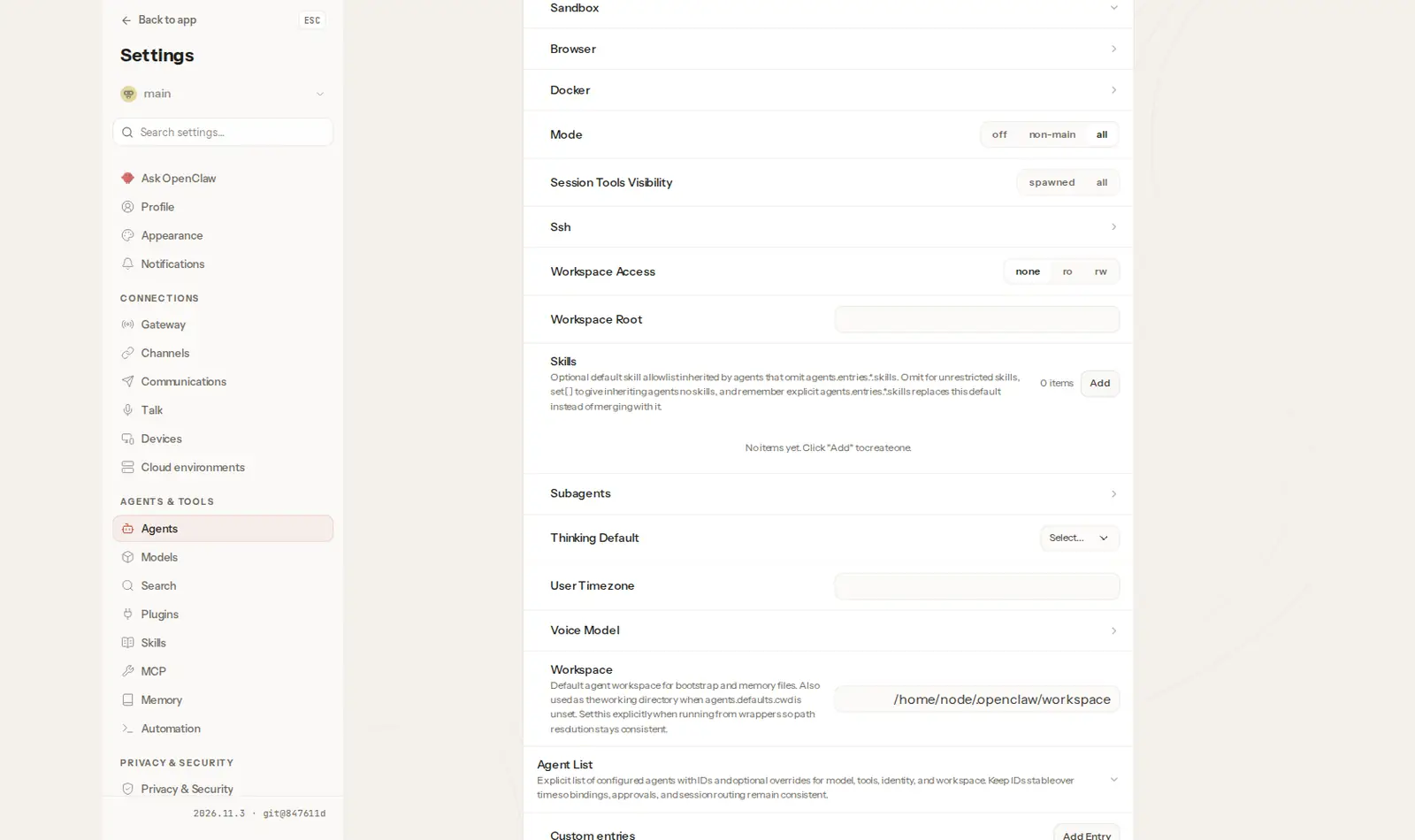
Open source · MIT · source on GitHub · new pods start on 2026.11.3 · latest stable release v2026.11.6 (Nov 19, 2026), as of Nov 20, 2026
OpenClaw is a free, open-source AI assistant that lives on a computer you control, remembers you, and does real tasks when you message it. People use it for a morning briefing, for reminders that arrive in their chat, for watching a price or a page and pinging them when it changes, and for small jobs they used to pay an automation tool for.
The catch is that it has to run all the time, and it has real access to the computer it runs on. That is why many guides suggest a spare machine and a list of settings to lock it down.
What you need
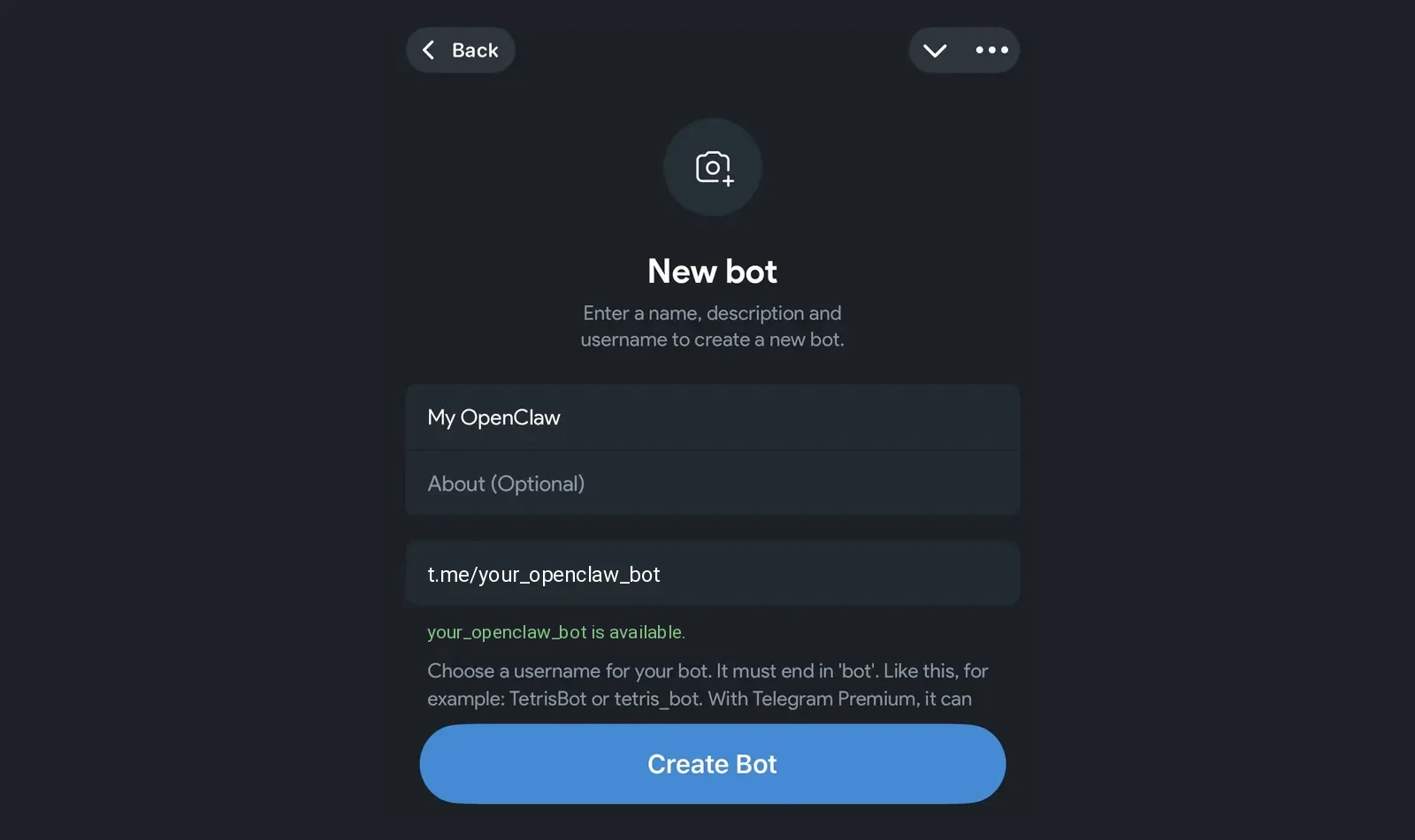
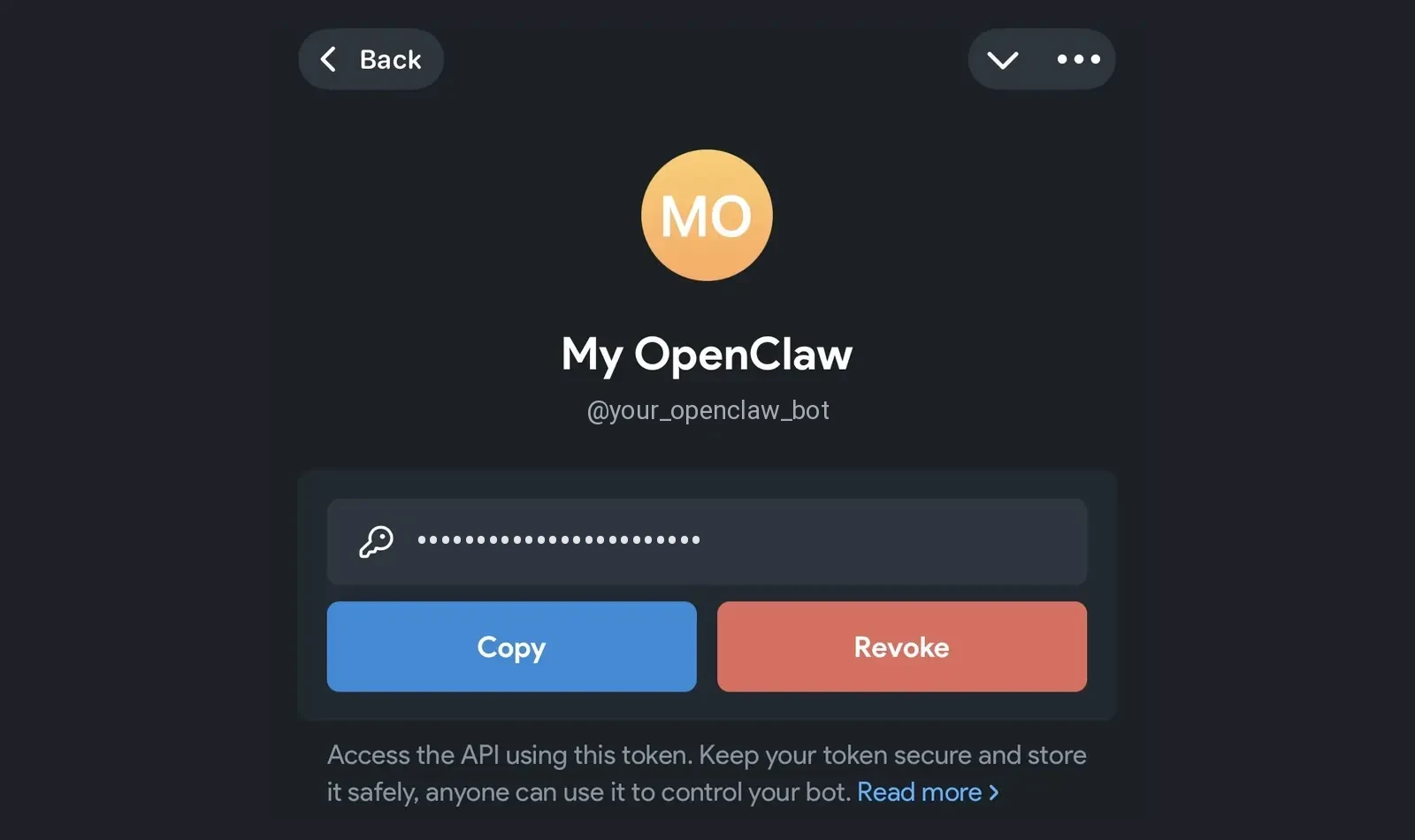
- A Telegram bot. You create it by messaging @BotFather in Telegram.
- Your Telegram user ID (the number that identifies your account), so the assistant knows who you are.
- An OpenRouter key (a password-like code from OpenRouter), which lets you pick from hundreds of AI models and pay only for what you use.
You paste these three things when you start. Podway does the rest.
Is it safe?
Most OpenClaw guides spend a lot of time here, and they should. On Podway, the main safety settings are already on:
- It answers only your Telegram account. Messages from anyone else are ignored, and it does not join groups.
- It runs on its own small machine, not on your laptop with your files.
- The programs it runs can't reach the internet, and it can't open addresses inside our network.
- If it breaks something, a nightly backup can put it back. We restore it for you on request.
Keep passwords out of the chat, and add access to your email or files only when you are ready.
What does it cost?
The software is free. Hosting starts at $7 a month, and your first app on Podway is free.
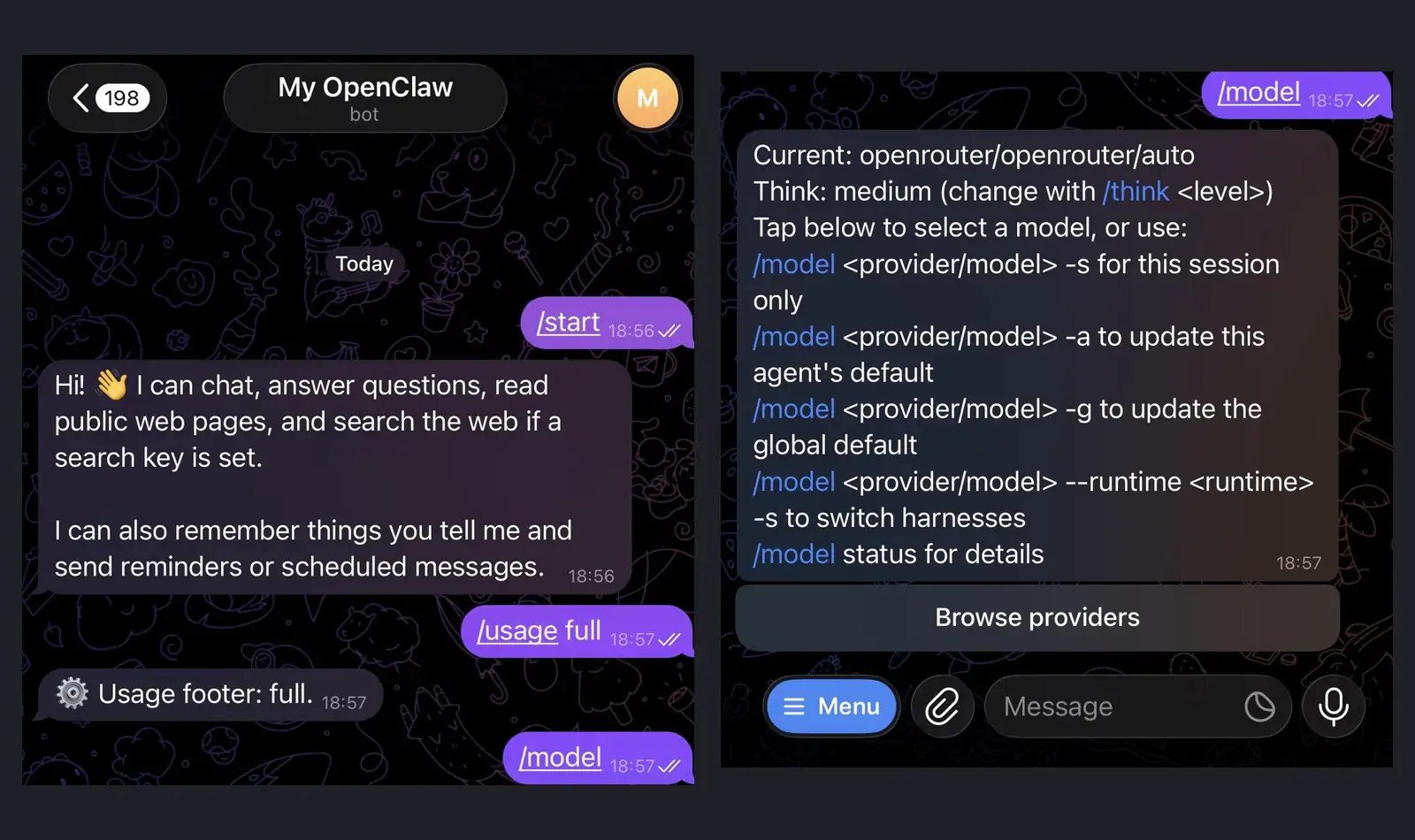
The real cost is the AI model, which you pay to OpenRouter directly. Everyday chat costs very little, but long conversations and big models add up. Type /usage full in the chat to see what each reply cost, and set a spending limit on your OpenRouter key, so the bill stops where you decide.
Why run it on Podway
It stays on when your laptop sleeps. Podway checks it every five minutes, restarts it if it stops, and emails you. Safe updates arrive weekly. Podway saves a copy first, so a bad update can be undone. If you want an AI to change or fix it for you, you can connect your own Claude or Codex subscription.
Guides
FAQ
Can I use WhatsApp instead of Telegram?
On Podway we set up Telegram, because we think it is the easiest to keep private. Other chat apps need their own setup.
Which AI model does it use?
You pick from the models on OpenRouter. Type /model in the chat to switch.
Does my data stay private?
Your assistant and its memory live on your own machine. The messages you send still go to the AI model you choose.