You type /remote-control, ready to pick the session up from your phone, and Claude Code answers with one flat line: "/remote-control isn't available in this environment." No reason, no link. It's easy to assume your account lost access.
In most cases it hasn't. The message is about where you typed the command, not who you are.
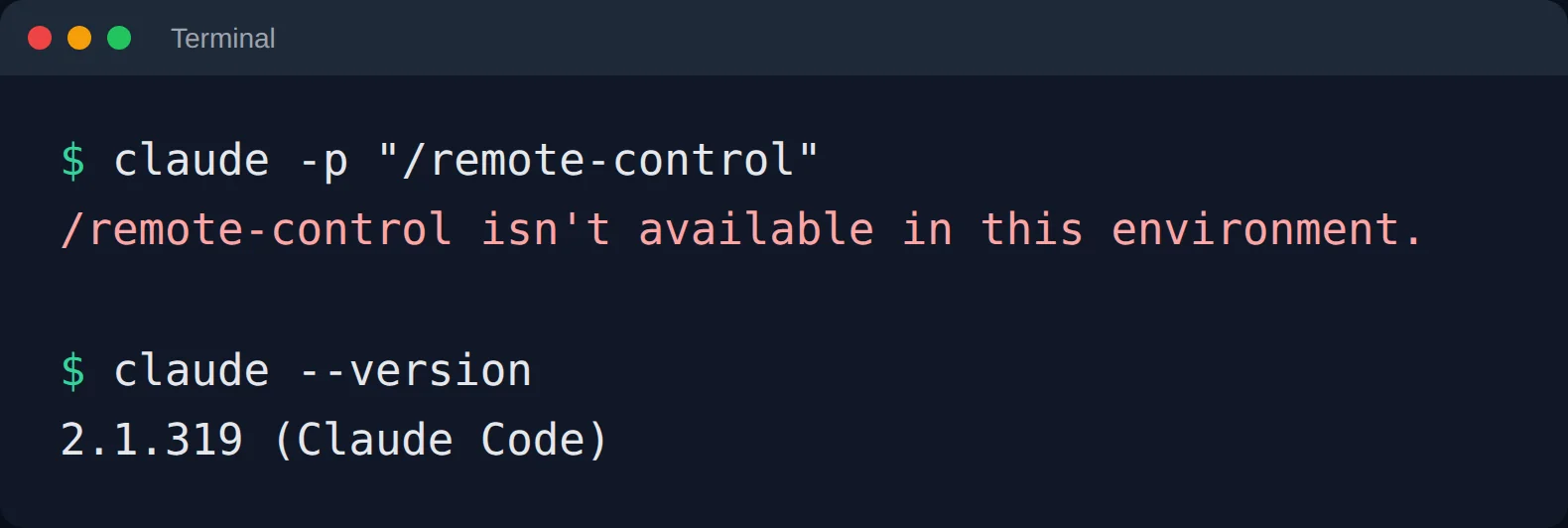
I wanted to be sure, so I made it happen on purpose. On a machine where Remote Control works fine, I ran Claude Code as a one-shot command instead of opening it normally:
Why it happens
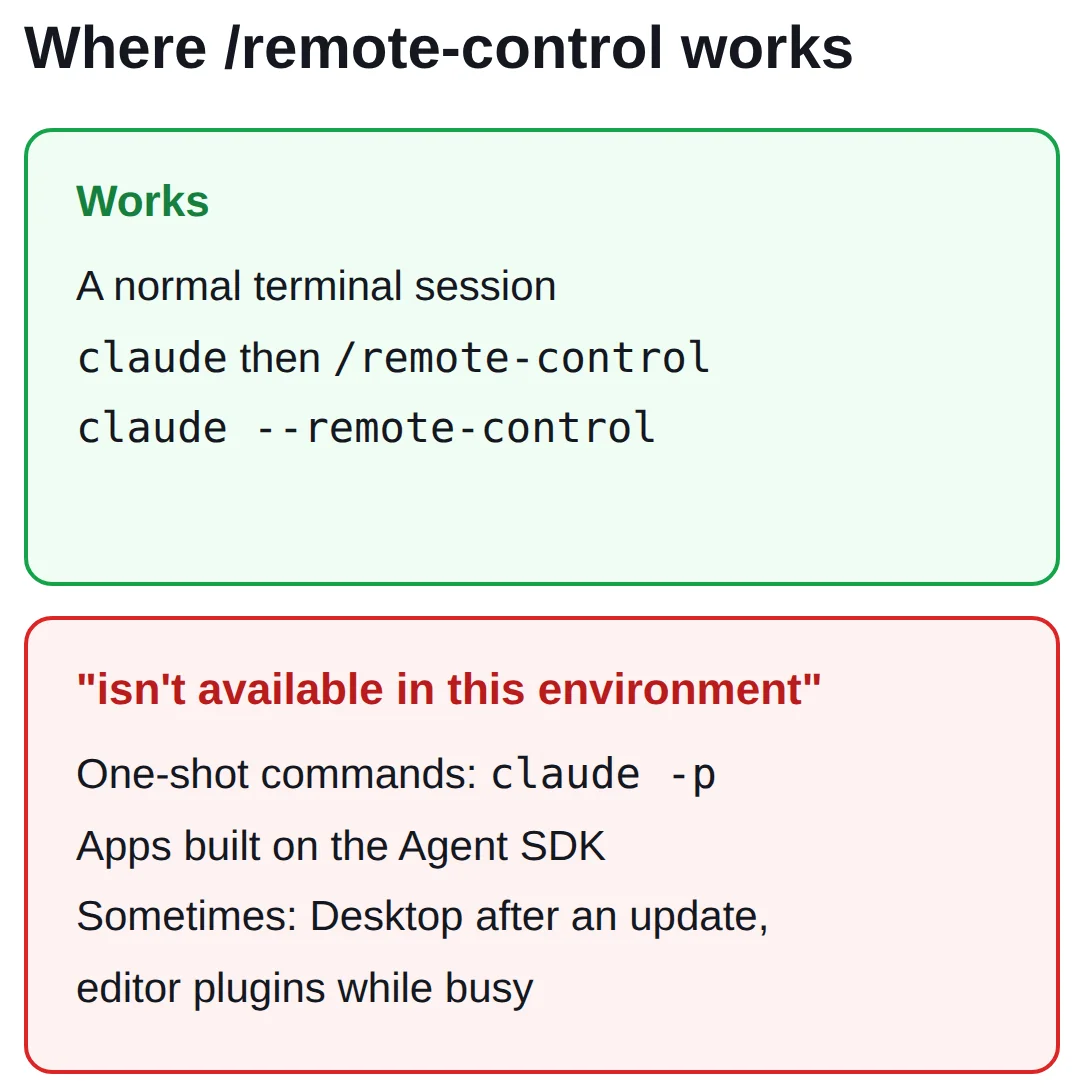
Remote Control connects your phone to a live Claude Code session that you are sitting in. Some ways of running Claude Code have no such session: a one-shot claude -p command, or an app built on Anthropic's Agent SDK. Claude Code simply refuses the command there, and tells you so in that one vague sentence.
People also report it in a few other spots: Claude Desktop right after an auto-update, and editor plugins like Zed's when Claude is busy with something else.
Getting it working
Start with the simple one. Open a normal terminal on the computer that should do the work and run claude --remote-control. Or open claude and type /remote-control there. You should get a link, and the session shows up in the Claude app on your phone.
If you are on Claude Desktop and it broke after an update, quit the app completely and open it again. One user had exactly this, and a restart cleared it.
Still stuck? Check two things. First, how you signed in: a long-lived token from claude setup-token can only run the model, not Remote Control, so sign in with claude auth login instead. Second, your version: older releases also blocked it when telemetry was switched off, so run claude update.
claude doctor tells you whether Remote Control is available for your account, which is a quick way to rule the account out.
If the message you see says Remote Control isn't enabled for this account, that is a different problem, an account check. Here is how to fix that one.
The other half of the problem
Once it works, you hit the next wall: Remote Control only lives as long as the computer running Claude Code stays awake. Close the laptop and your phone loses the session. That is the reason we built Podway: Claude Code gets its own machine that stays on, signed in with a normal Claude login, so you start Remote Control there and your laptop can sleep. See how it works.