 podway
Host Uptime Kuma on Podway
Know the moment your website or service goes down, instead of hearing it from a customer.
Open source · MIT · source on GitHub · new pods start on 2.5.5 · latest stable release 2.5.12 (Nov 17, 2026), as of Nov 20, 2026
Why people pick it
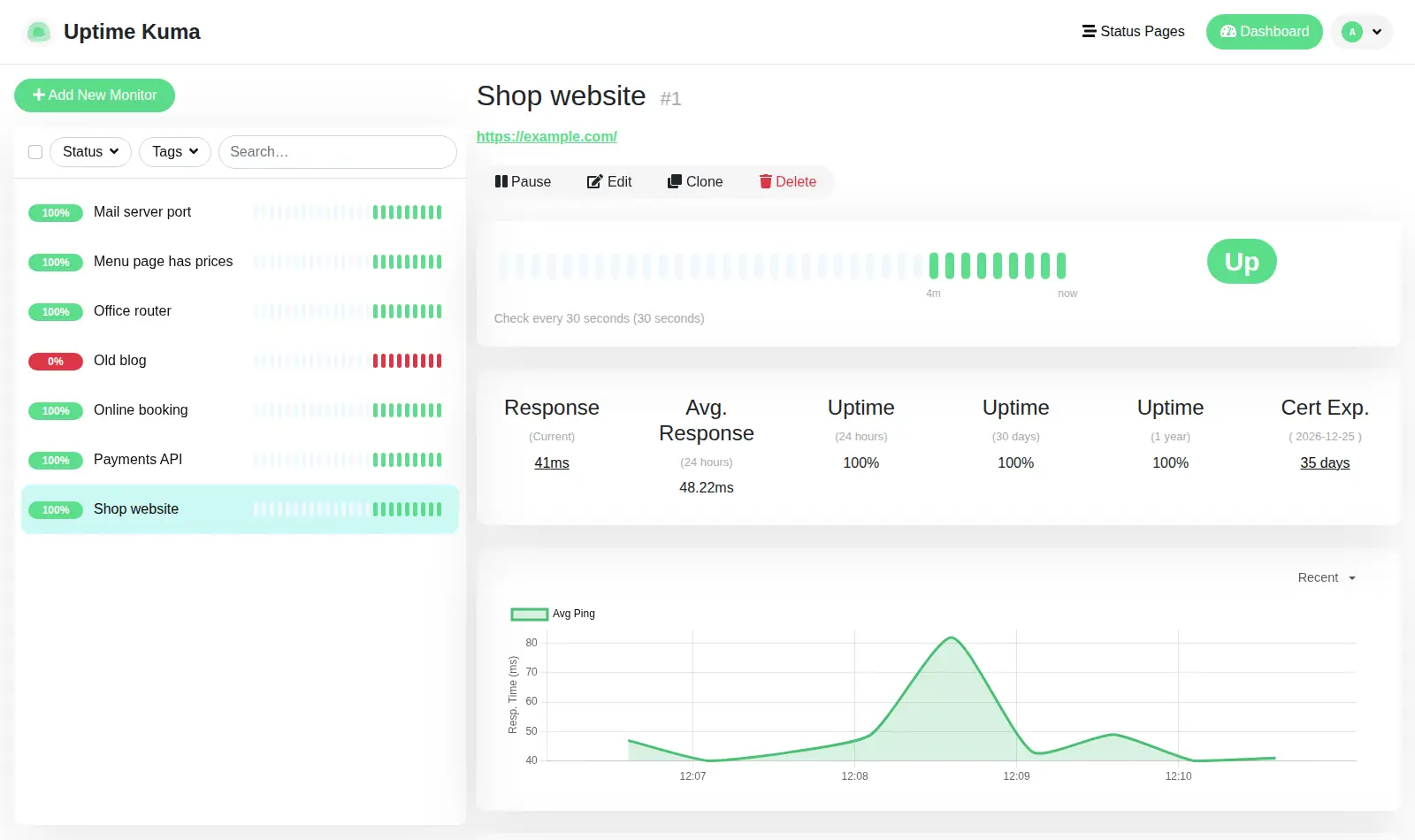
- Certificate warnings before it is too late. One Hacker News commenter: “Uptime Kuma supports certificate expiry notifications and will send you messages in whatever channel (e.g. e-mail, Slack, ...) you configure ahead of time.” Hacker News
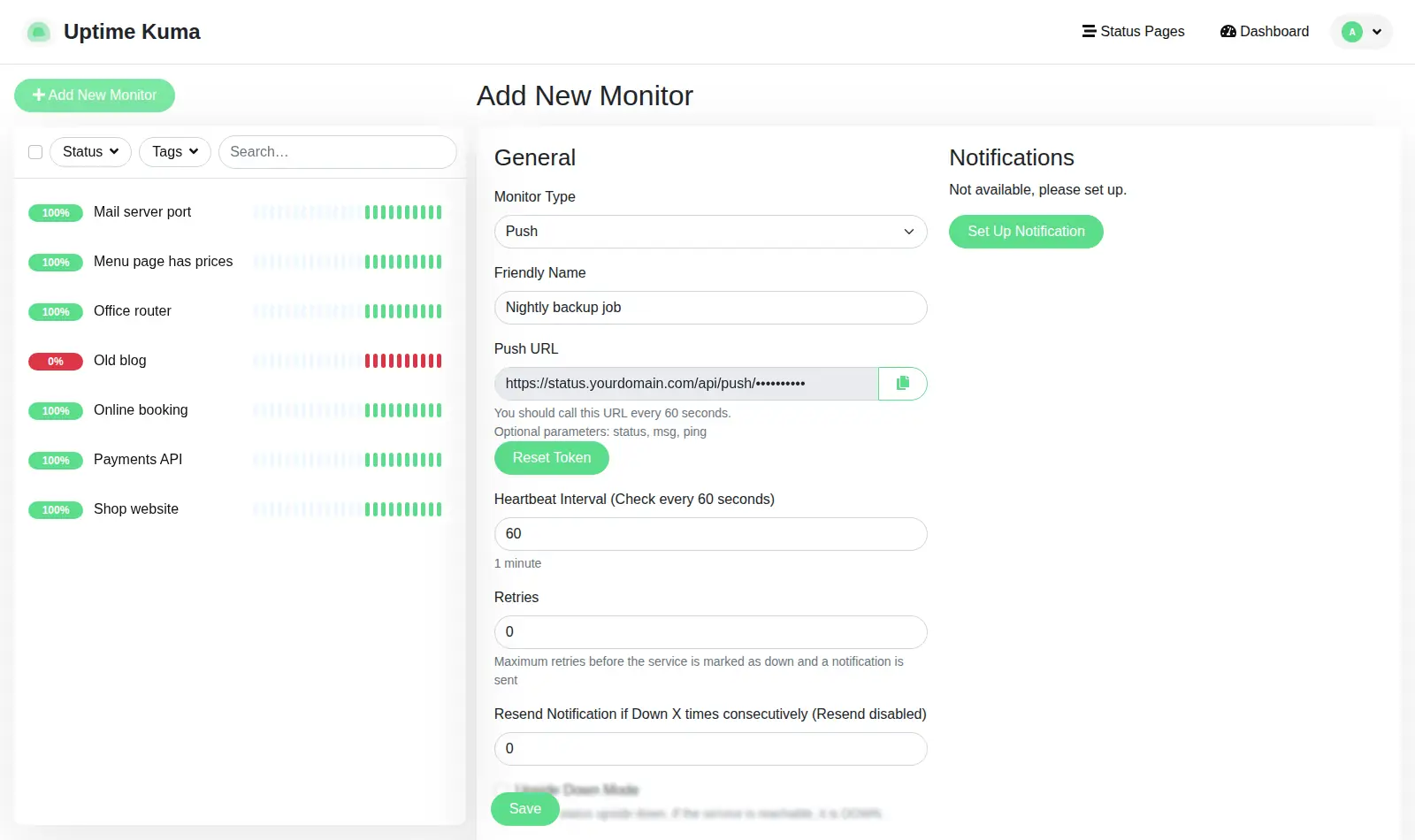
- Catch the job that never ran. A push check waits for your backup or script to call it (your pod's address must be public for that). Another commenter: “if cron jobs are not running at all for some reason, the timeout will notify you.” Hacker News
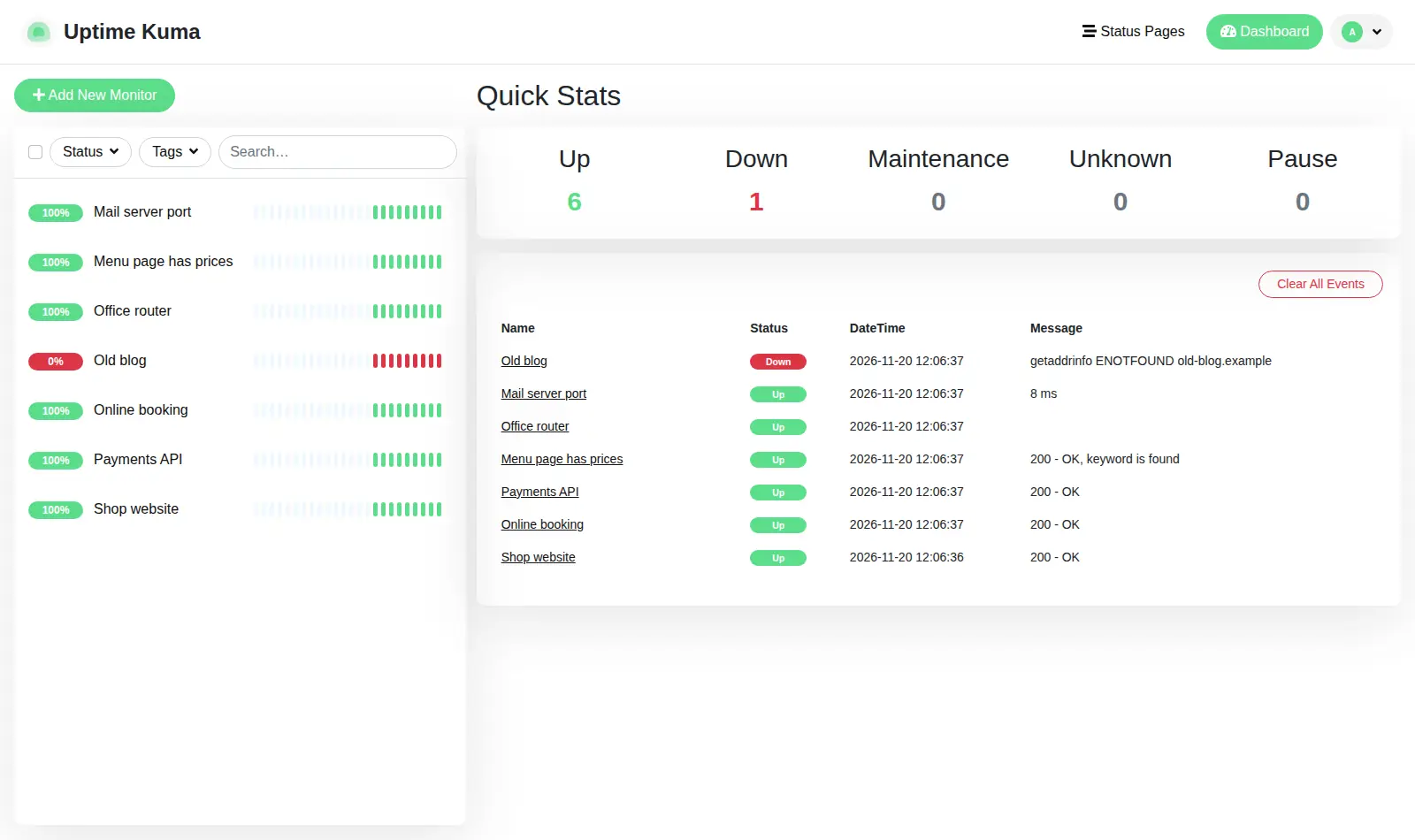
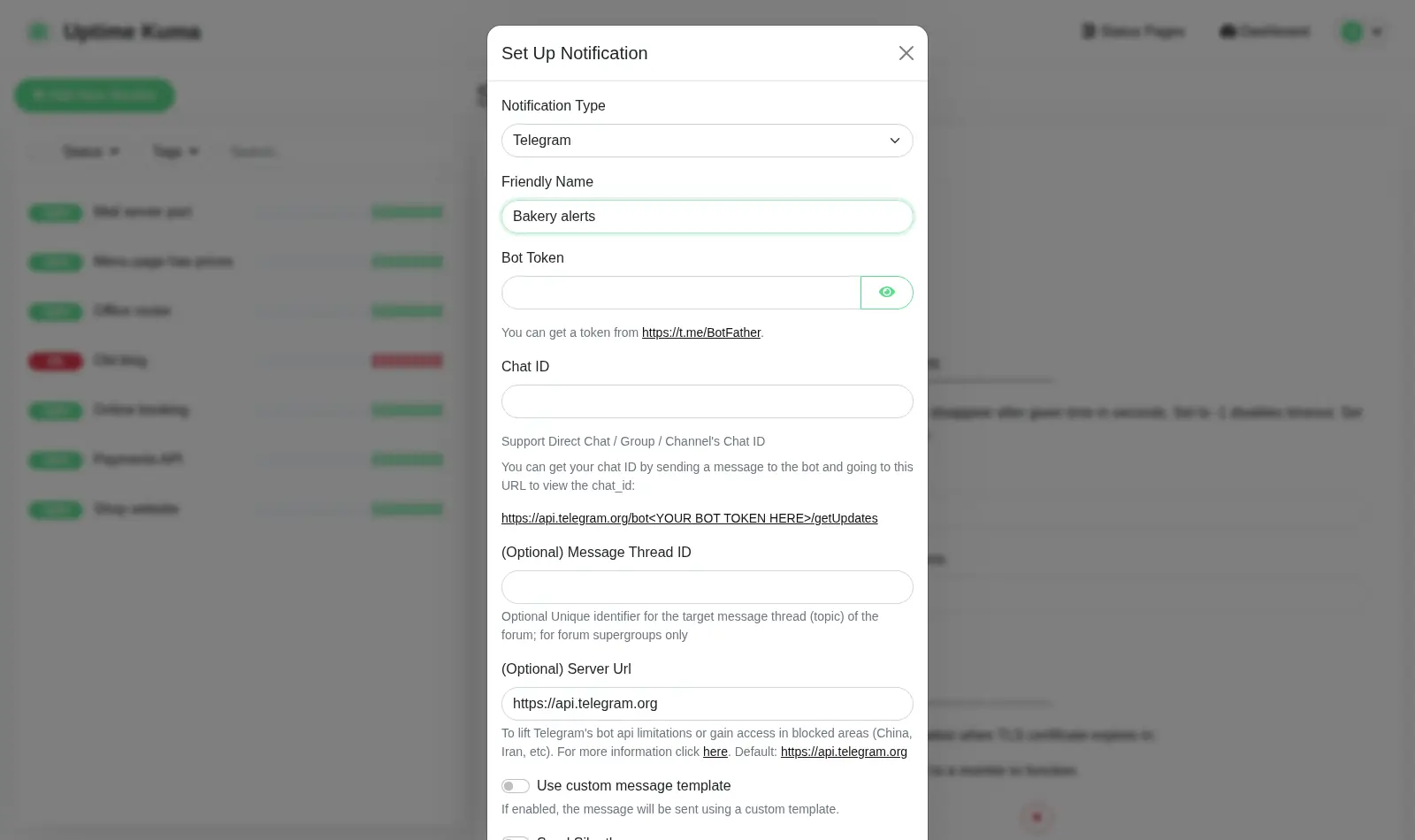
- Alerts where you already look. When we tried it, the alert list had more than 100 services, from Telegram and Slack to email. It can check websites, ports, ping, DNS, databases and about 25 other kinds of things.
Know before you choose
- One login for everyone. Uptime Kuma has a single account. A request for separate user accounts has been open since 2021. GitHub #128
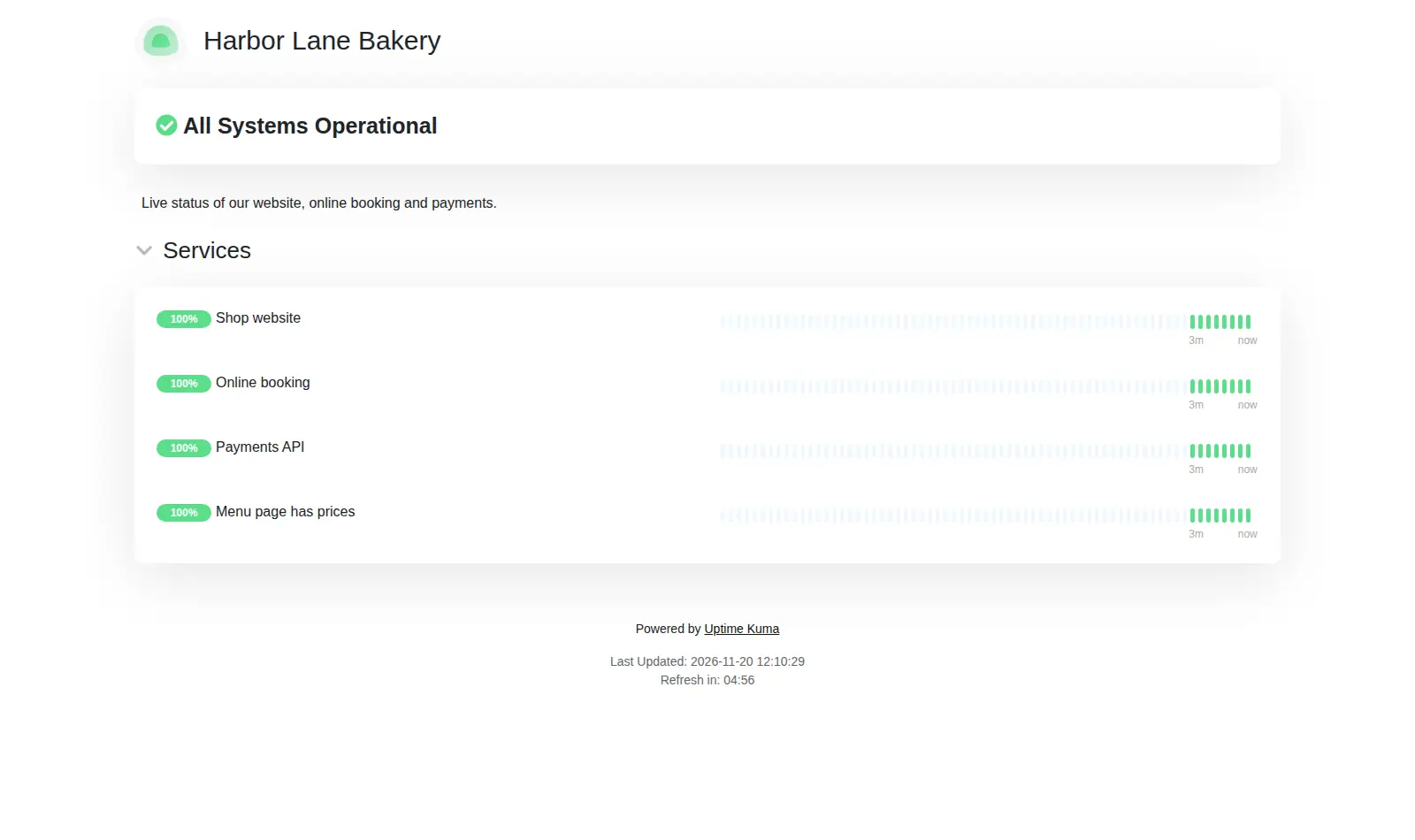
- Status pages and push checks need a public address. Your Uptime Kuma is private to you at first. To show a status page, or to let a job or device on another machine call a push check, make the pod's address public. The sign-in page is then reachable too, still behind the password.
- Email alerts need your own email account. Email alerts are sent over SMTP (the standard way to send email) through an account you already have. Telegram, Slack and Discord need only their own token or link.
Pick something else if
- You also want CPU, memory and disk of your servers, or logins for a team → Checkmate
- You prefer checks written in a config file → Gatus
- You don't want to run anything yourself → a hosted service like UptimeRobot or updown.io
Before you start
- Sign in as “admin”. The password is in your pod's Secrets tab. Podway creates this account before anyone can open the setup page.
- Change the password in Settings › Security after your first sign-in.
- For alerts, have your Telegram bot, Slack or Discord link, or email account details ready.
- Run it somewhere other than the server it watches. On Podway it already has its own machine.
- Checkmate or Uptime Kuma? Which uptime monitor to run
How Podway runs it
- Runs on its own small machine, with HTTPS (a secure connection). Add your domain if you want one.
- Nightly backups (7 daily + 4 weekly). Podway does restores for you on request.
- A health check every 5 minutes. If Uptime Kuma stops answering, Podway restarts it and emails you.
- Safe weekly updates to the stable version. Podway takes a snapshot (a restore point) first and can roll back. Betas are skipped, and major versions (like v3) are never automatic.
Optional: connect your own Claude Pro/Max or Codex plan. Then an AI admin can help with major upgrades and look into problems.
FAQ
Can it check a device on my home network?
Only what your pod can reach over the internet. For a device behind your home router, use a push check: the device calls Uptime Kuma, so you don't have to open anything on your router. Your pod's address must be public for that.
Does it need a separate database?
No. It keeps everything in one SQLite file (a small built-in database) on your pod, and the nightly backups include it.
Can I bring my checks from another Uptime Kuma?
Yes. Uptime Kuma keeps everything in its data folder. Copy that folder into your pod from the terminal (command line), or ask the AI admin to do it.