 podway

Host Checkmate on Podway
Uptime checks, server health and status pages for a team, instead of a paid monitoring service.
Start my CheckmateFirst pod free · more pods from $7/month
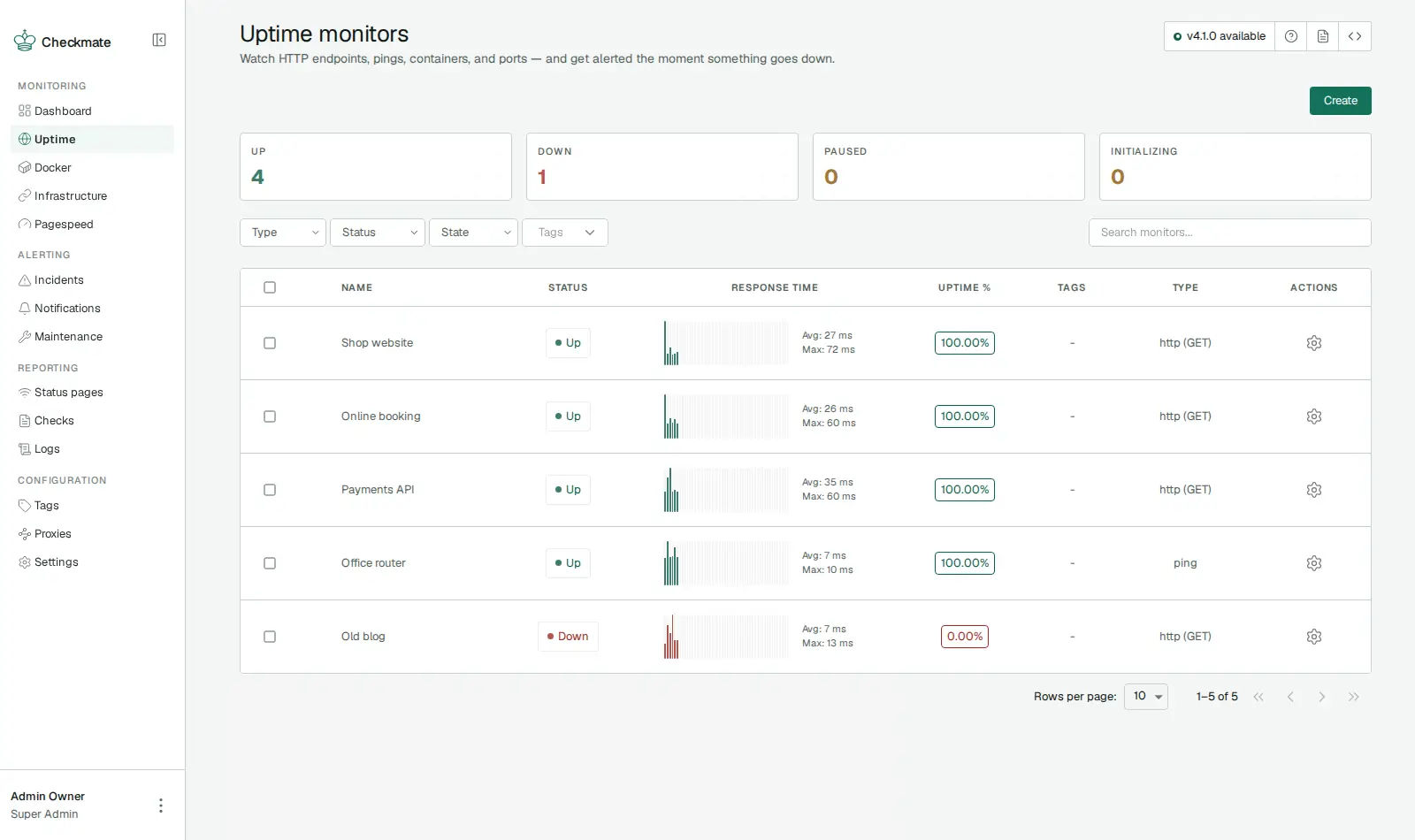
Open source · AGPL-3.0 · source on GitHub · new pods start on v4.0.0 · latest stable release v4.1.0 (Nov 19, 2026), as of Nov 20, 2026
Why people pick it
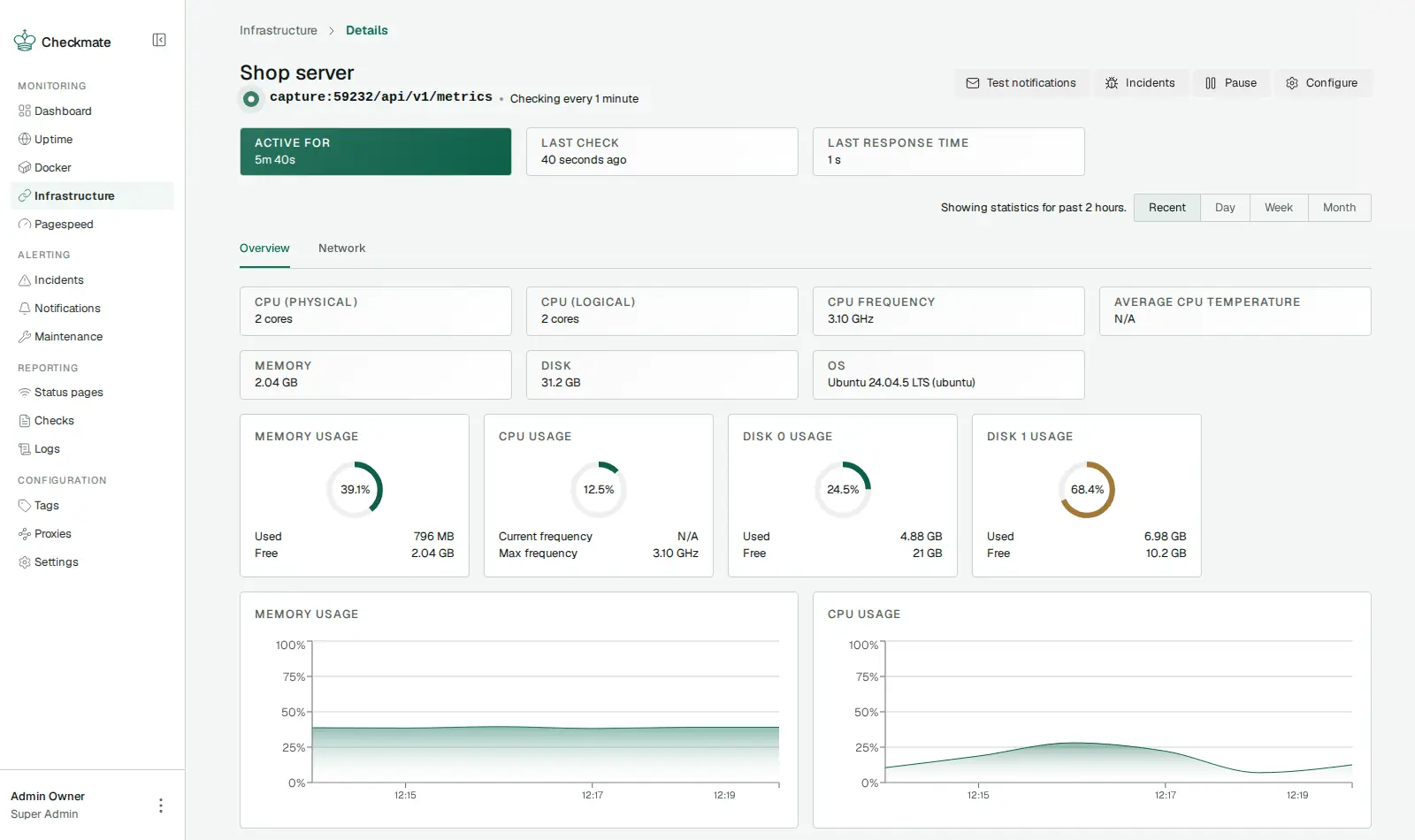
- See inside your servers, not just up or down. With its small Capture agent on a server, Checkmate shows CPU, memory and disk use over time. You see trouble coming, not just the moment it breaks. Capture
- Made for a team. Each person gets their own login and a role, so a colleague can look without being able to change everything.
- Room to grow. Its makers write that Checkmate is “used in production to monitor 1,600+ servers on a single deployment.” Checkmate README
Know before you choose
- Server stats need an agent on each server. You install Capture on every server you want to see inside, and Checkmate connects to it. That server must accept the connection from your pod. Capture
- Page speed scores need a Google key. Page speed checks need your own Google PageSpeed API key (a code from Google). Without it, they don't run.
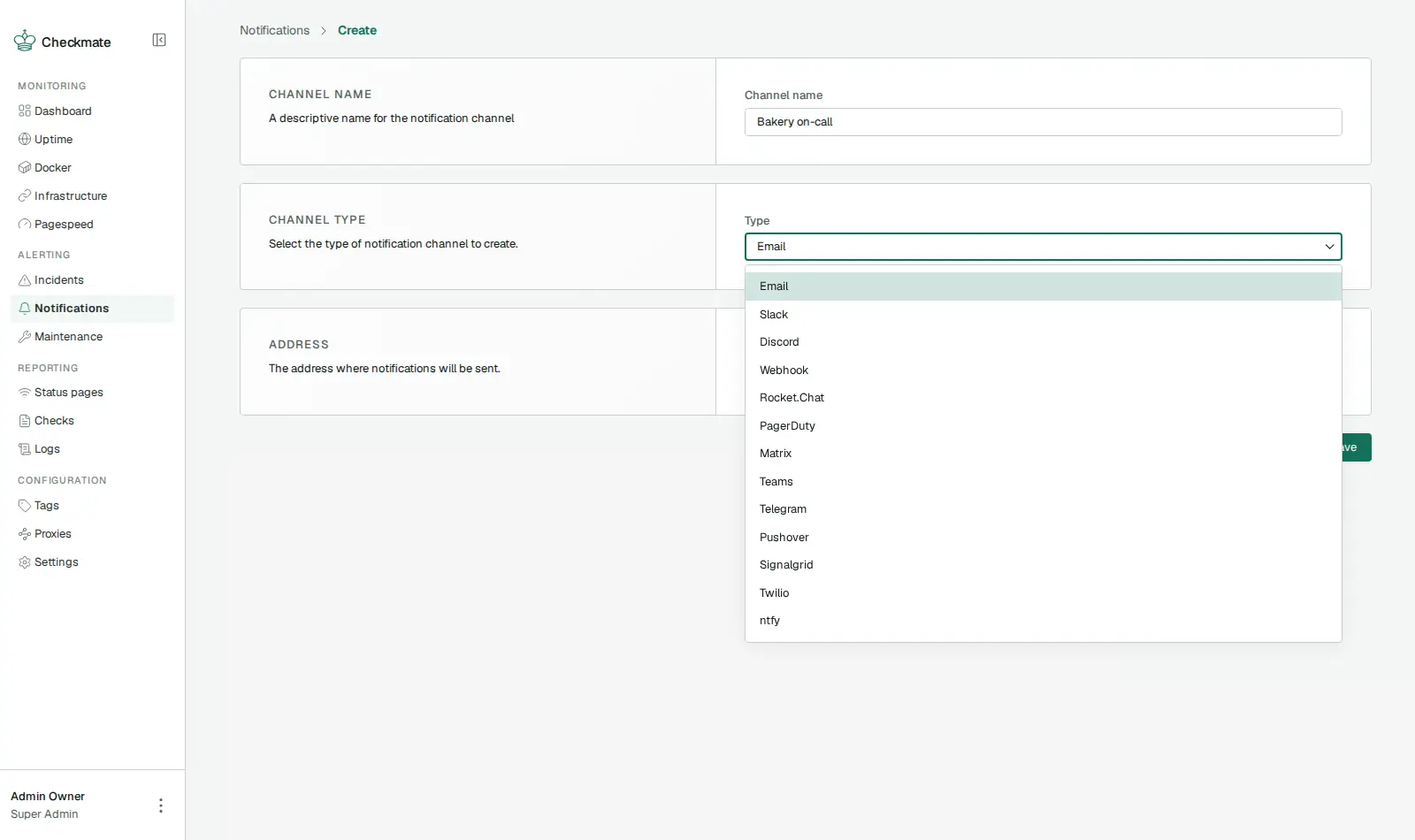
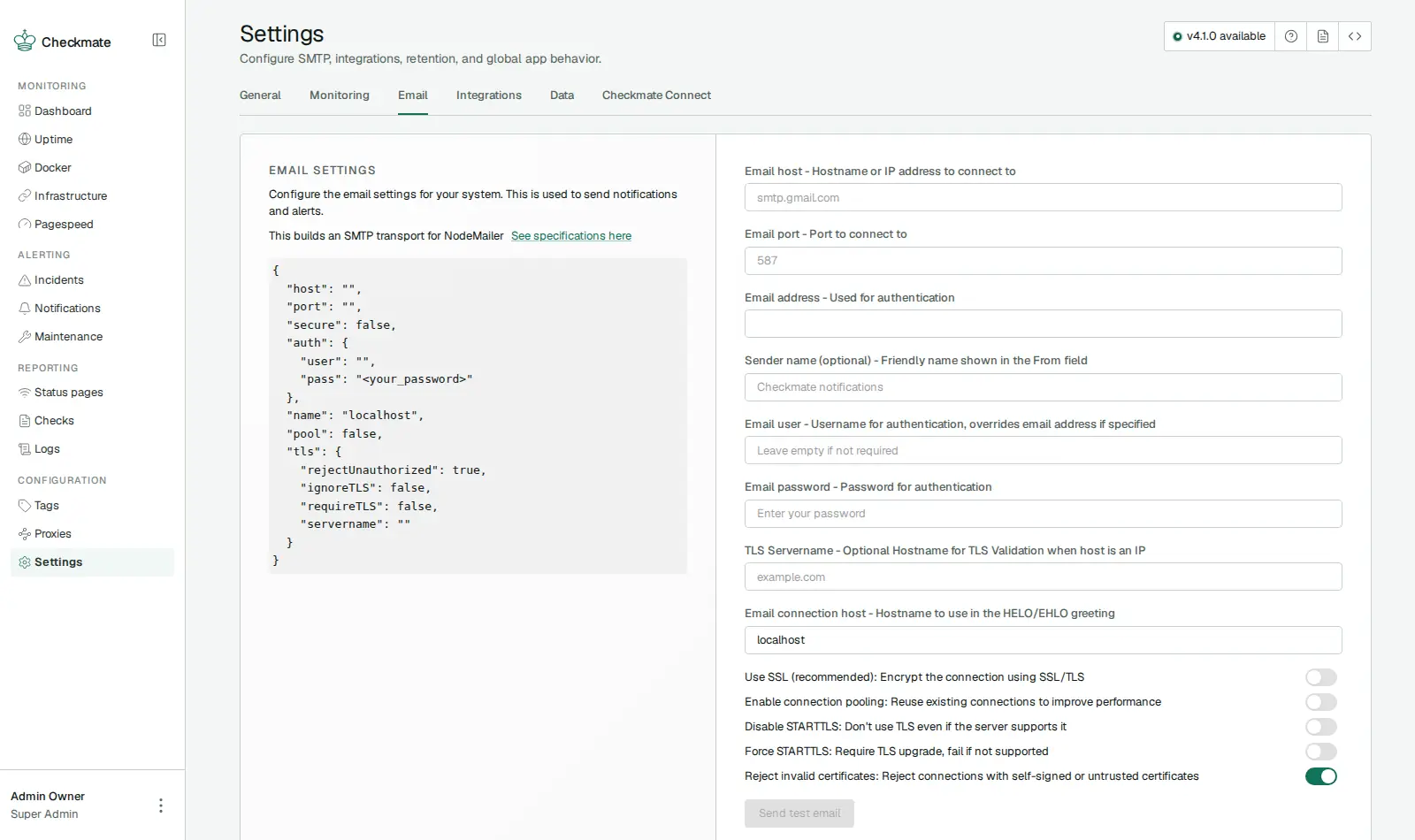
- Email needs your own email account. Email alerts and invite emails go through an SMTP account (the standard way to send email) that you add in Settings. Slack, Discord and Telegram alerts work without it.
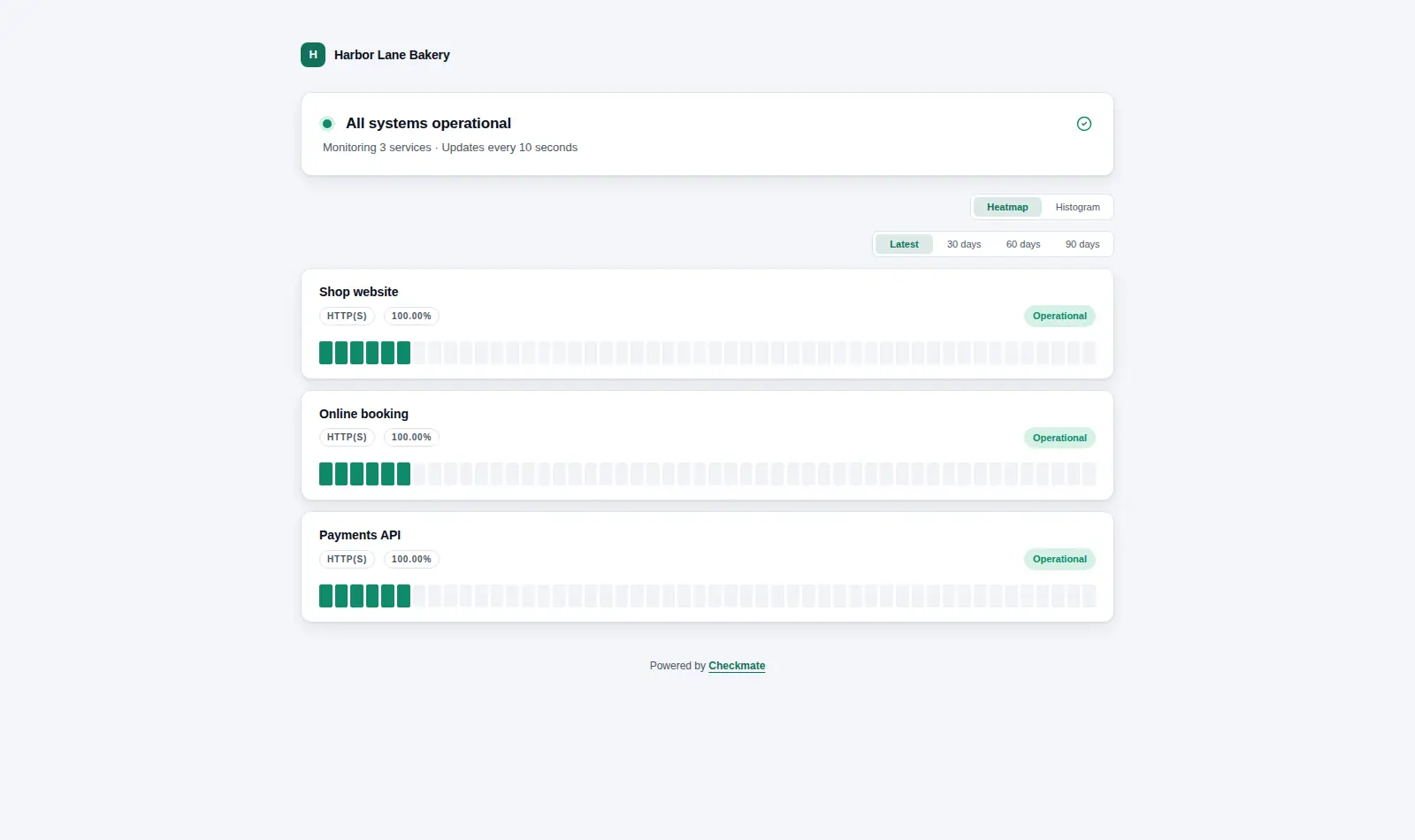
- Your team and status page need a public address. Checkmate is private to you at first. To let colleagues sign in, or to show a status page, make the pod's address public. Signing in still needs a password, and nobody can join without your invite.
- Heavier than Uptime Kuma. It runs with its own database, so it needs a Small pod. Uptime Kuma fits on the smallest.
Pick something else if
- You want the most alert types and checks on the smallest plan → Uptime Kuma
- You prefer checks written in a config file → Gatus
- You want dashboards for every metric you collect → Grafana with Prometheus
Before you start
- Sign in with the email “admin@example.com”. The password is in your pod's Secrets tab. Podway creates this super admin before anyone can sign up.
- Change the email and password in your profile. Checkmate wants upper and lower case, a digit and a symbol.
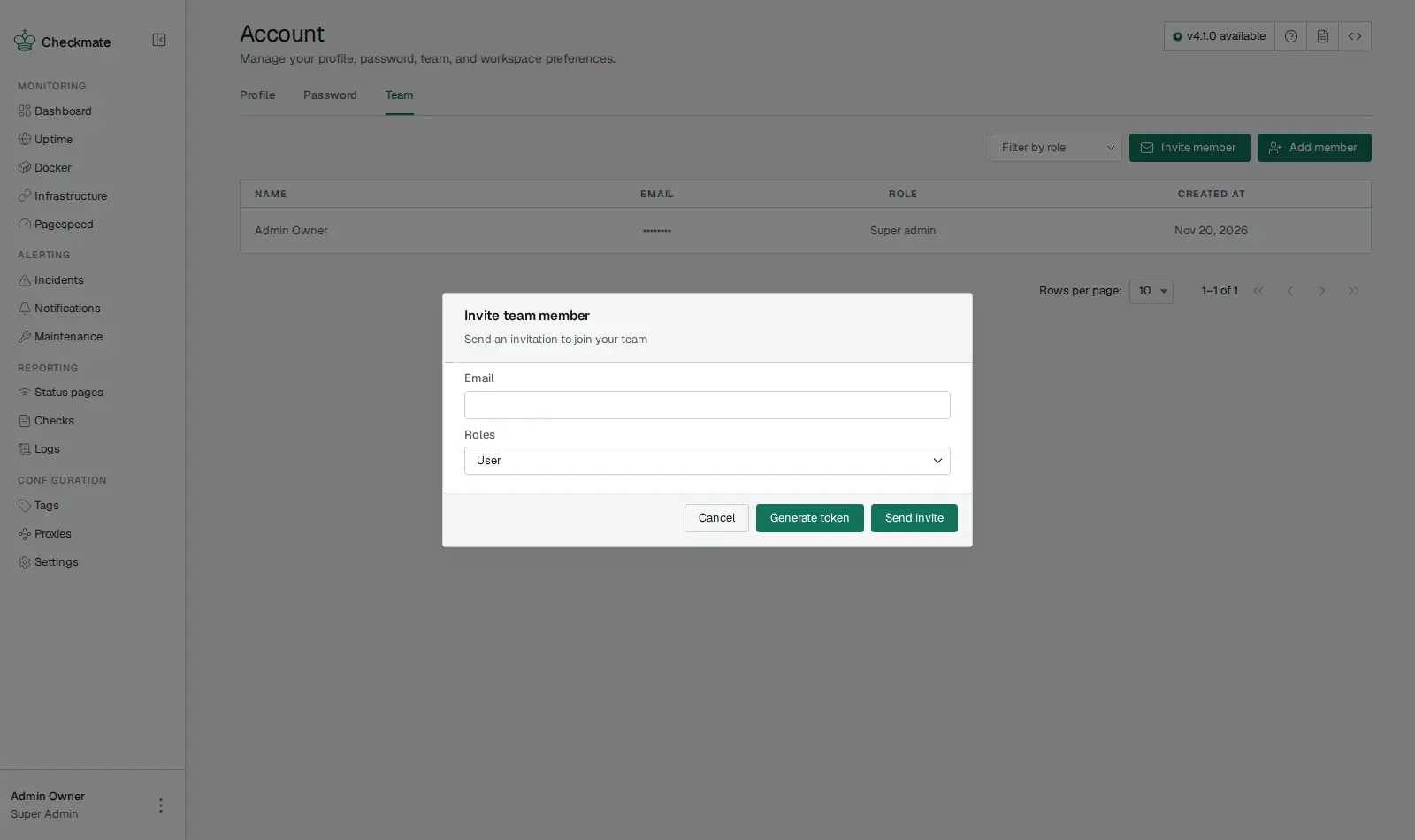
- Add people from Account › Team. After the first account, nobody can join without your invite.
- To see inside a server, install the Capture agent on it and let your pod connect to it.
- Checkmate or Uptime Kuma? Which uptime monitor to run
How Podway runs it
- Runs on its own small machine, with HTTPS (a secure connection). Add your domain if you want one.
- Nightly backups (7 daily + 4 weekly). Podway does restores for you on request.
- A health check every 5 minutes. If Checkmate stops answering, Podway restarts it and emails you.
- Safe weekly updates to the stable version. Podway takes a snapshot (a restore point) first and can roll back. Betas are skipped, and major versions are never automatic.
Optional: connect your own Claude Pro/Max or Codex plan. Then an AI admin can help with major upgrades and look into problems.
FAQ
Can I invite someone before email is set up?
Yes. In Account › Team, enter their email and click Generate token. Send them the invite link yourself.
Can it watch Docker containers?
Yes, through the Capture agent or a secure (TLS) connection to Docker on the server that runs them.
Where are my checks stored?
In a MongoDB database on your pod. The nightly backups include it.