If you already use Bitwarden, use Send. If you don't, or the people you share with don't, use Password Pusher.
Both do the same basic job. You paste a secret, get a link, and the link stops working after a set time or number of views. The real differences are who can read the secret on the way, and who needs an account.
Bitwarden Send: the safer one, if you have Bitwarden
Send is end-to-end encrypted. The key is in the part of the link after the #, and browsers never send that part to the server. So Bitwarden can't read what you sent.
You need a Bitwarden account to create a Send. The person opening it doesn't. On the free plan you can send text only, up to about 700 characters; files need Premium ($19.80 a year). A Send expires after 7 days unless you change it, and about a month is the longest you can set. You can add a password to it, but that only controls who can open it. It isn't part of the encryption.
Password Pusher: no account on either side
Password Pusher is built for a quick link anyone can open. On the public pwpush.com, nobody needs an account to send or to receive. You choose how many views and how many days the link lives; on your own install the default is 5 views or 7 days.
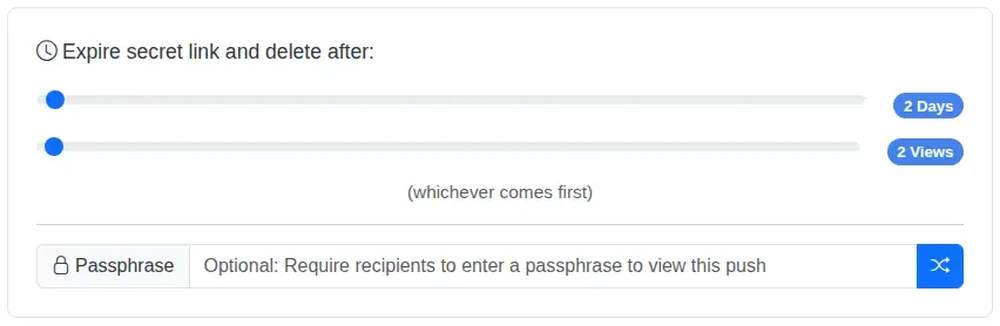
Two details matter. First, it encrypts the secret on the server, not end to end, so you are trusting whoever runs that server. That is the main reason people run their own. Second, it asks for one click before showing the secret. Slack and email previews open links on their own, and on other tools that quietly uses up a one-view link before your colleague sees it.
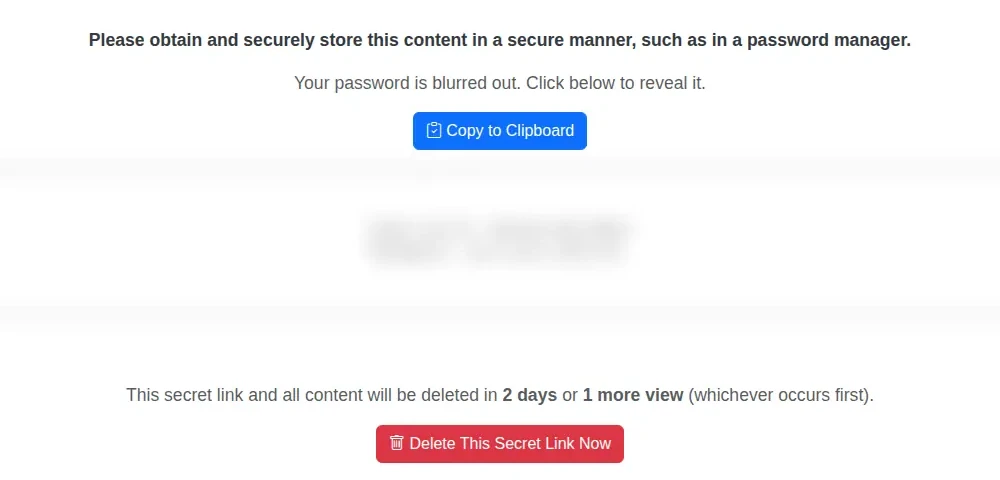
If you log in, you also get a log of each push: when it was opened and from where. Useful when you need to know the contractor really got the Wi-Fi password.
Whichever you pick
- Send the link and the password in different places, for example the link by email and the password by text.
- Keep views low. One view is enough for most passwords.
- If the password matters, change it after it has been used.
Running Password Pusher on your own server
Password Pusher is open source, so you can keep the secrets on a machine you control. On Podway it gets its own machine with HTTPS and nightly backups. Only you create links there, and anyone you send one to opens it without an account. An AI agent on that machine, running on your own Claude or Codex plan, does the settings work: ask it to make every new link default to one view and one day, and it changes the defaults for you. Two things you do yourself in the Podway dashboard: make the address public, so other people can open your links, and add your own domain if you want one. Start Password Pusher.