 podway
Host Vaultwarden on Podway
Your own password vault that works with the Bitwarden apps, instead of Bitwarden's cloud or 1Password.
Start my VaultwardenFirst pod free · more pods from $4/month
Works with the Bitwarden apps. Vaultwarden is not affiliated with Bitwarden.Open source · AGPL-3.0 · source on GitHub · new pods start on 1.37.5 · latest stable release 1.37.5 (Nov 1, 2026), as of Nov 20, 2026
Why people pick it
- The Bitwarden apps you already know. One XDA writer kept the same browser extension: “I still install the same extension… except now I point it at my own URL.” XDA
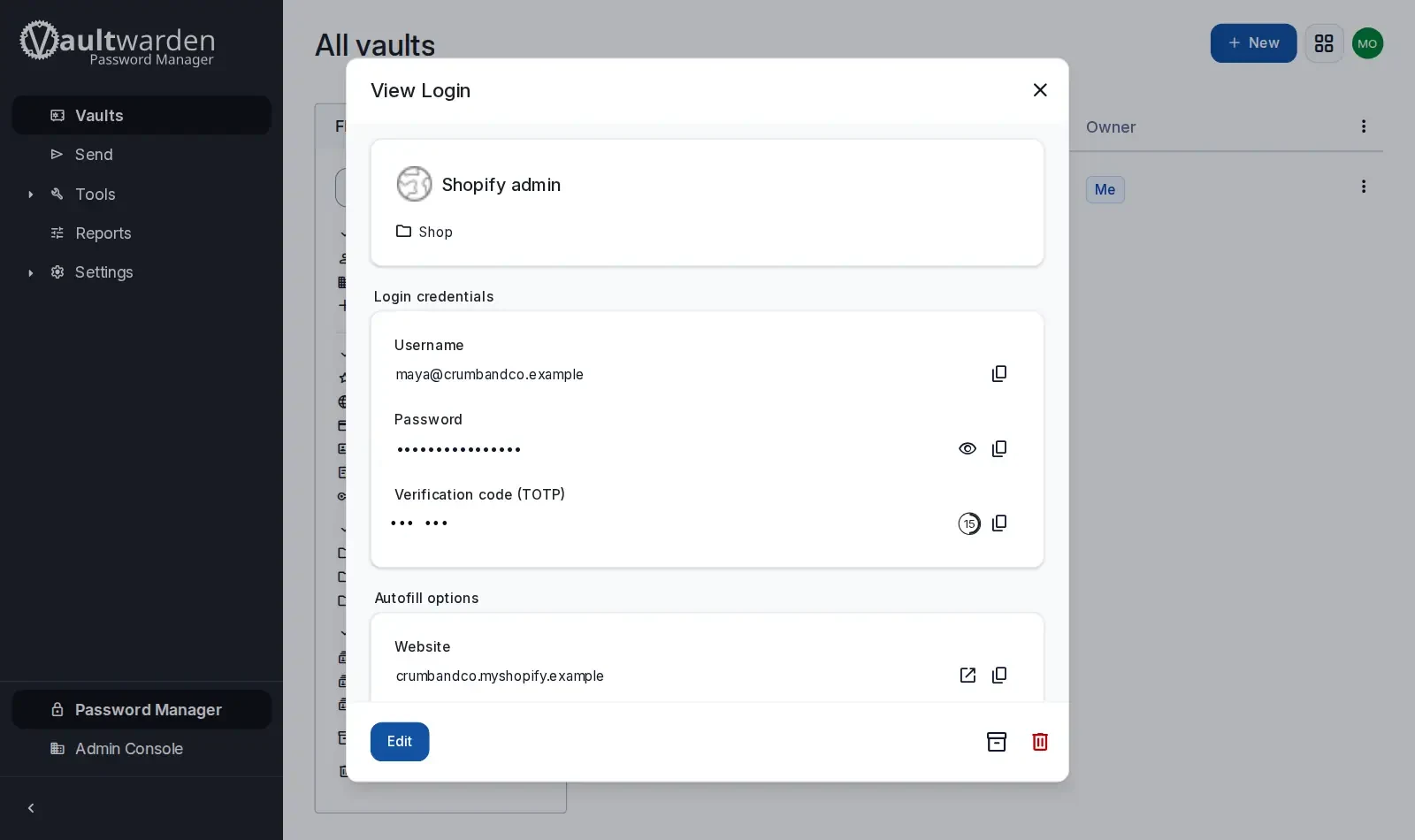
- No Premium subscription for the extras. Save files and sign-in codes (2FA) next to your passwords. Bitwarden puts these on its paid Premium plan. Bitwarden pricing
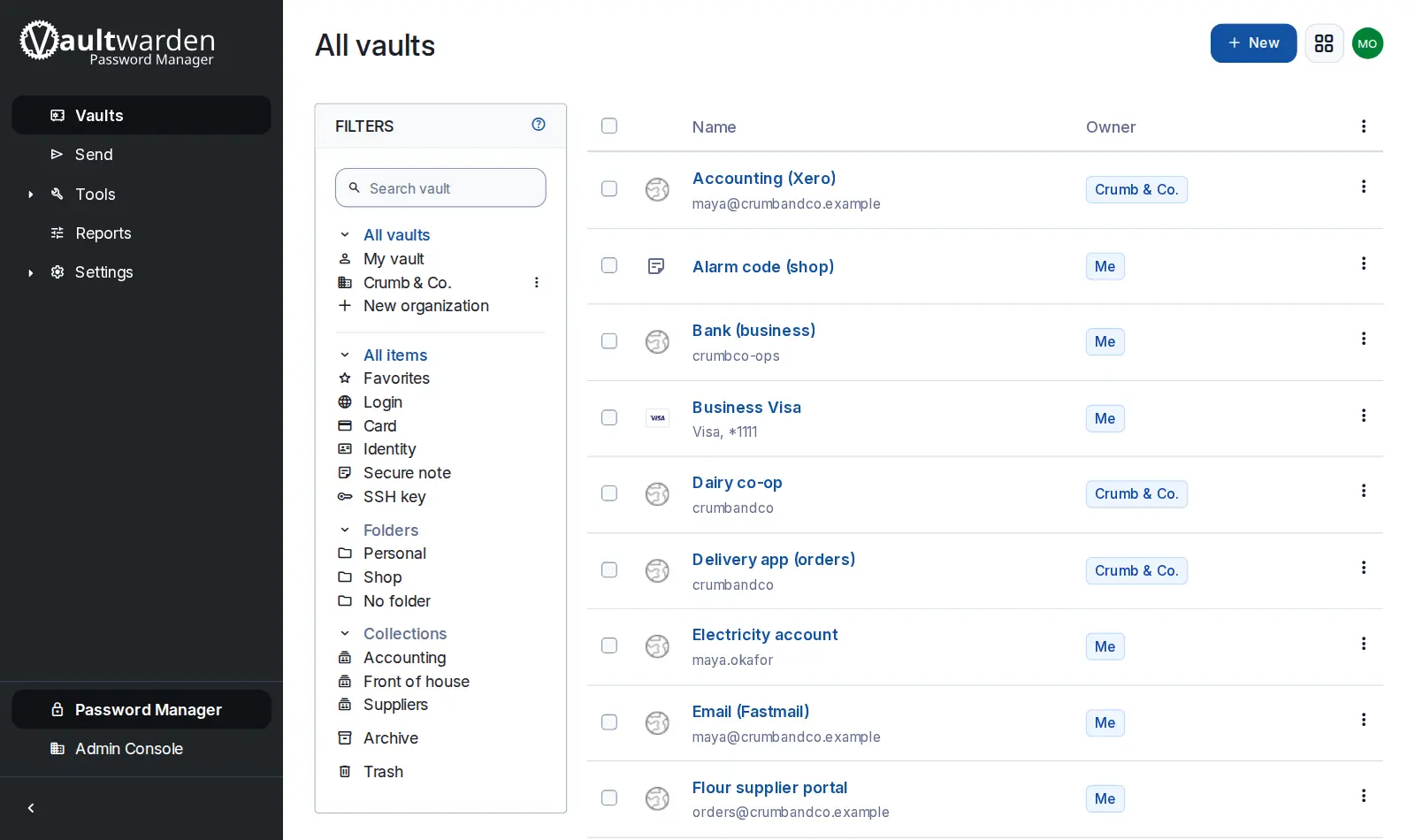
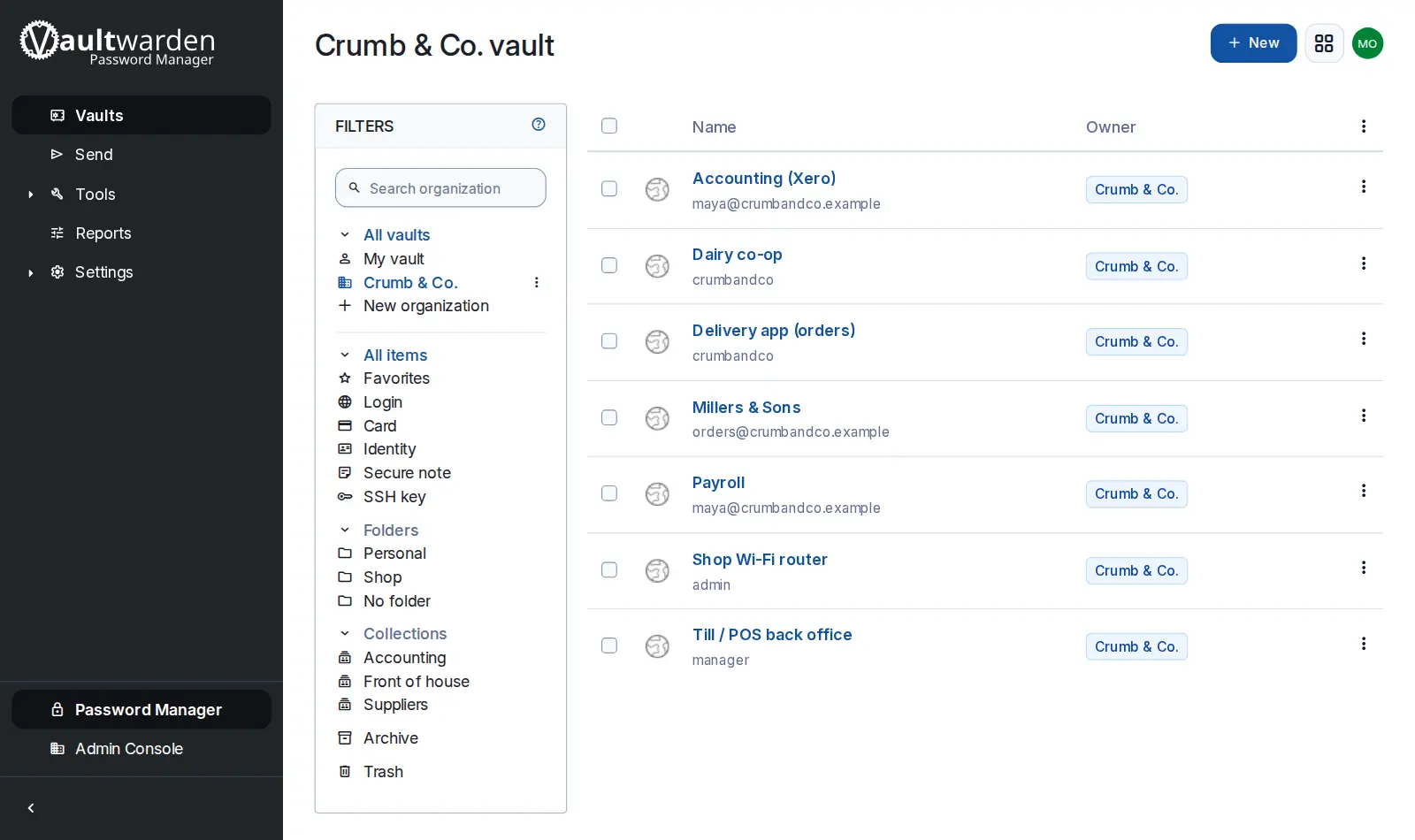
- Share with family or a small team, with no per-person fee. Share chosen logins through organizations and collections (shared folders). Keep the rest private. Vaultwarden features
Know before you choose
- It is an independent project, not made by Bitwarden. Bitwarden support won't help with it. Problems go to the Vaultwarden maintainers. Vaultwarden FAQ
- New Bitwarden app versions can need a Vaultwarden update. In August 2026, Bitwarden apps from version 2026.8.0 stopped working with it. Vaultwarden shipped a fix two days later. GitHub #7607
- It has had serious security bugs. A 2024 security review for Germany's BSI (its federal security agency) found two serious flaws. The most important fixes came in version 1.32.0. Keep Vaultwarden updated. heise
- On Podway, phone apps and browser extensions need your own domain. They need a public address. Your pod's private, owner-only address works only for the web vault in a browser.
Pick something else if
- You're a business that doesn't want any upkeep → Bitwarden's cloud
- You need vendor support or compliance paperwork → Bitwarden's official self-hosted server
- You don't want a server at all → KeePassXC with a synced file
Before you start
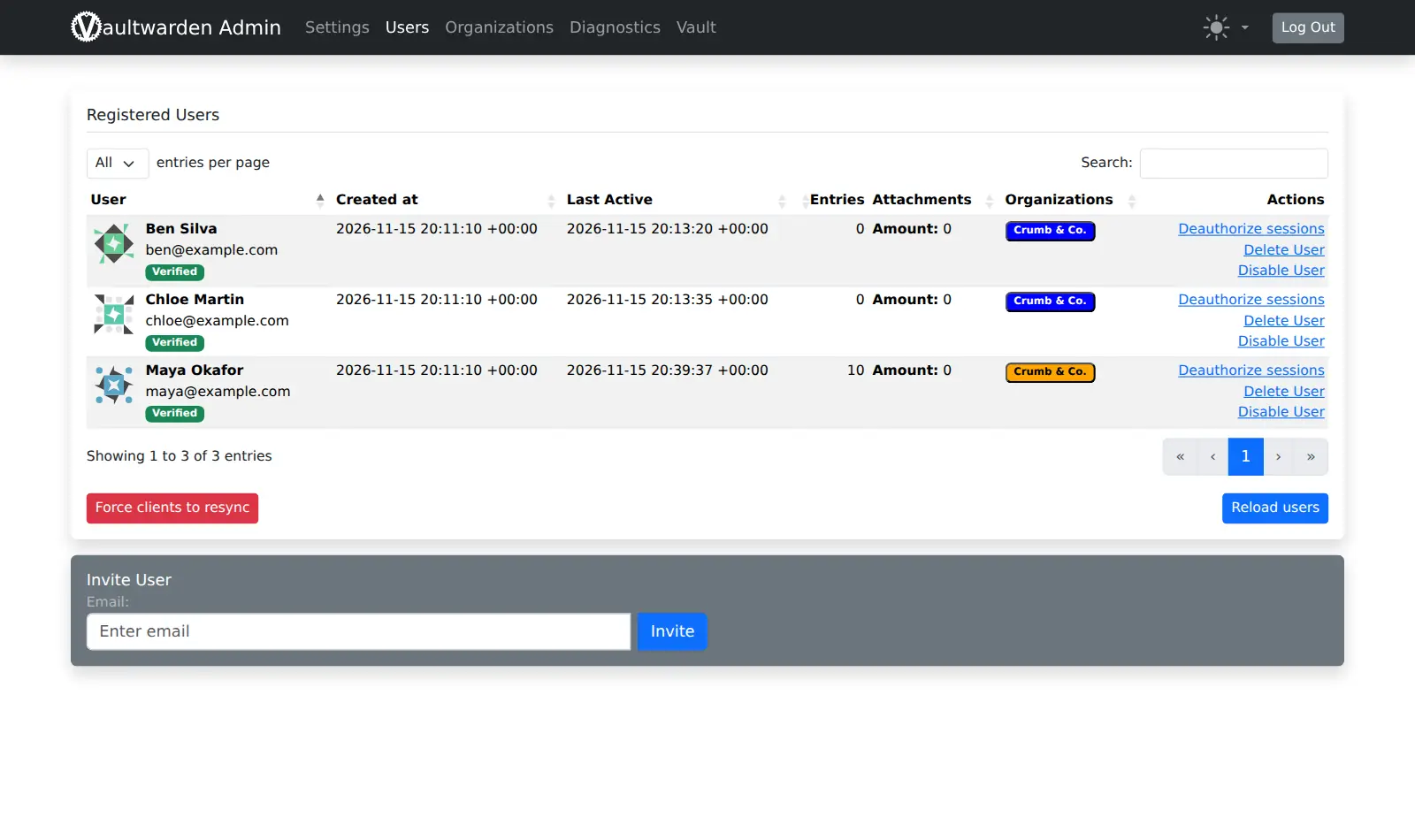
- Public sign-ups are off. To make your account, copy the admin token (ADMIN_TOKEN) from your pod's Secrets tab. Open <your vault address>/admin and invite your own email. Then click Create account.
- The admin token is a password. Don't share it.
- Using the phone apps or browser extensions? Have your domain ready.
How Podway runs it
- Runs on its own small machine, with HTTPS (a secure connection). Add your domain if you want one.
- Nightly backups (7 daily + 4 weekly). Podway does restores for you on request.
- A health check every 5 minutes. If Vaultwarden stops answering, Podway restarts it and emails you.
- Safe weekly updates to the stable version. Podway takes a snapshot (a restore point) first and can roll back. Betas are skipped, and major versions are never automatic.
Optional: connect your own Claude Pro/Max or Codex plan. Then an AI admin can help with major upgrades and look into problems.
FAQ
Can I move from Bitwarden or 1Password?
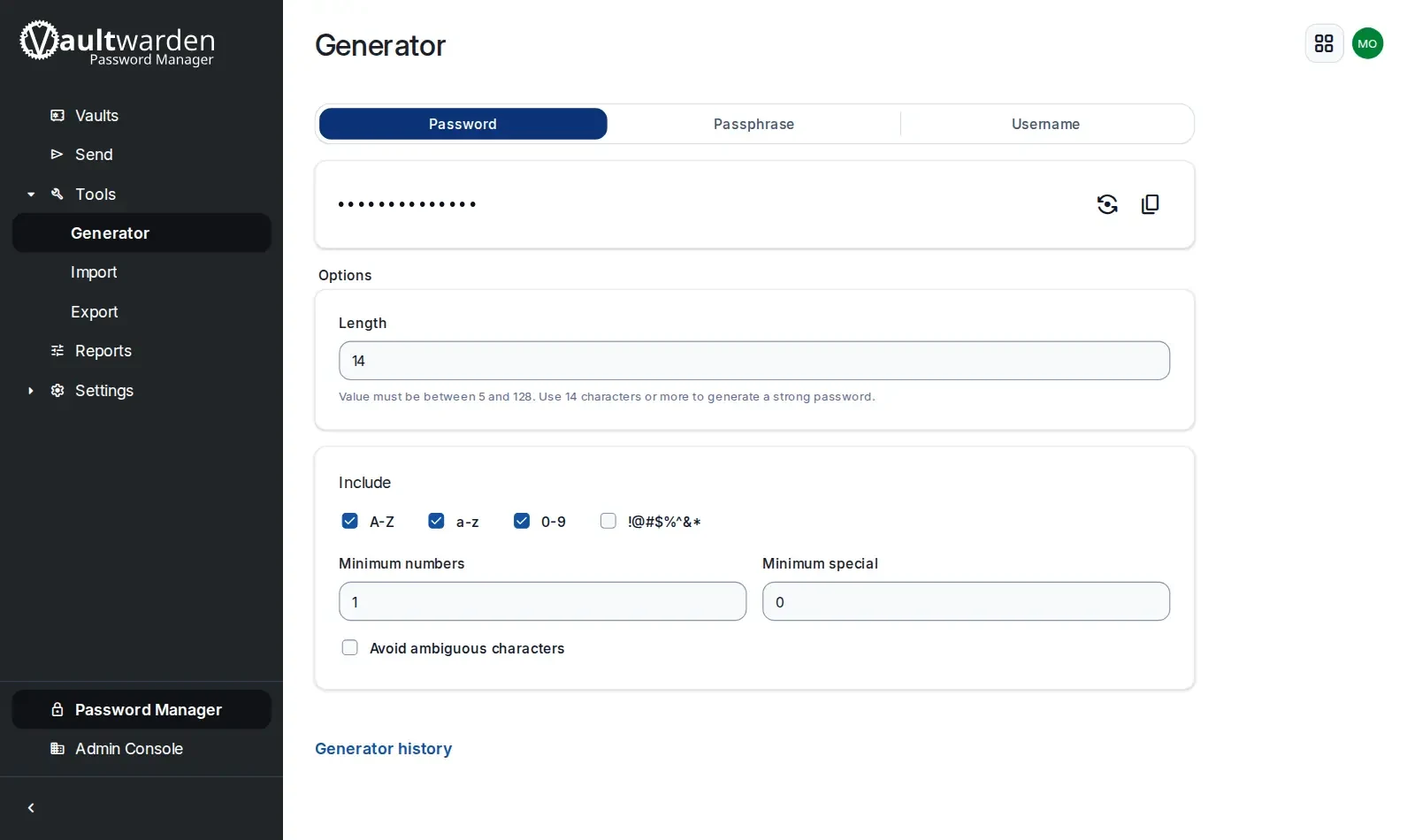
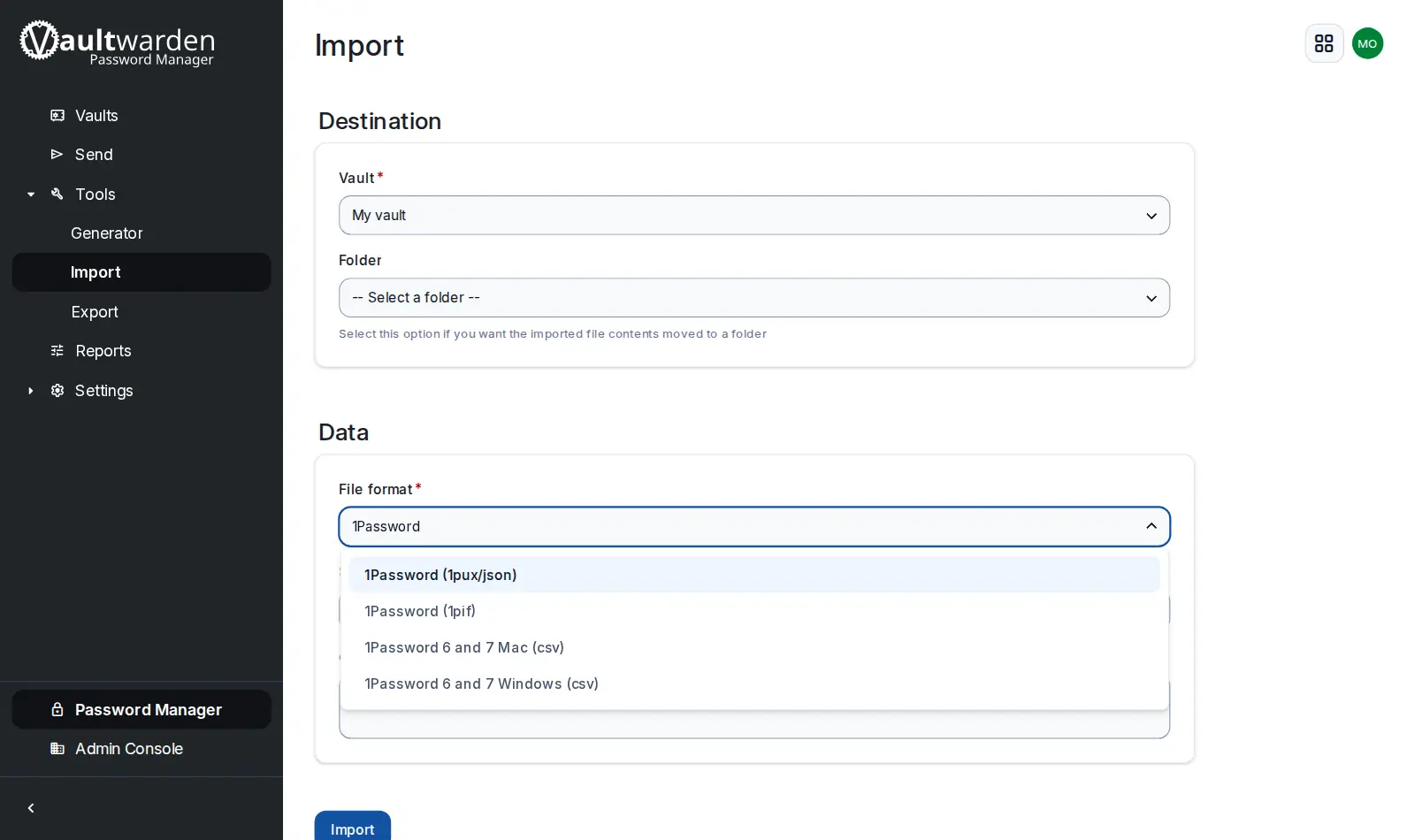
Yes. Export from your current manager, then import the file in your web vault (Tools › Import).
Can my family use it?
Yes. Invite each person from the admin page. Each gets their own account, and you share logins through an organization.
Can I get all my data out?
Yes. Export your vault from the web vault, or ask us for a copy of the server's data.