 podway

Host Password Pusher on Podway
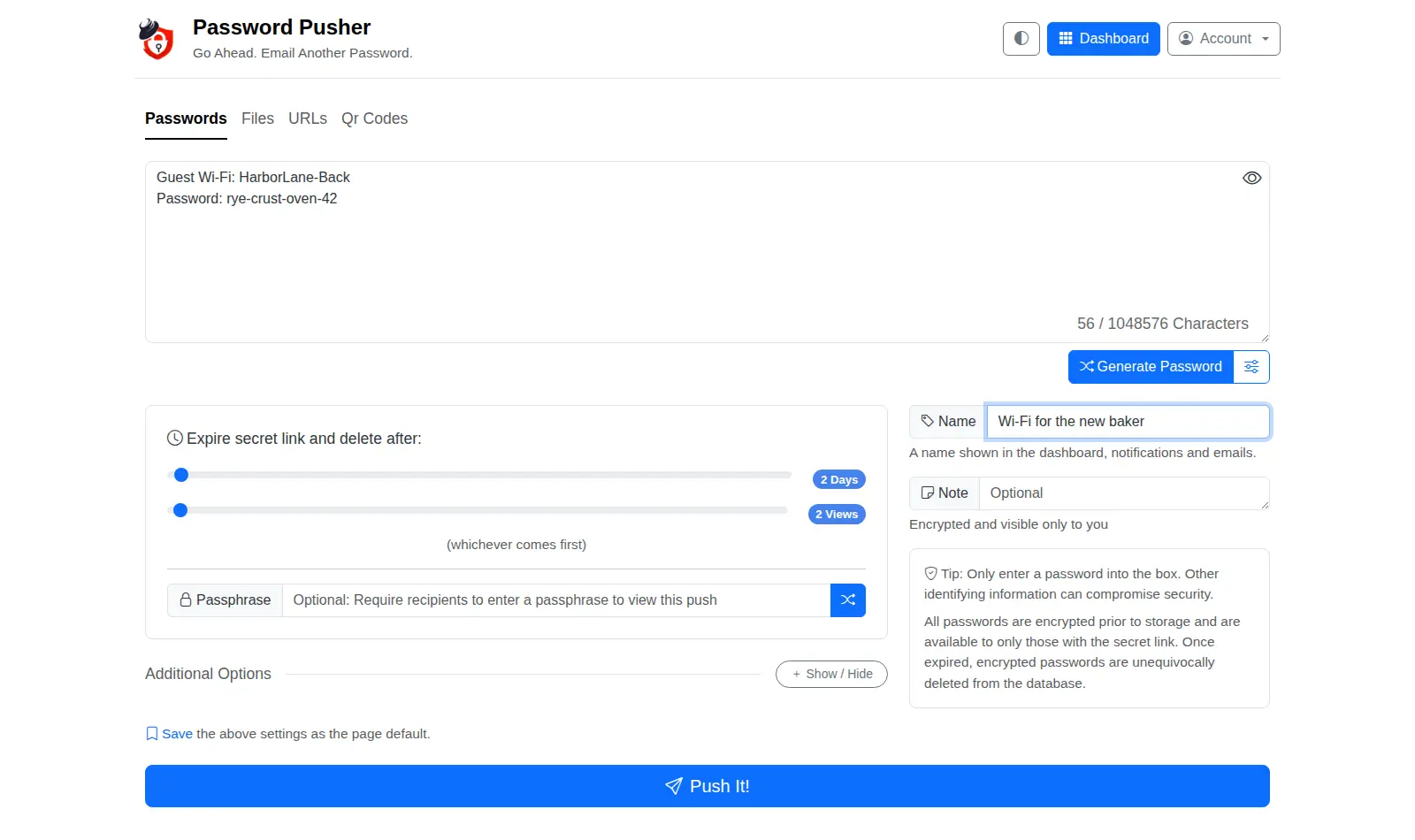
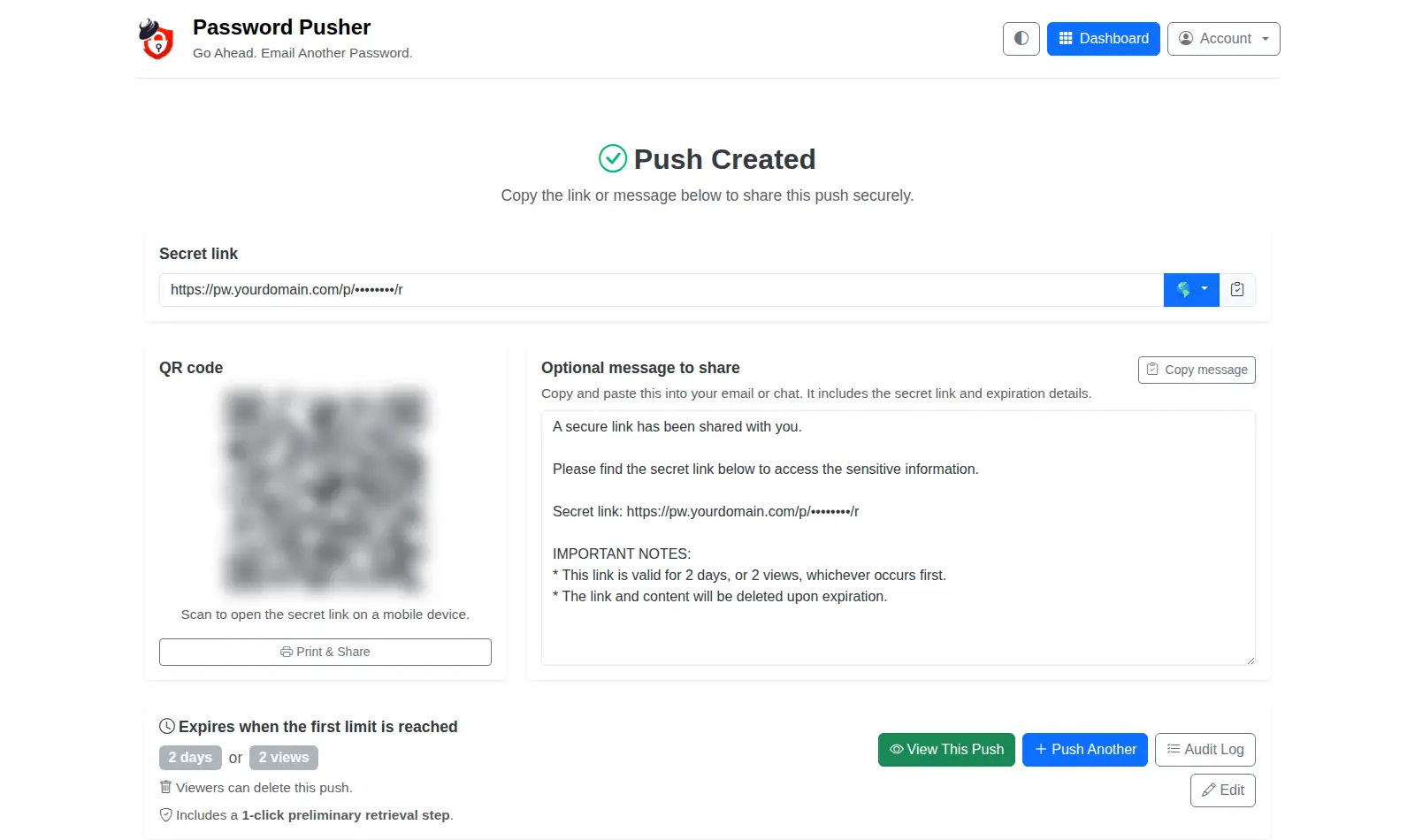
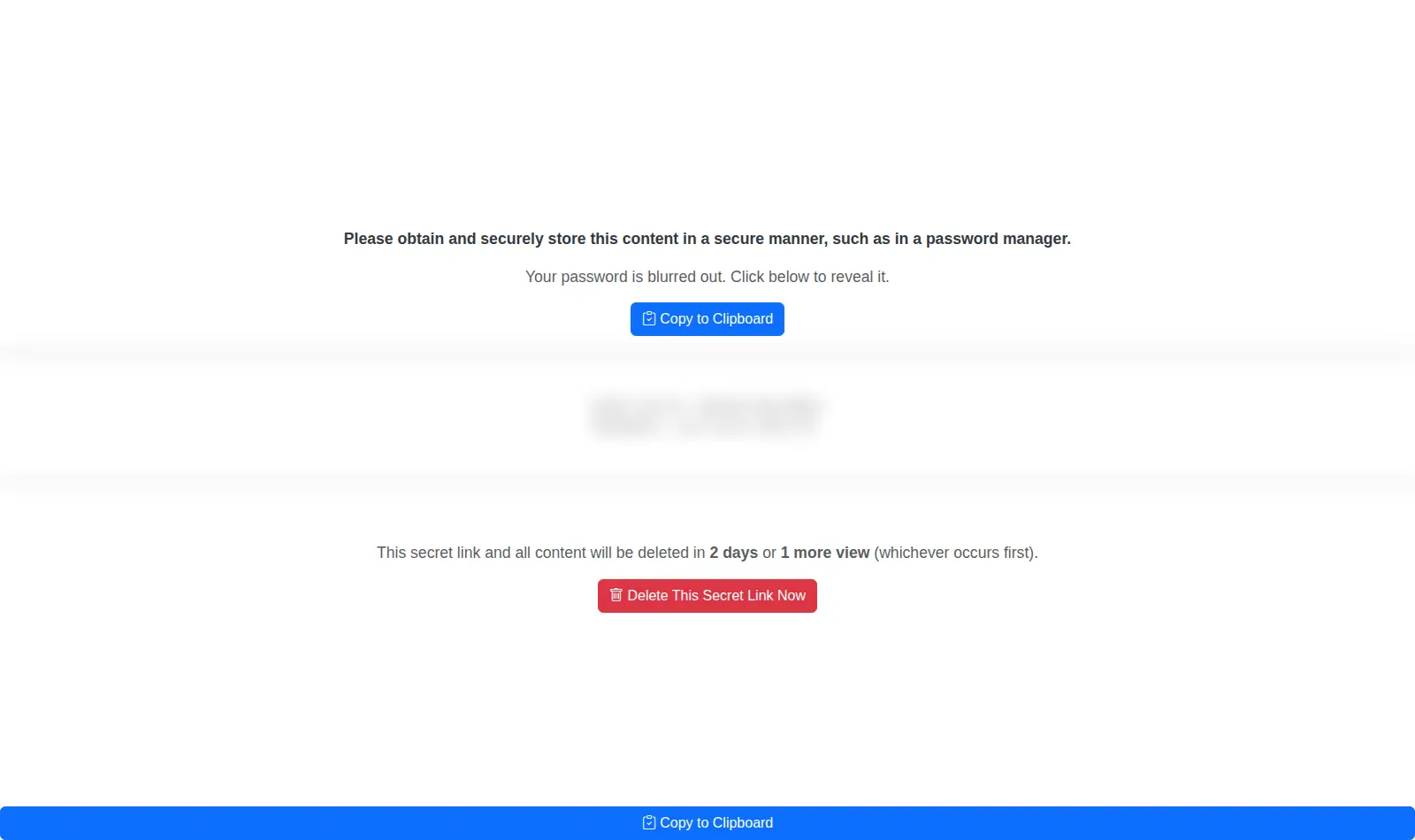
Send a password or a file through a link that deletes itself, instead of leaving it in email or chat.
Start my Password PusherFirst pod free · more pods from $7/month
Open source · Apache-2.0 · source on GitHub · new pods start on 2.17.3 · latest stable release v2.17.4 (Nov 19, 2026), as of Nov 20, 2026
Why people pick it
- Links that expire on their own. One Hacker News commenter: “It's open source, can be self-hosted, and has options like expire link after n loads or days.” Hacker News
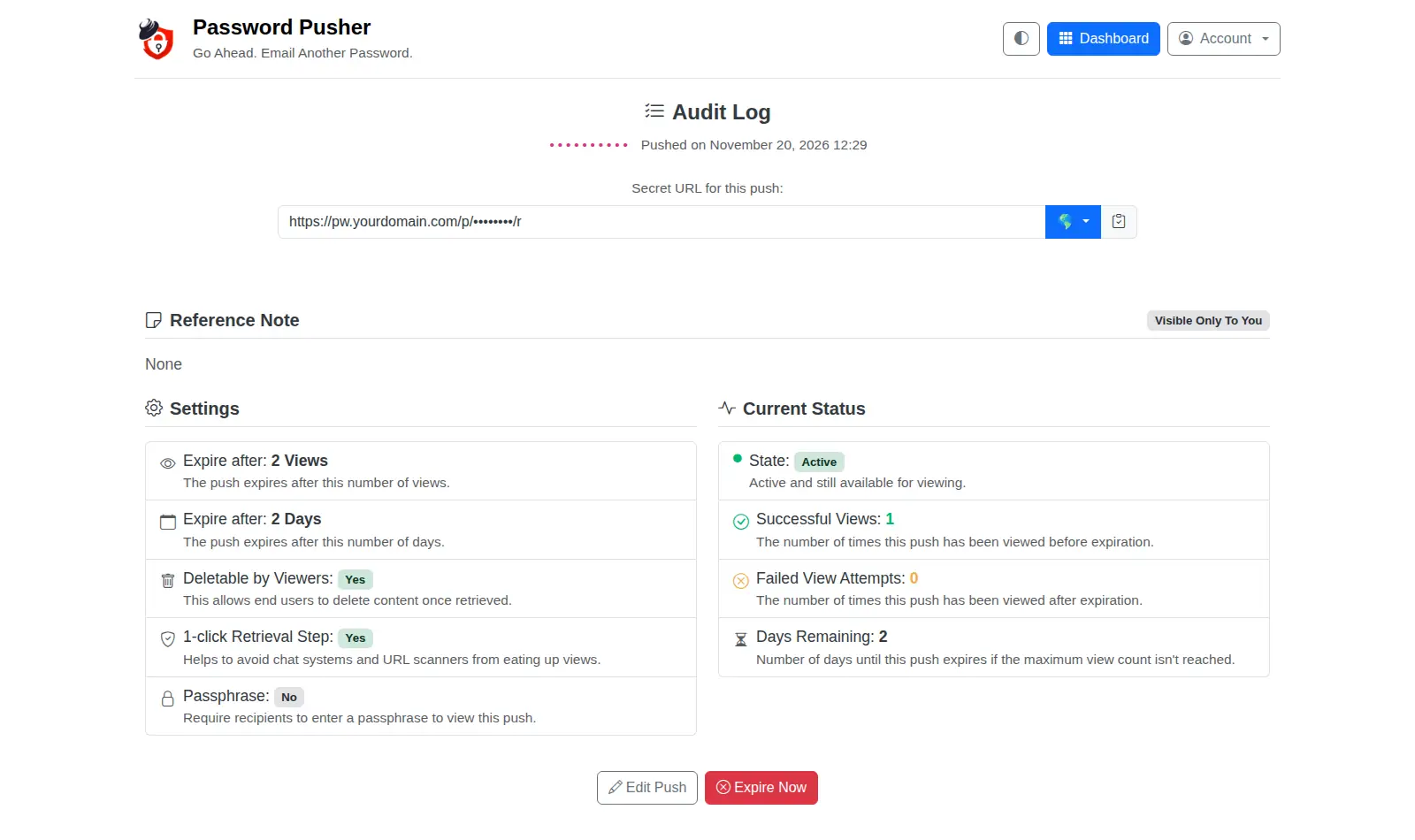
- Know if it was opened. The audit log shows each view. Another commenter likes that self-hosting “offers a way for the user to detect, whether their password has been seen before.” Hacker News
- Simple to use. A third commenter calls it the best tool they've found for handing out passwords: it “just works, nice set of sane features and defaults.” Hacker News
Know before you choose
- Link previews can use up a view. One user sent a 1-view link over Signal, and Signal's preview opened it first. Leave the 1-click step on (it is on by default) for links you send through chat apps. Hacker News
- Only you create links. Sign-ups are off. To let a colleague create links too, the AI admin adds their account from the terminal (command line).
- Encrypted on your pod, not in the browser. Each password or note is stored encrypted with a key made for your pod alone. Files are stored on your pod as they are. The browser sends everything in plain form over HTTPS, and your pod does the encrypting.
Pick something else if
- You want to keep passwords, not just hand them over → Vaultwarden
- You want secrets encrypted in the browser, so the server never sees them → PrivateBin
- You'd rather not host anything → pwpush.com, the hosted version
Before you start
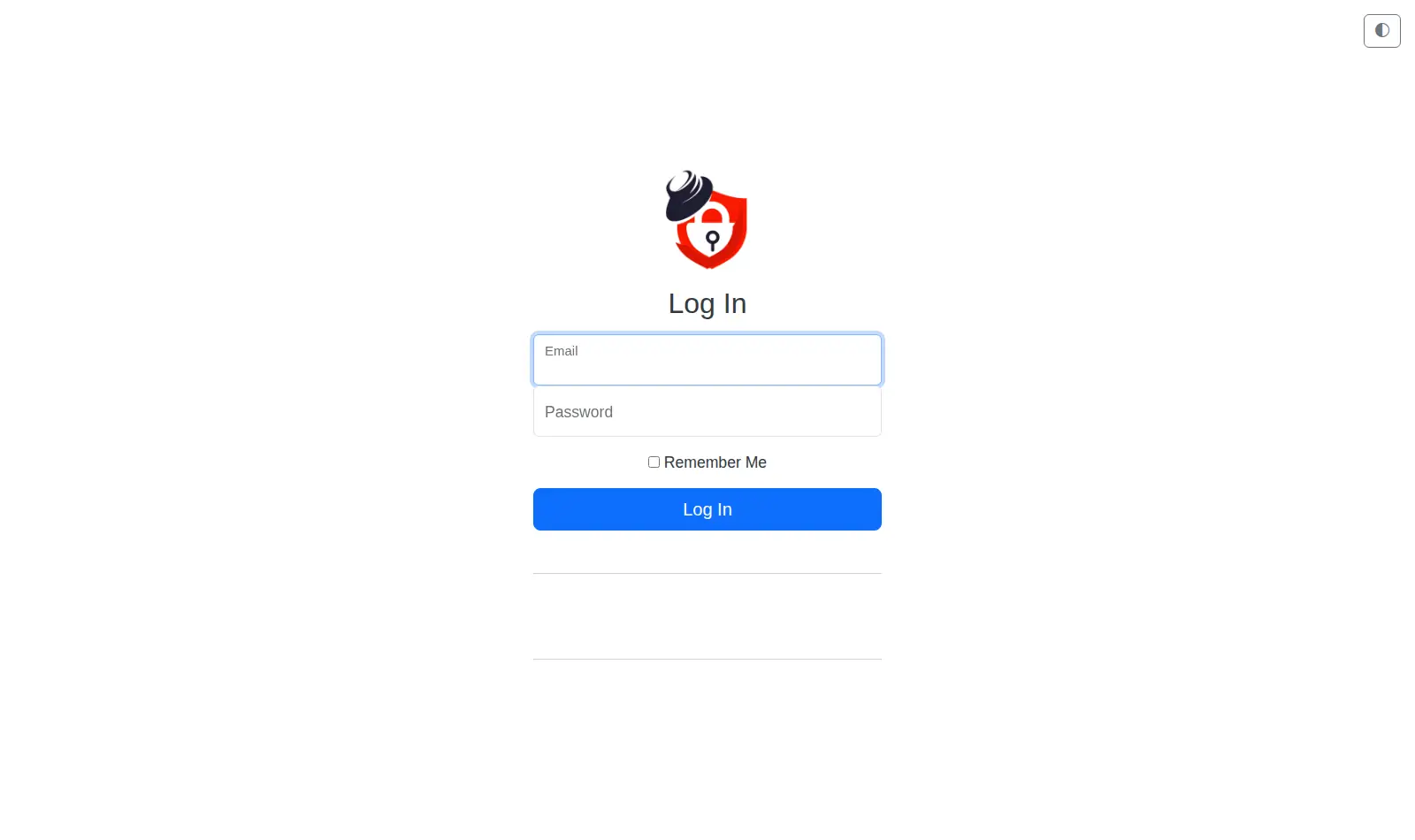
- Sign in with the email “admin@example.com”. The password is in your pod's Secrets tab. Podway creates this account before anyone else can.
- Change the email and password in your account settings after your first sign-in.
- The people you send links to need no account, but they must reach your pod. Make its address public in the dashboard. Creating links still needs your sign-in.
How Podway runs it
- Runs on its own small machine, with HTTPS (a secure connection). Add your domain if you want one.
- Nightly backups (7 daily + 4 weekly). Podway does restores for you on request.
- A health check every 5 minutes. If Password Pusher stops answering, Podway restarts it and emails you.
- Safe weekly updates to the stable version. Podway takes a snapshot (a restore point) first and can roll back. Betas are skipped, and major versions are never automatic.
Optional: connect your own Claude Pro/Max or Codex plan. Then an AI admin can help with major upgrades and look into problems.
FAQ
Can I send files?
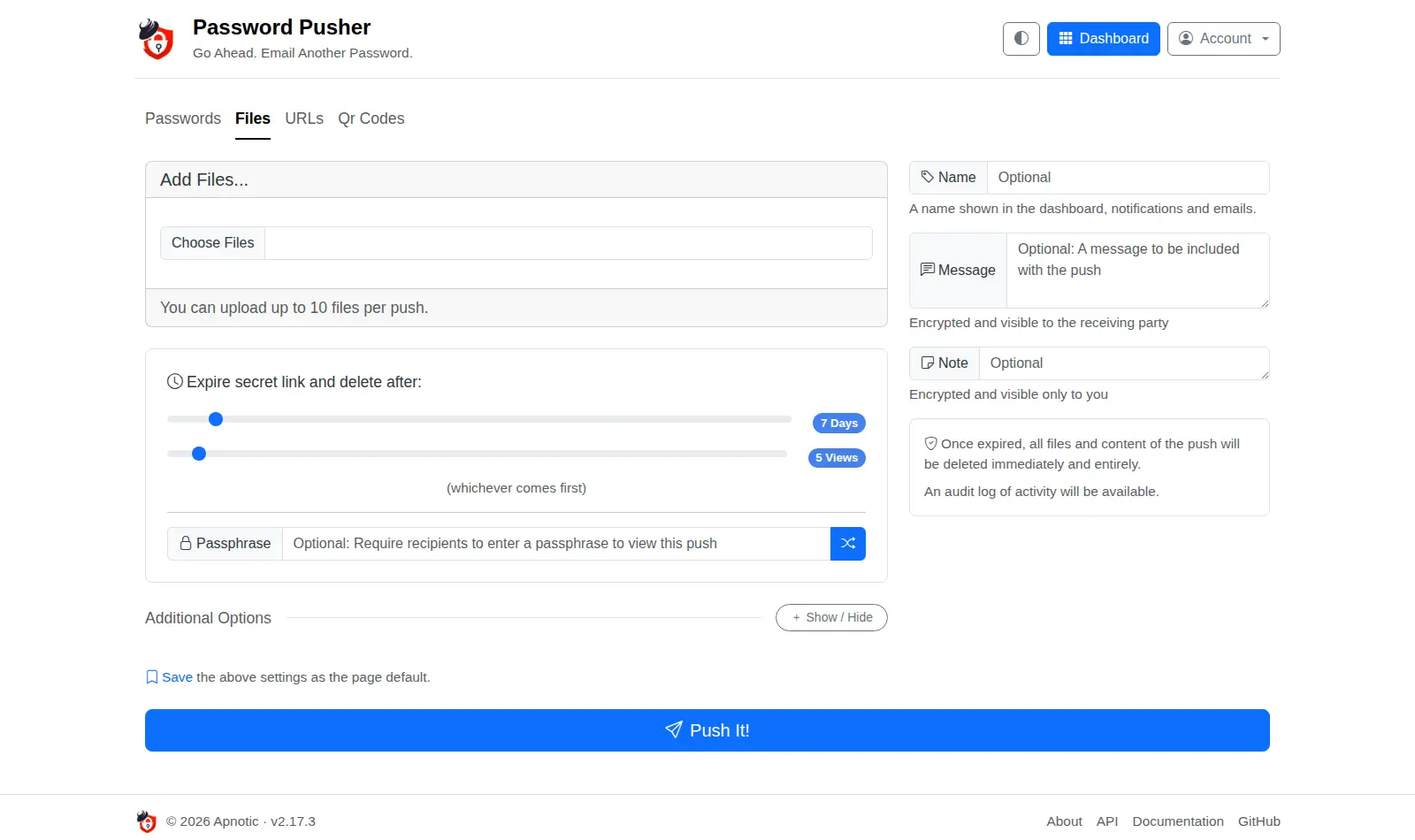
Yes. The Files tab takes up to 10 files per push, with the same expiry rules. The files are kept on your pod until the push expires.
What happens when a push expires?
The secret and its files are deleted. The audit log stays, so you can still see when it was opened.
Can I add a second lock?
Yes. Set a passphrase on the push and tell it to the person another way, like by phone.